Account Management
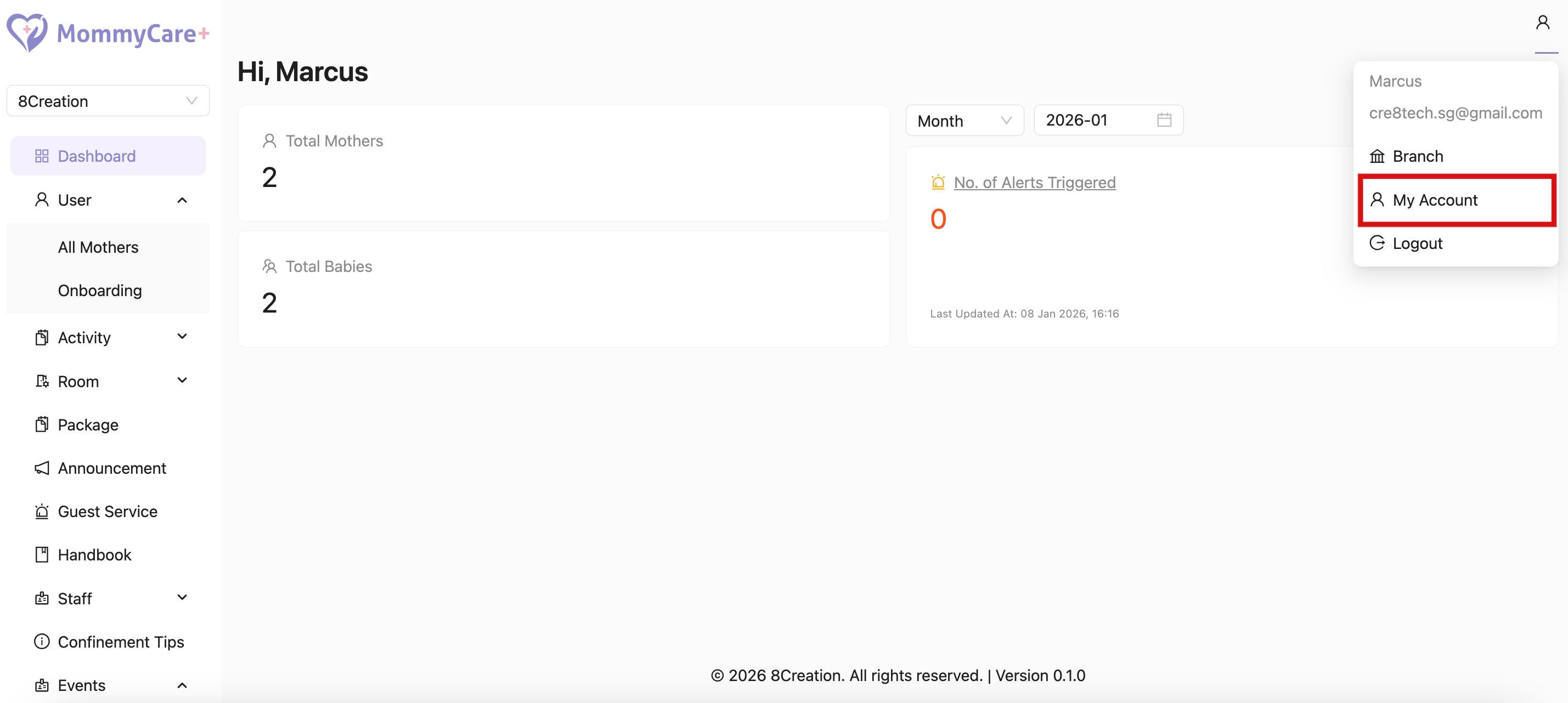
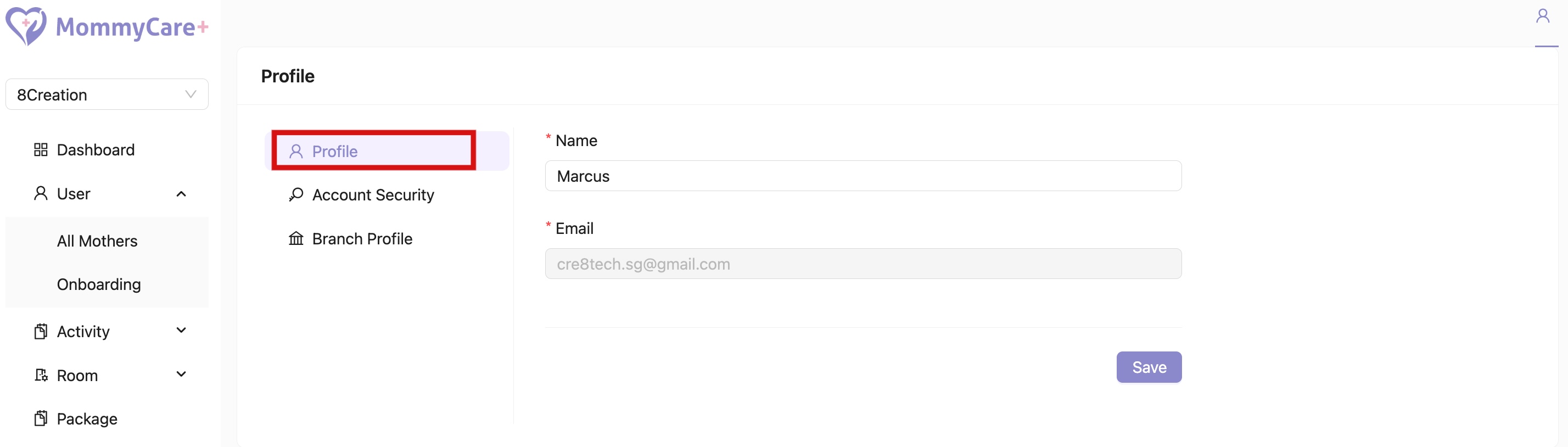
How to View Profile
- Location: Account -> My Account -> Profile
How to Edit Profile
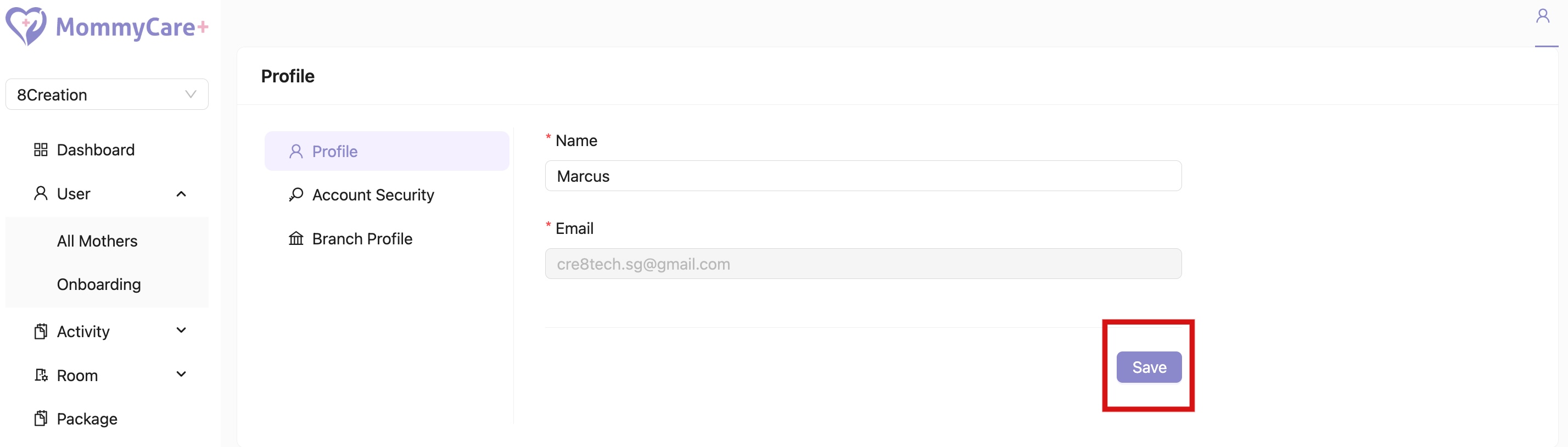
- Location: Account -> My Account -> Profile
- Click “Save” after making updates
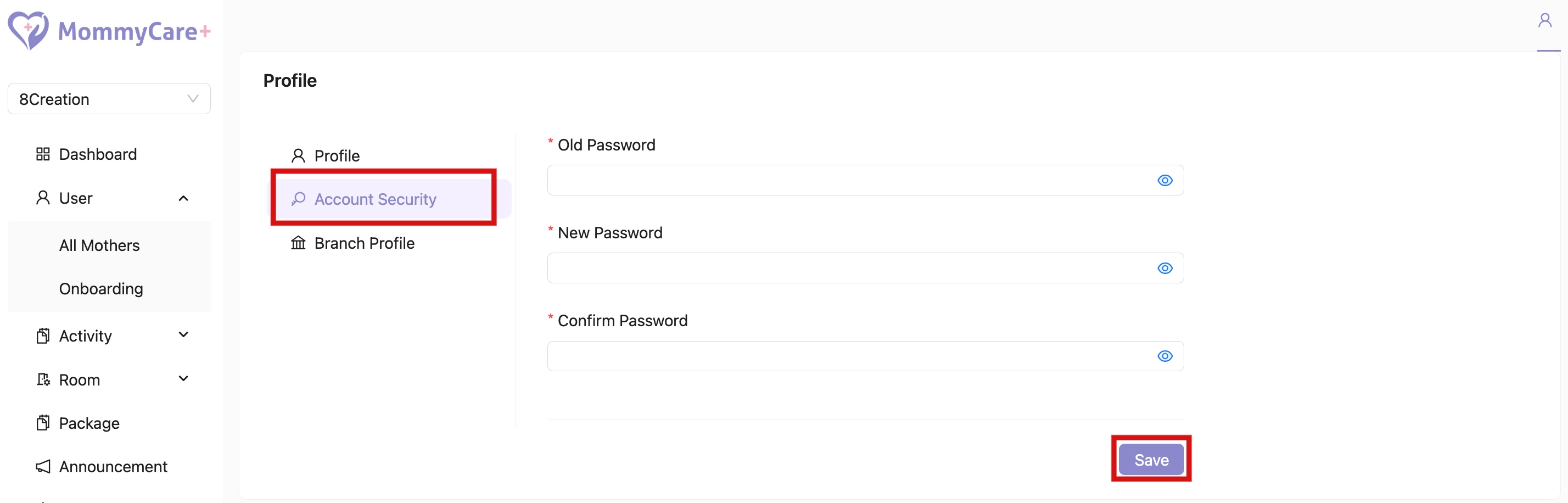
How to Change Password
- Location: Account -> My Account -> Account Security
- Click “Save” after filled in required fields
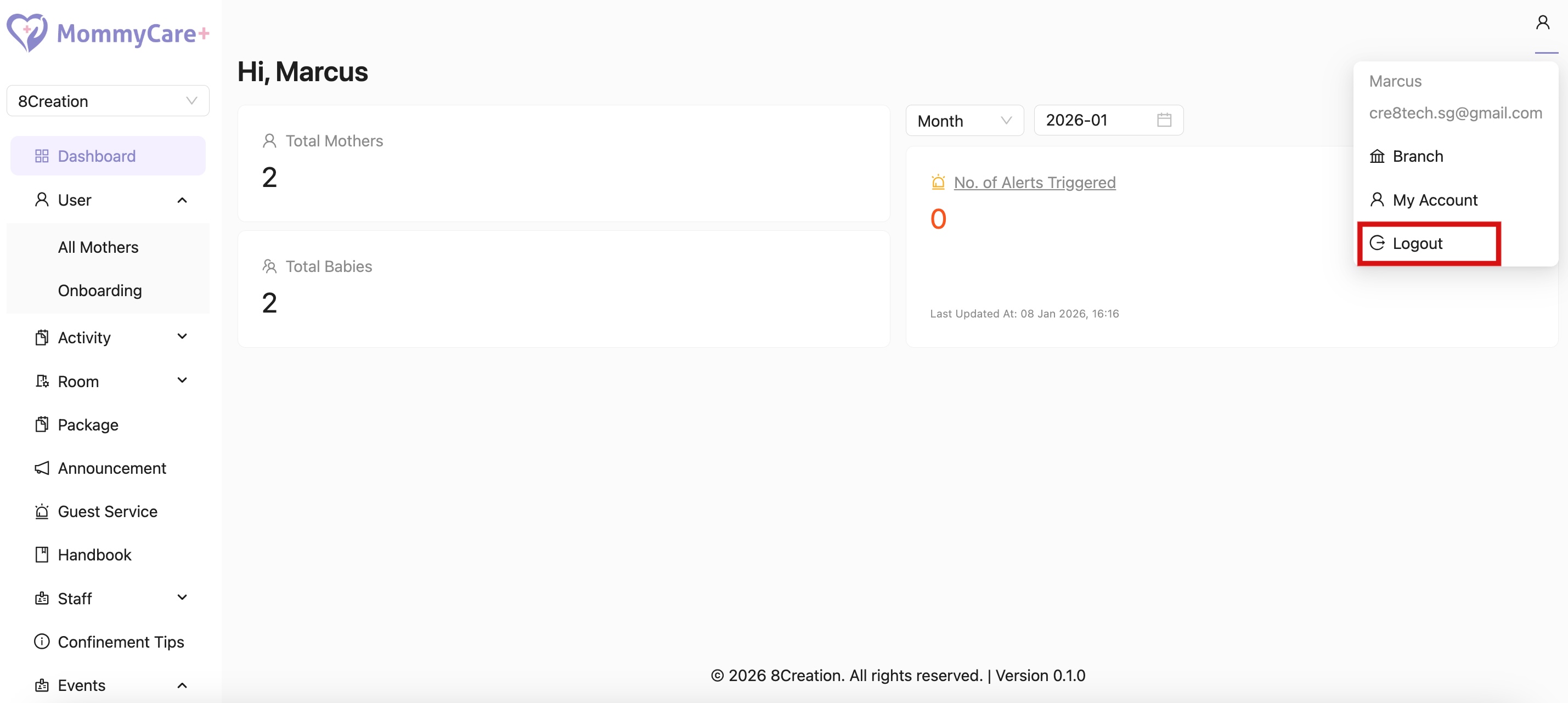
How to Logout
- Location: Account
- Click “Logout”