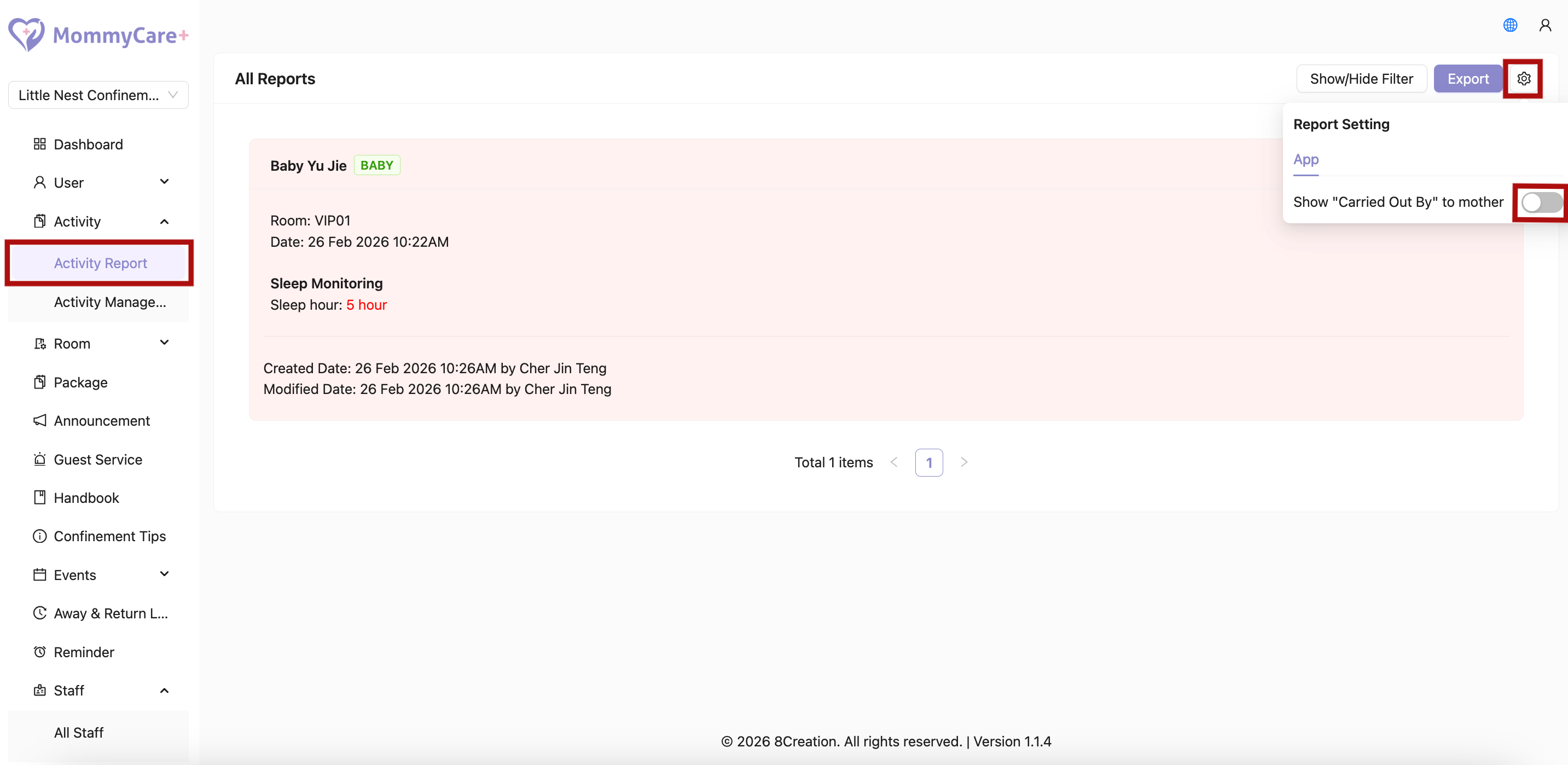
How to View Report
- Location: Activity -> Activity Report
How to Filter Report
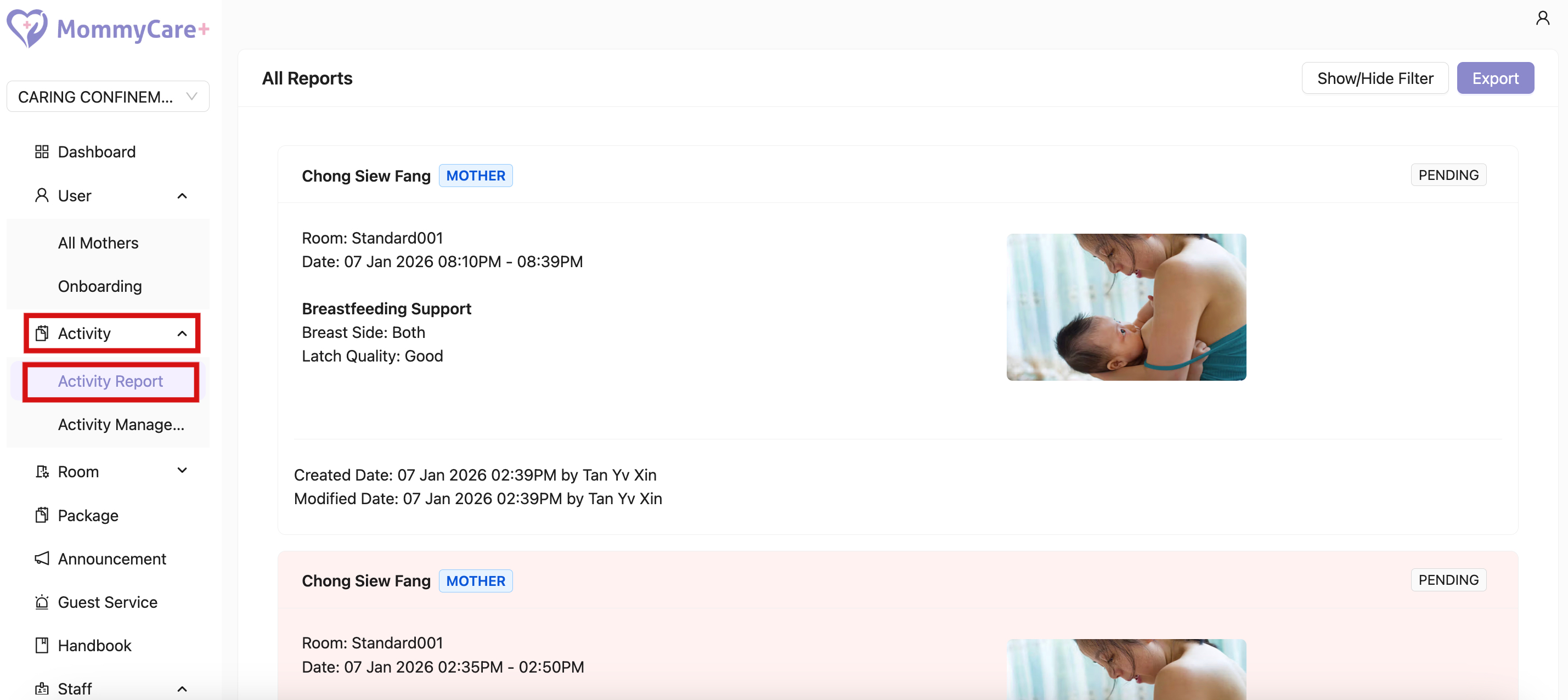
- Click “Show/Hide Filter”
- Fill in the field that you wish to filter, then click “Filter”
How to Export Report
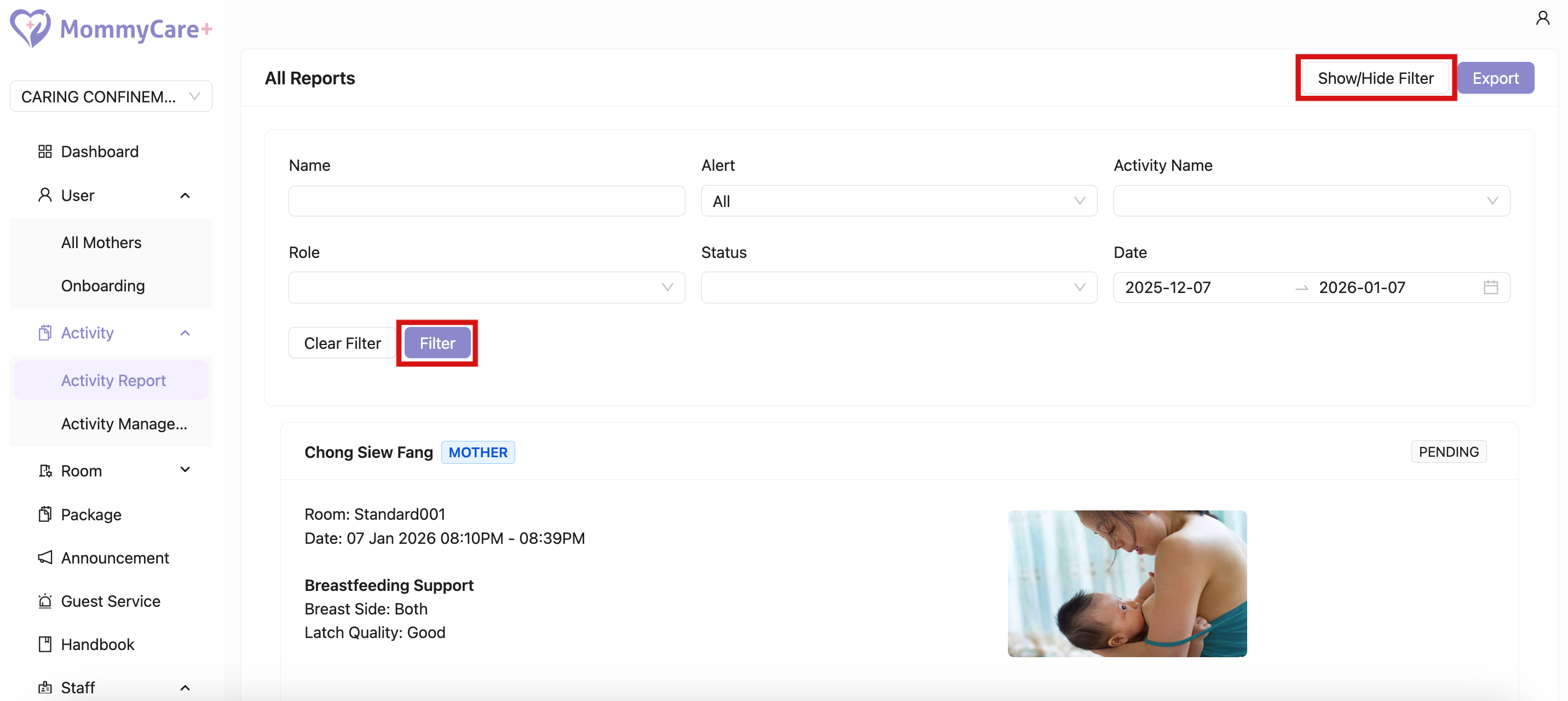
- Click “Export”
- Report is exported as Excel file, and will be email to the logged in email.
How to Toggle the Display of “Carried out by” in Reports Shown to Mothers
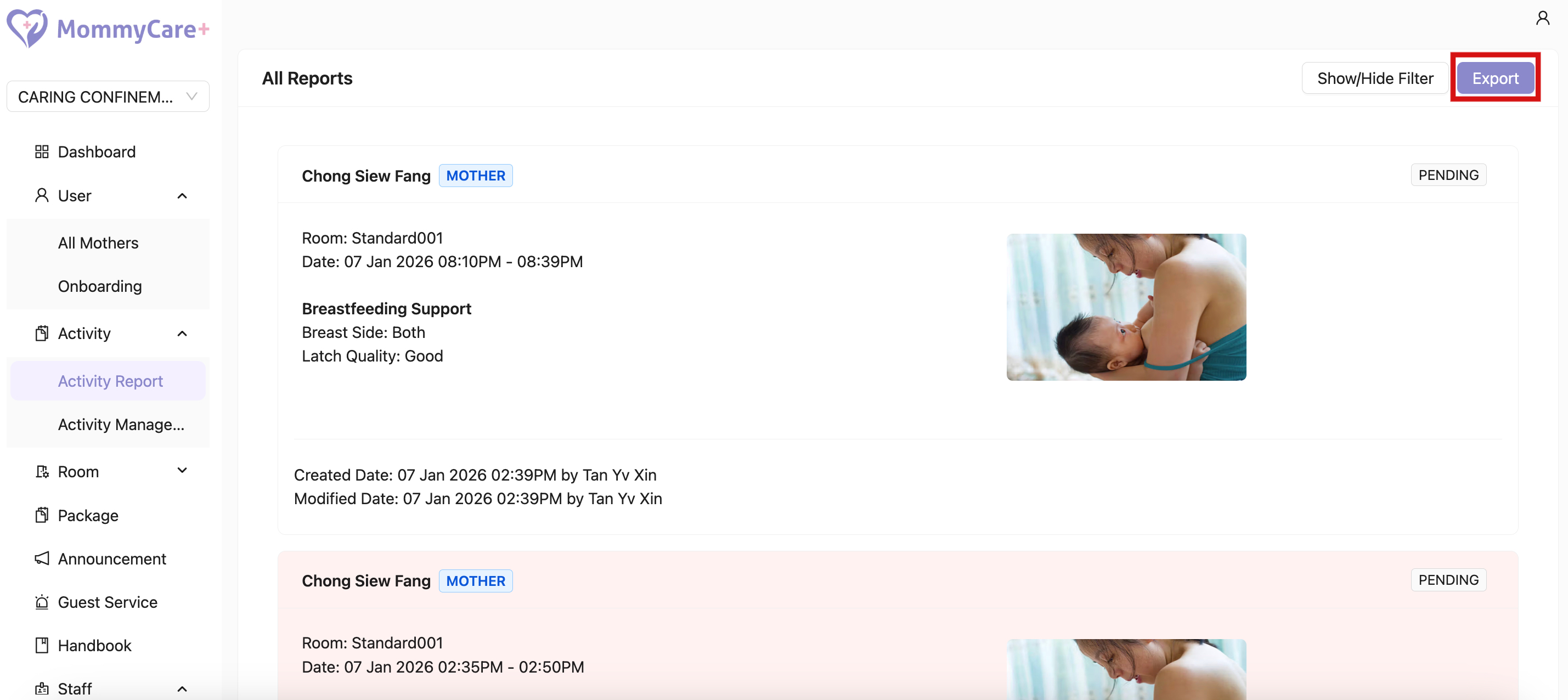
- Click the setting icon
- Click the “Show ‘Carried Out By’ to Mother” slider to display the information to mothers
- Click it again to hide it