Create Report
How to Create Mother/Baby Report
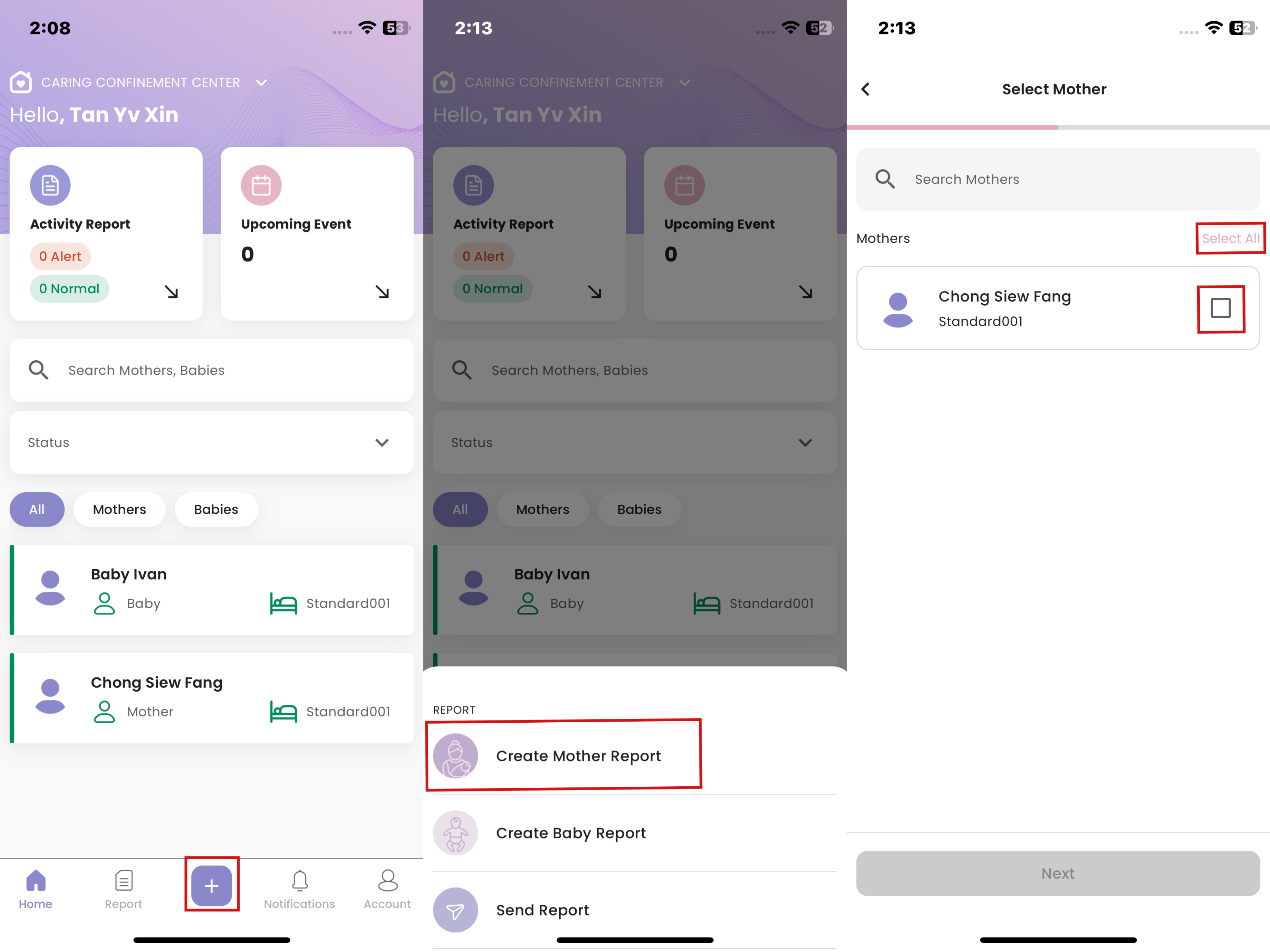
- Click “+”
- Click "Create Mother Report" or "Create BabyReport"
- Click on the tickbox to select the care recipients involved or click “Select All”, then click “Next”
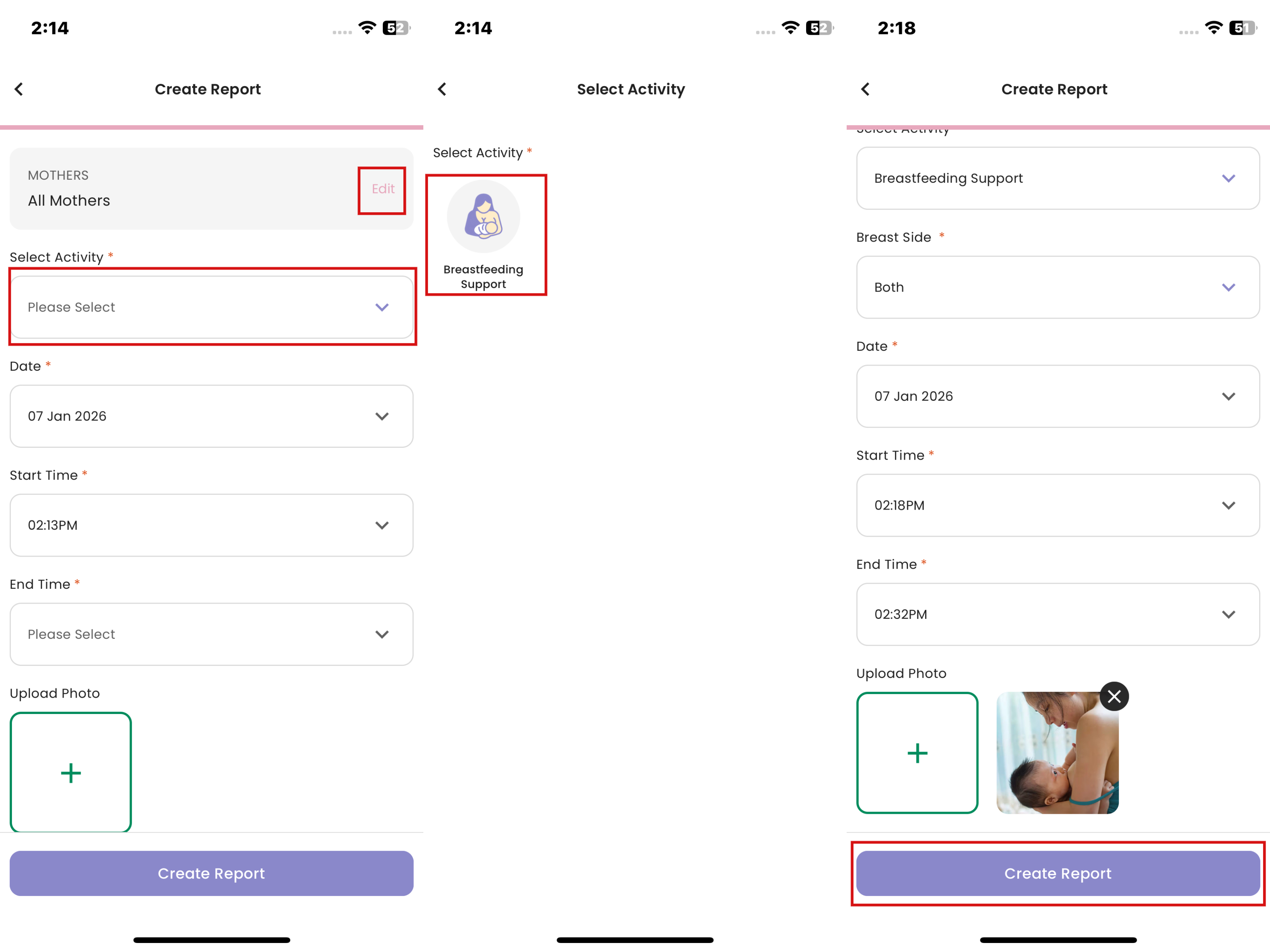
- The selected care recipients are editable by clicking “Edit”
- Click “Select Activity” and select the activity to record
- Fill in the required fields based on the selected activity (e.g. options, numerical, text, long text, photos, and videos)
- Click “Create Report”
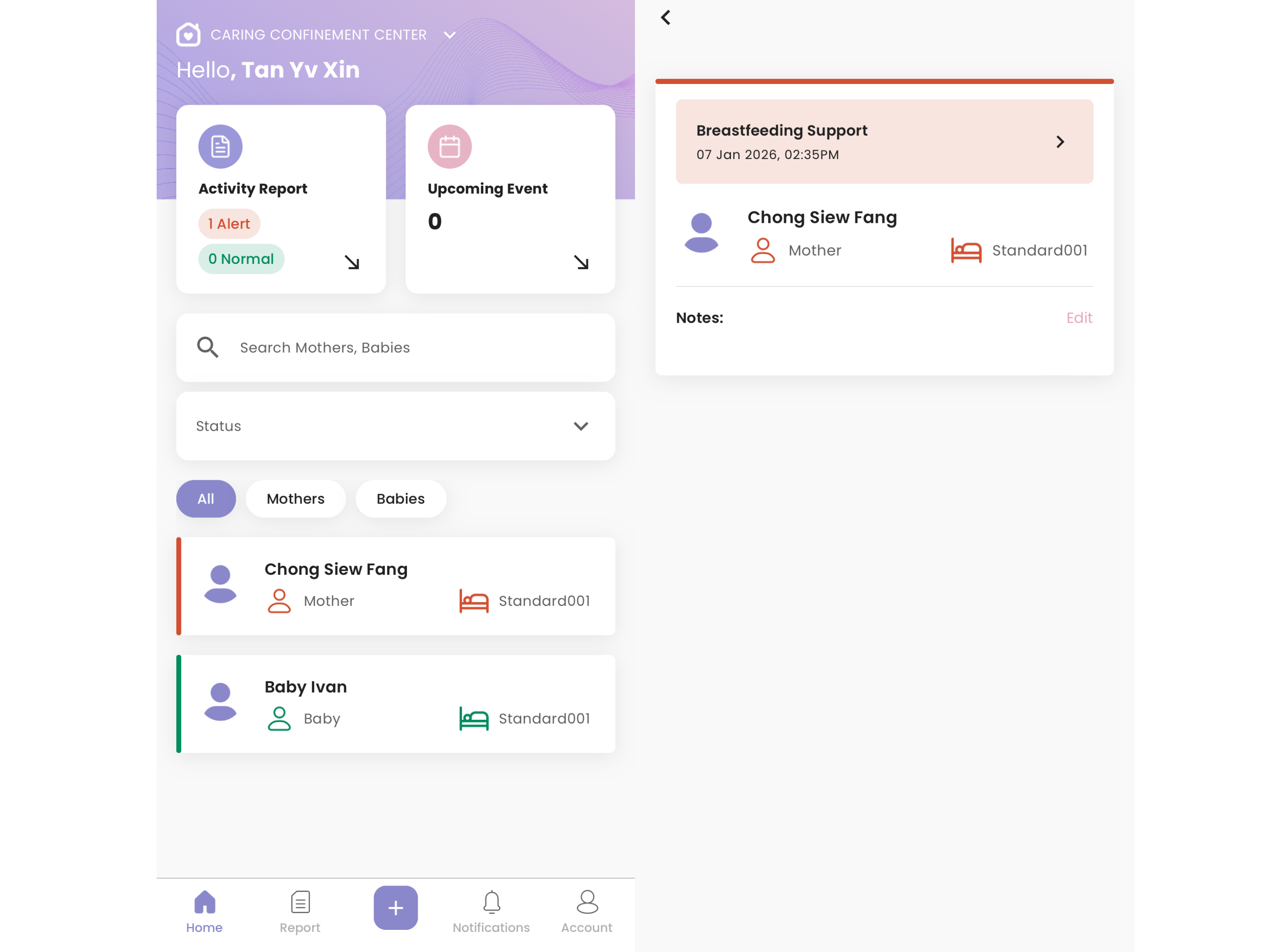
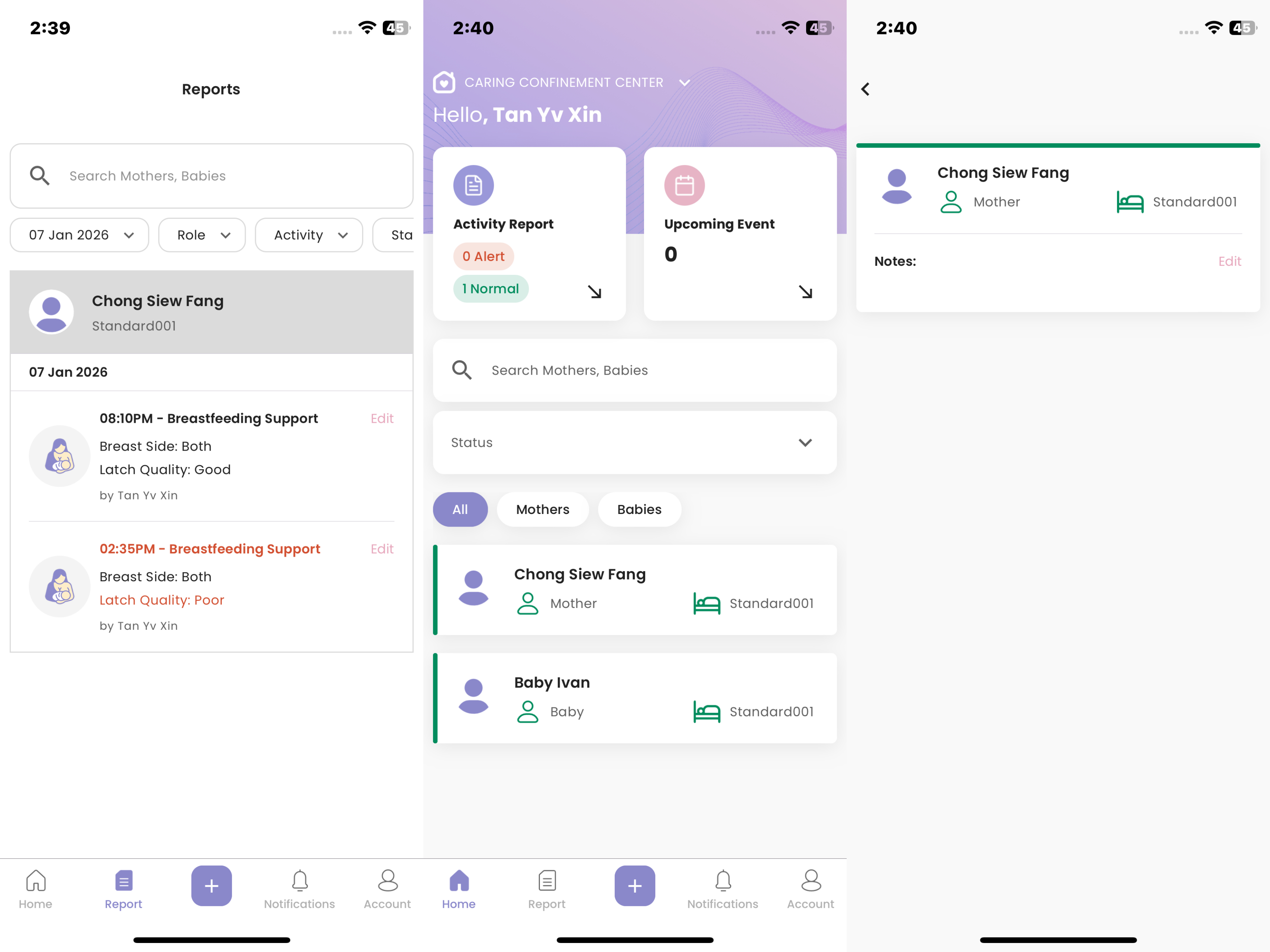
- The created report is drafted in “Report”
How to Set Next Reminder When Creating Activity Report
Before this option appears in the Staff App, admin must enable “Allow setting next reminder from start time” in Activity Management for that activity.
- Set it up here: Activity Management
- Start creating a report as usual
- Select an activity that has “Allow setting next reminder from start time” enabled
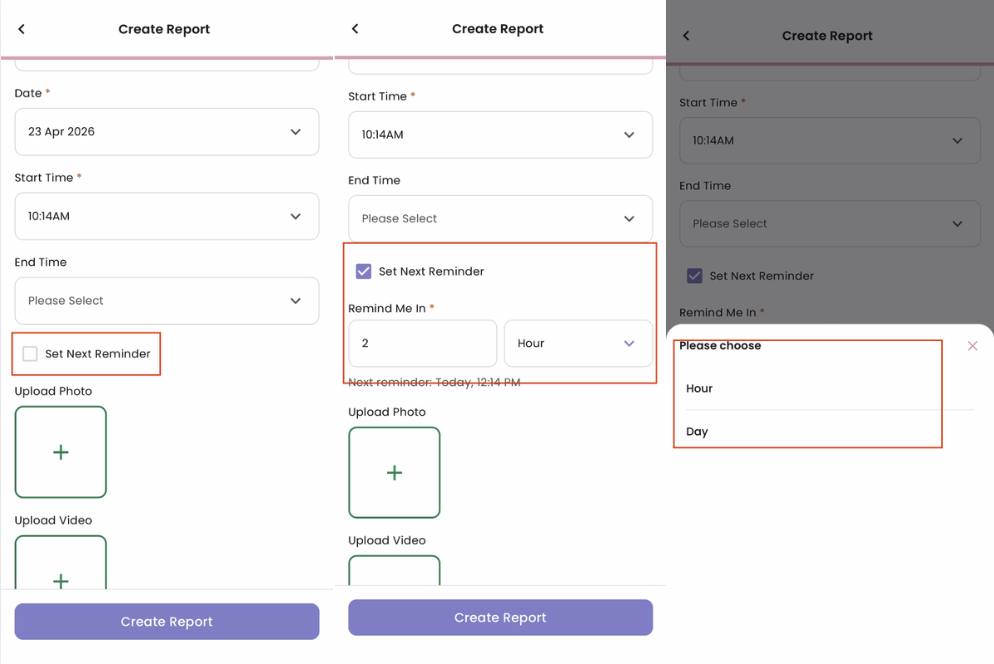
- Tick the “Set Next Reminder” checkbox
- Select whether to remind by hour or day
- Set the next reminder time
- Click “Create Report”
- Once the report is created, the reminder will also be added to the Reminder list
- Reminder notifications will be sent 10 minutes before the reminder starts
How to Resolve Mother/Baby's Alert
- When a new report without alert triggered is sent, the mother/baby’s alert is resolved