On this page
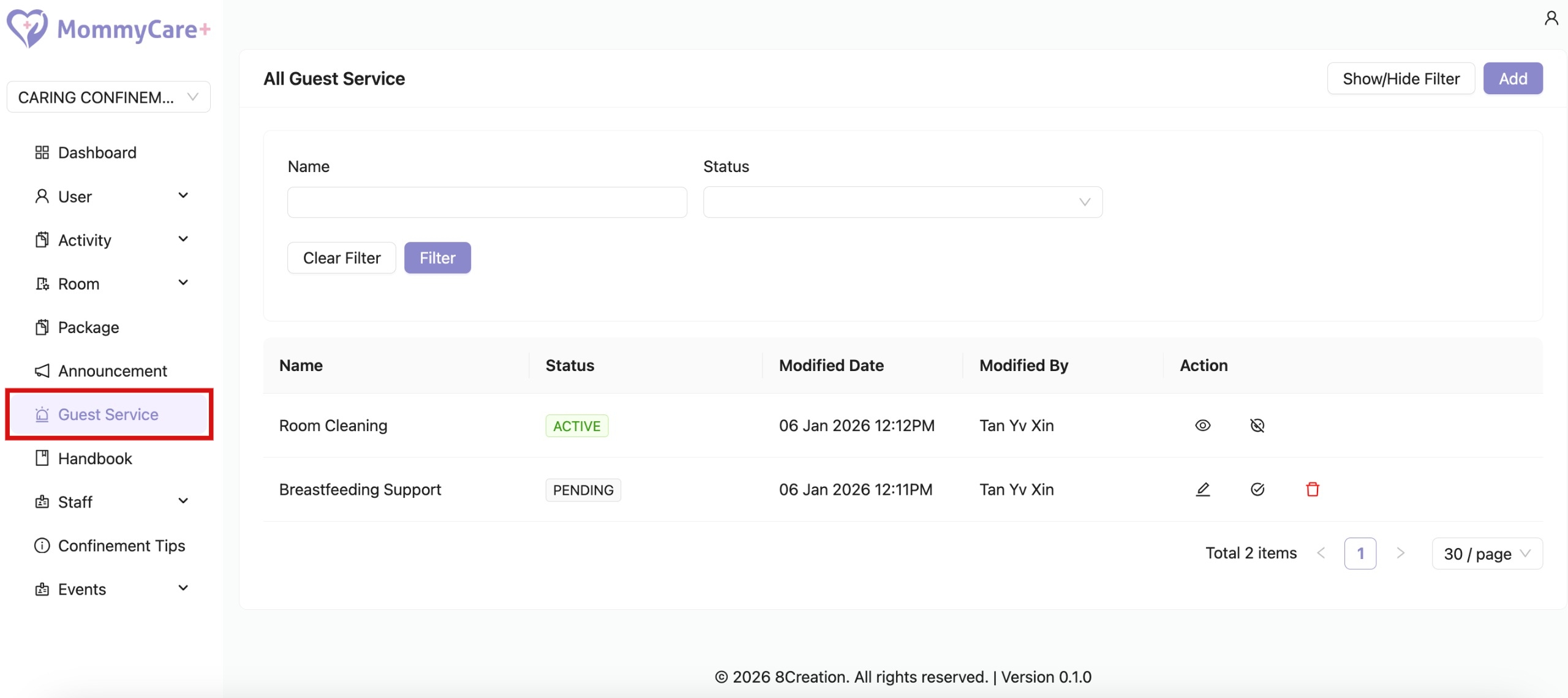
How to Create Guest Service
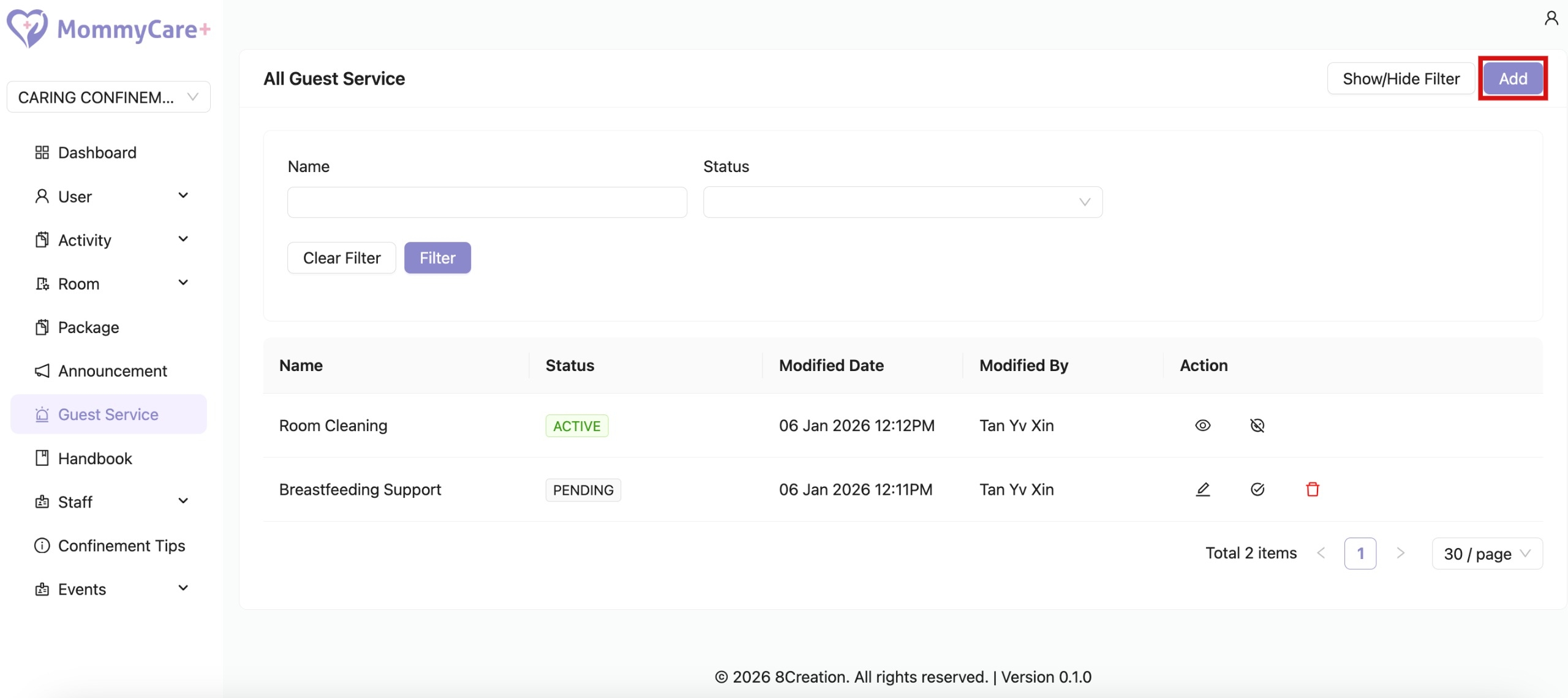
Click “Add”
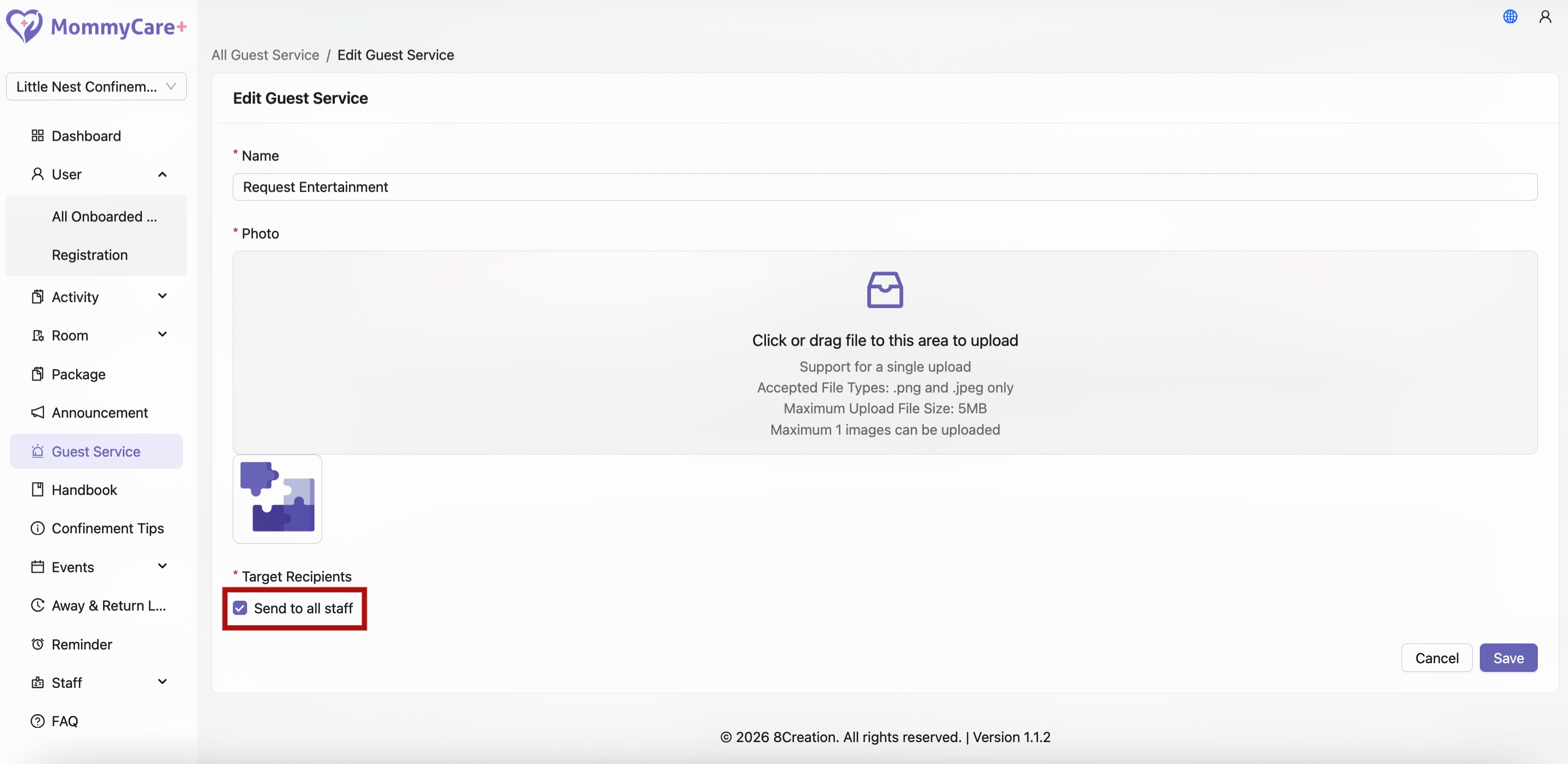
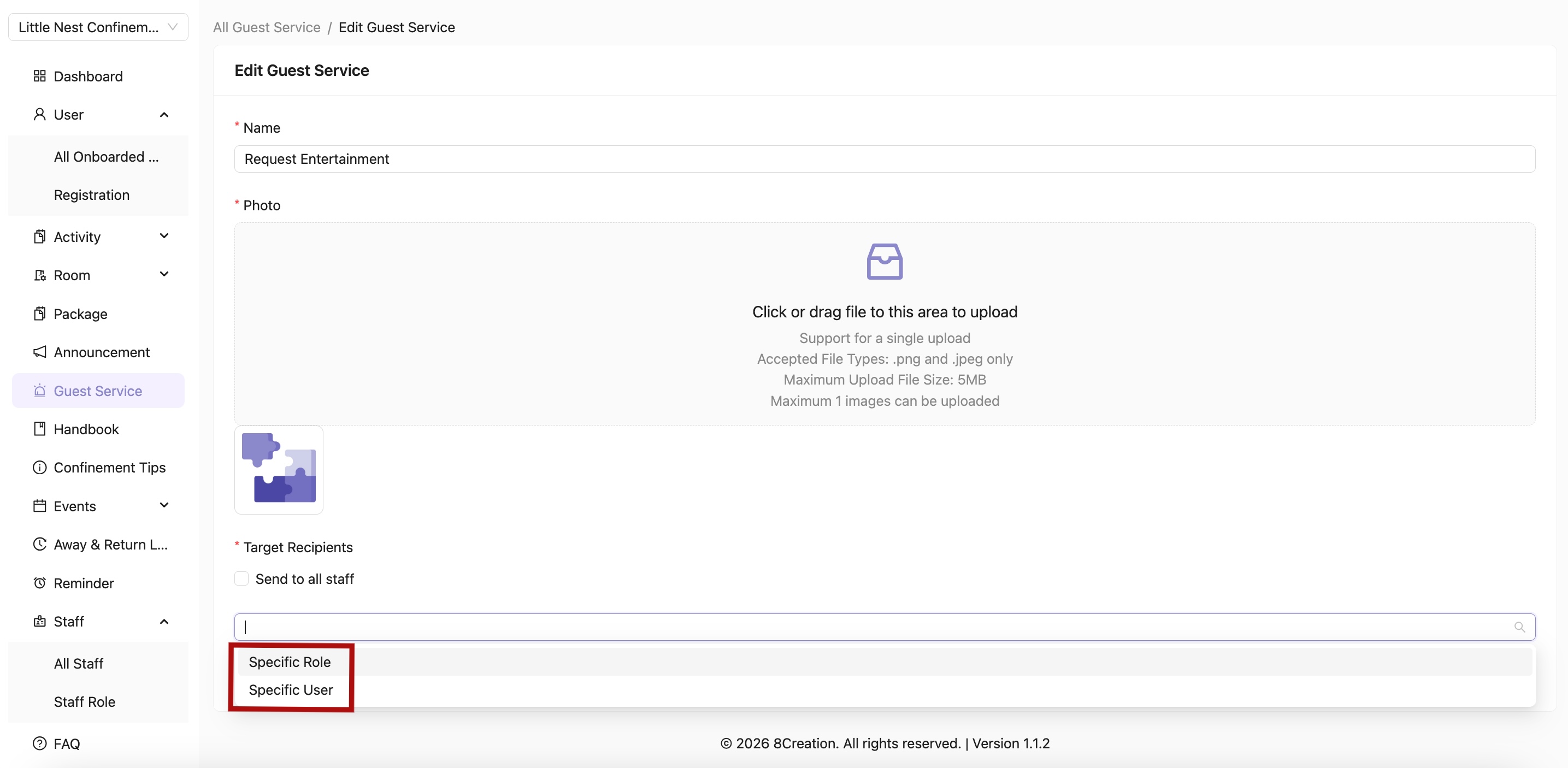
Select "Target Recipients" or "Sent to all staff" to determine which recipients will receive the notification and be able to view the request
Make sure to fill in all the required fields, then click “Save”
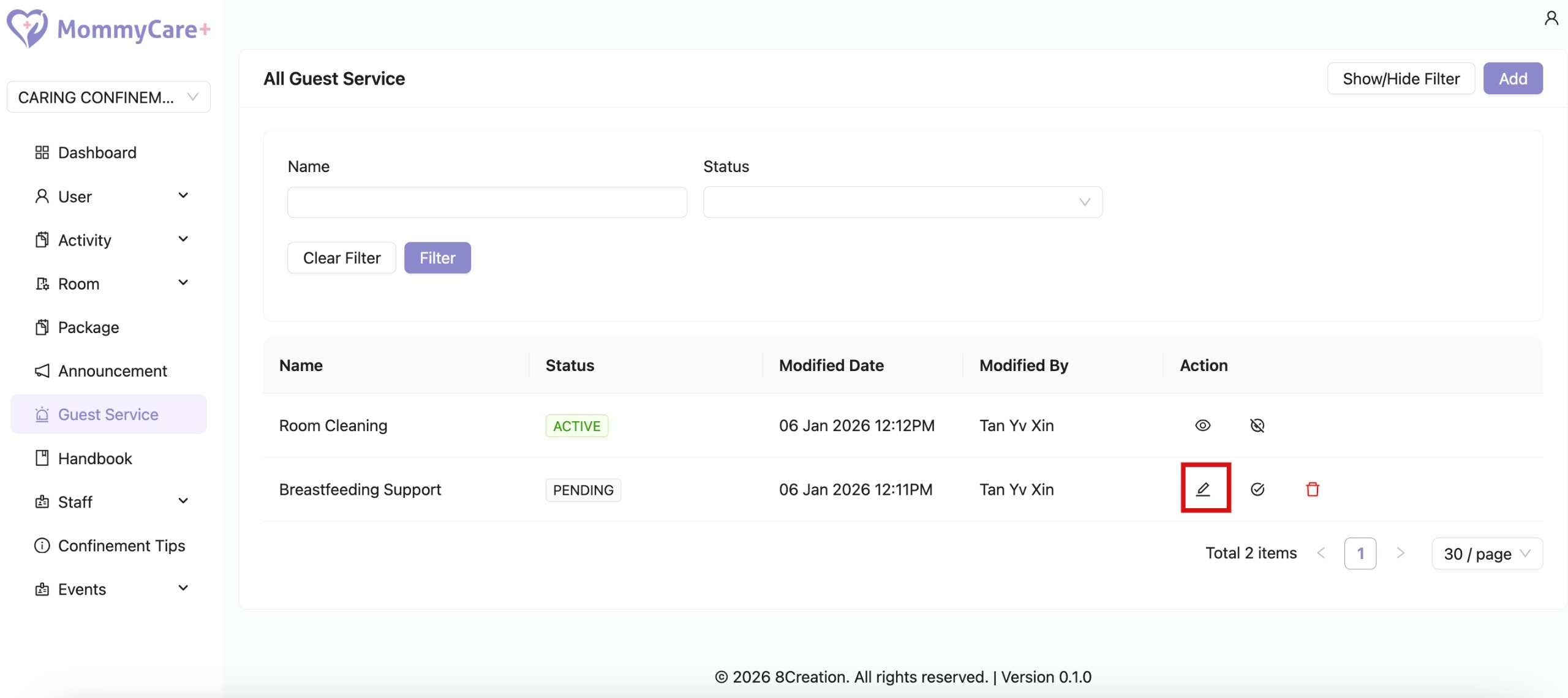
How to Edit Guest Service
Click on the Edit icon
Make changes in the required field, then click “Save”
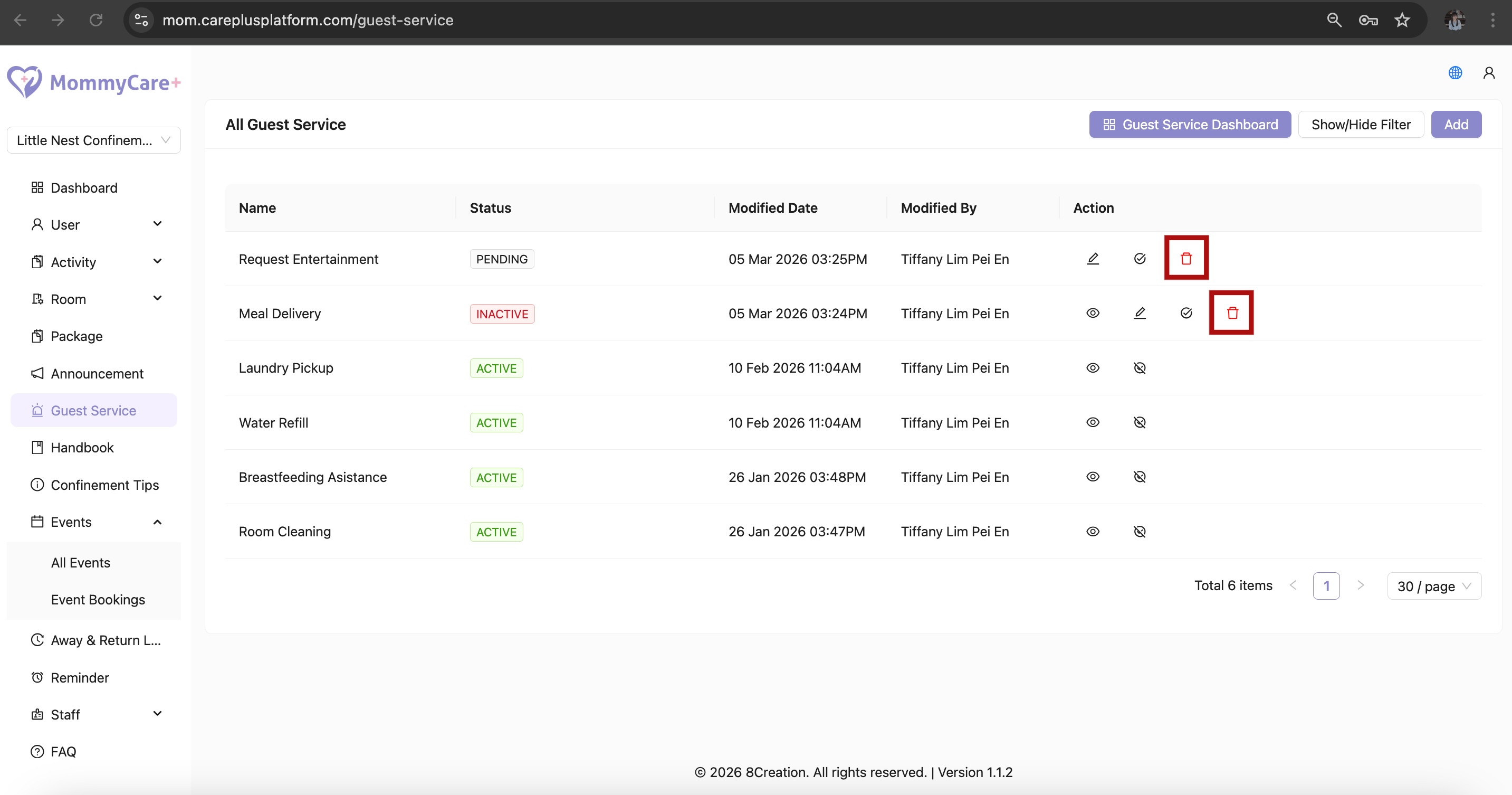
How to Delete Guest Service
Click on the Delete icon
Only guest services in status "Inactive" and "Pending" can be deleted
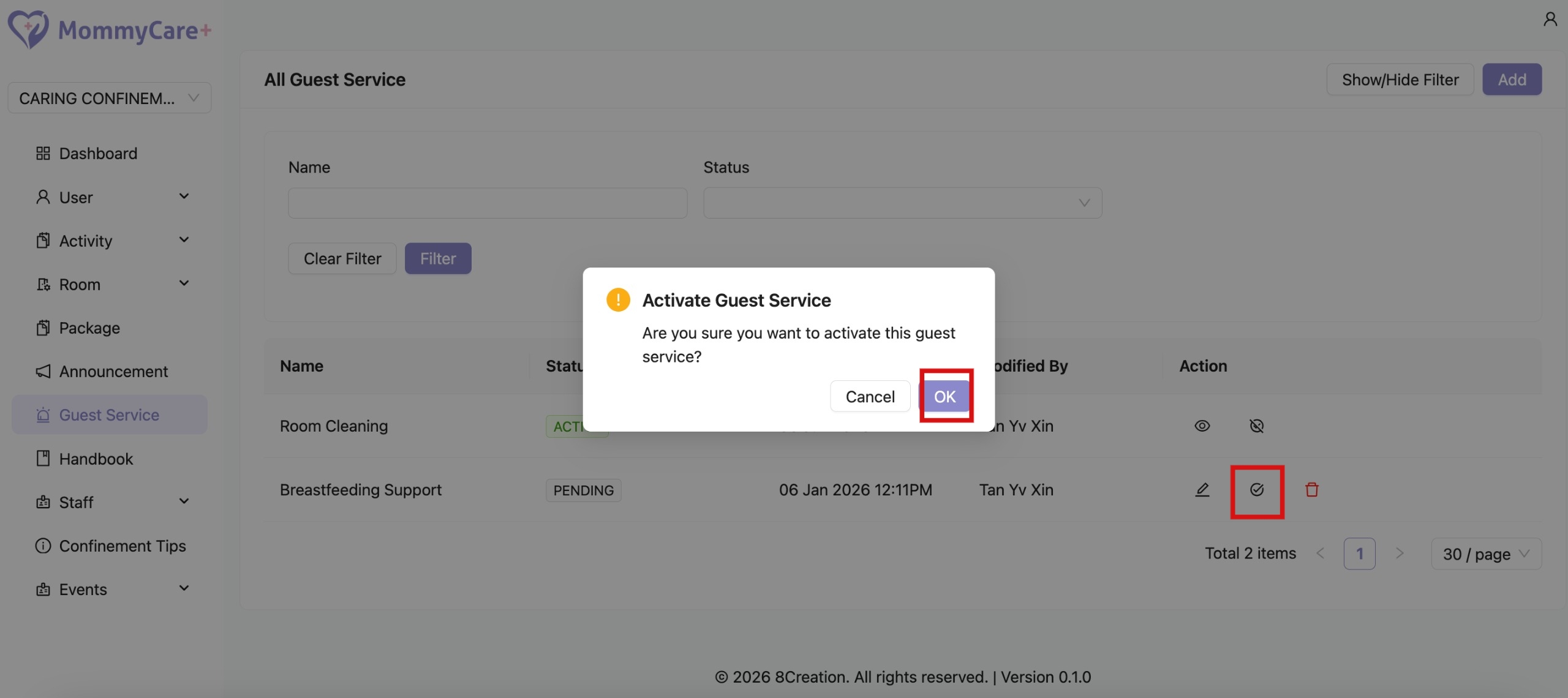
How to Publish Guest Service
Click on the Publish icon
Click "OK"
Status changed to “Published”
Only published guest service will be visible to users
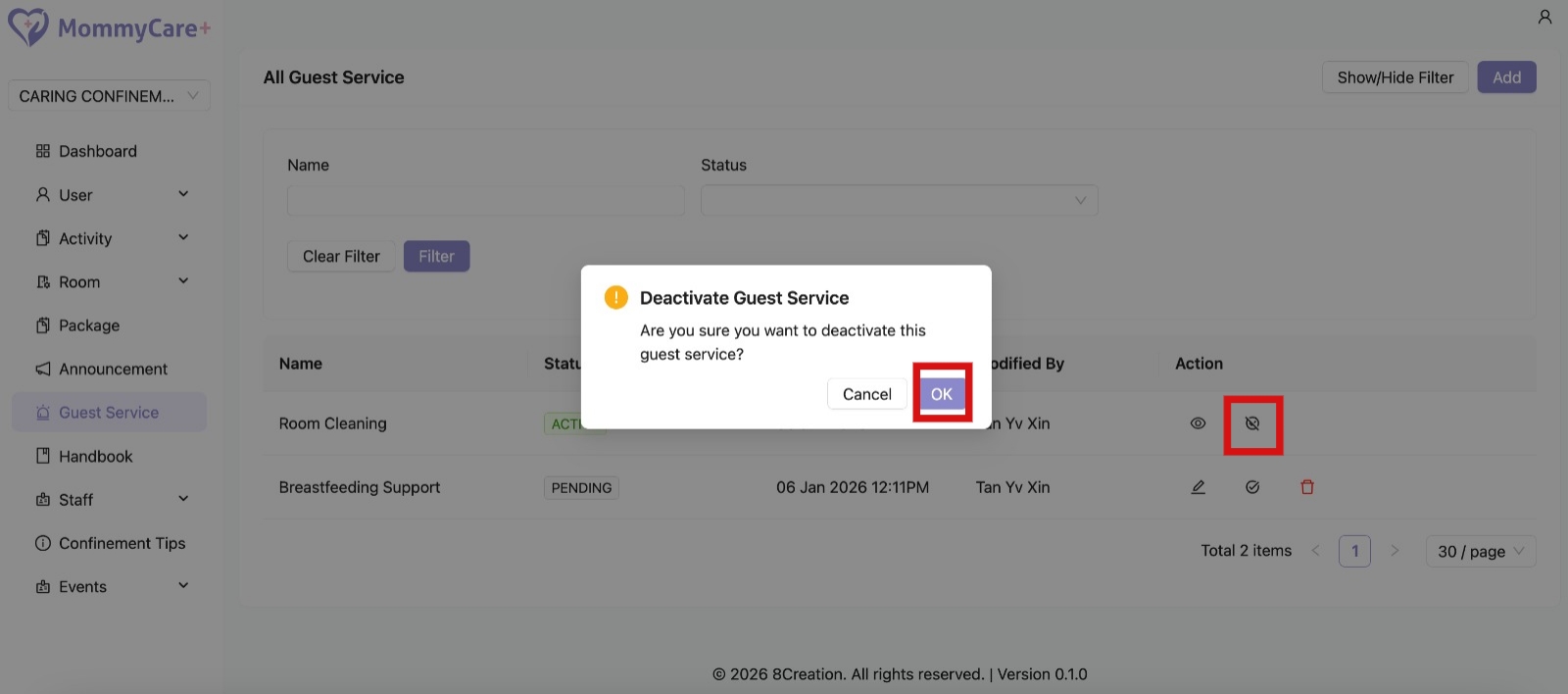
How to Unpublish Guest Service
Click on the Unpublish icon
CLick "OK"
Status changed to “Unpublished”
How to Filter Guest Service
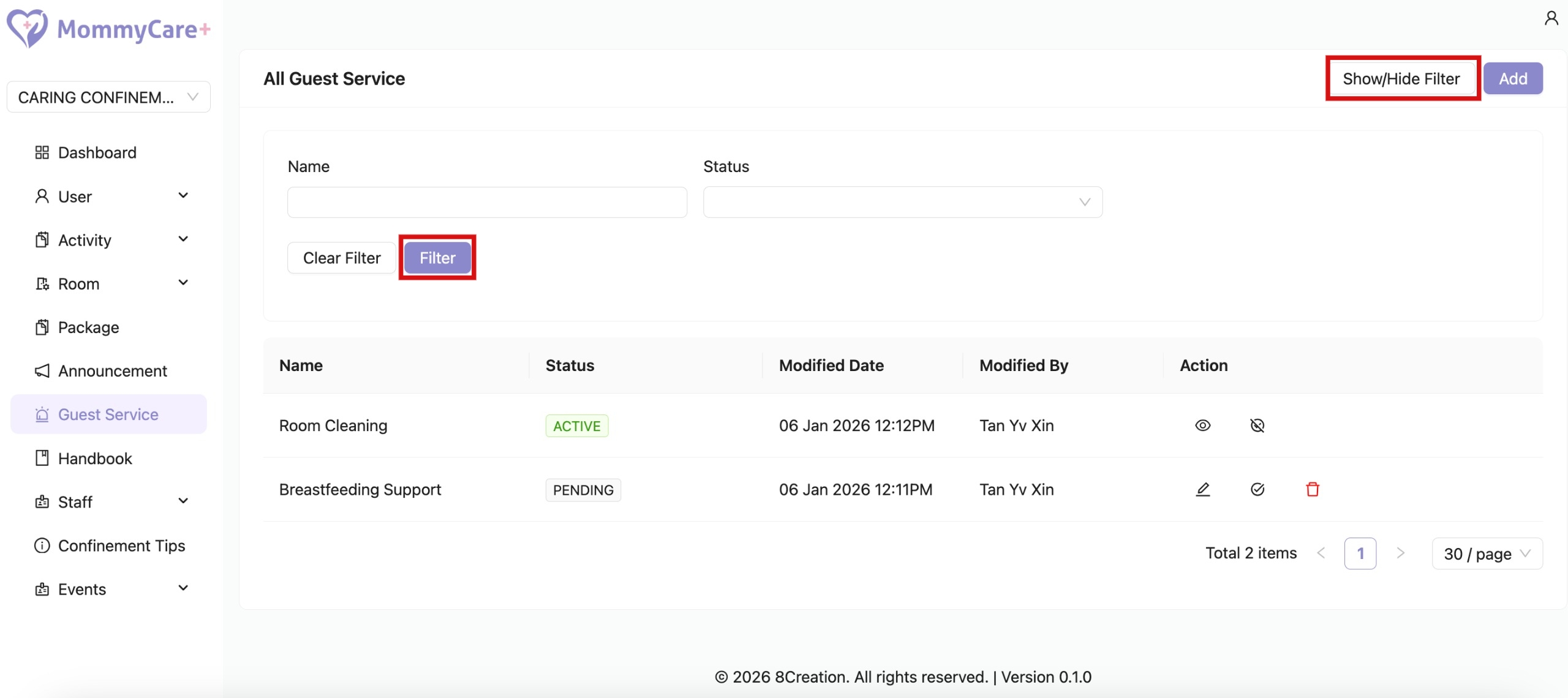
Click "Show/Hide Filter"
Fill in the field that you wish to filter, then click “Filter”
Guest Service Dashboard
Please note that the Guest Service Dashboard is currently supported on Google Chrome only. Accessing it via other browsers may result in limited functionality or display issues.
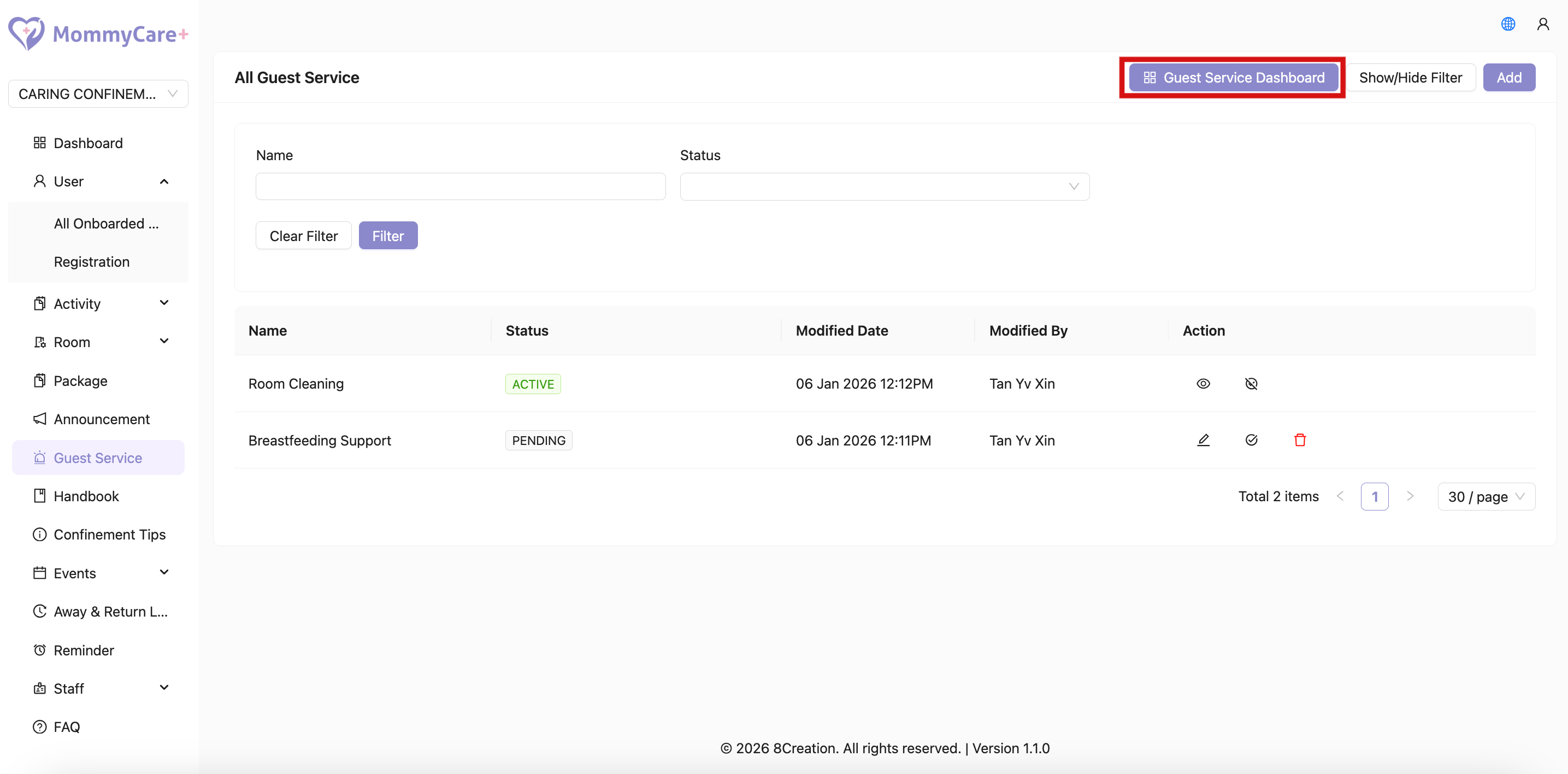
How to View Guest Service Dashboard
Click Guest Service Dashbboard
How to Mark Guest Service as Completed
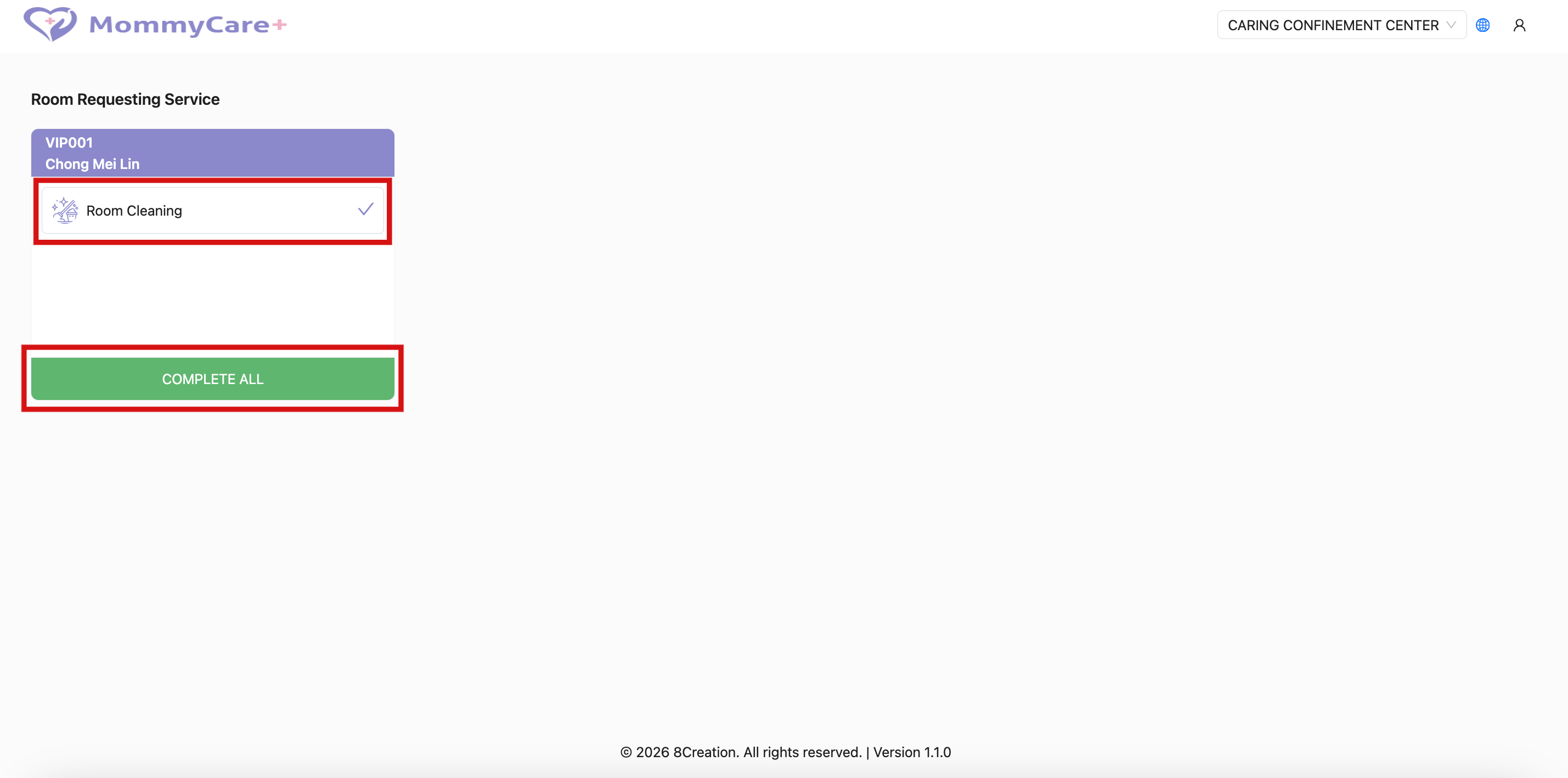
On the Guest Service Dashboard Page, check the completed service
Click a service request to mark the selected request as completed, or click Complete All to mark all request from the mother as completed
The service request that has been marked as completed will disappear from the Guest Service Dashboard
The status of service request on the Mother App will also be updated when a staff marked the request as completed
How to Switch Branch in Guest Service Dashboard
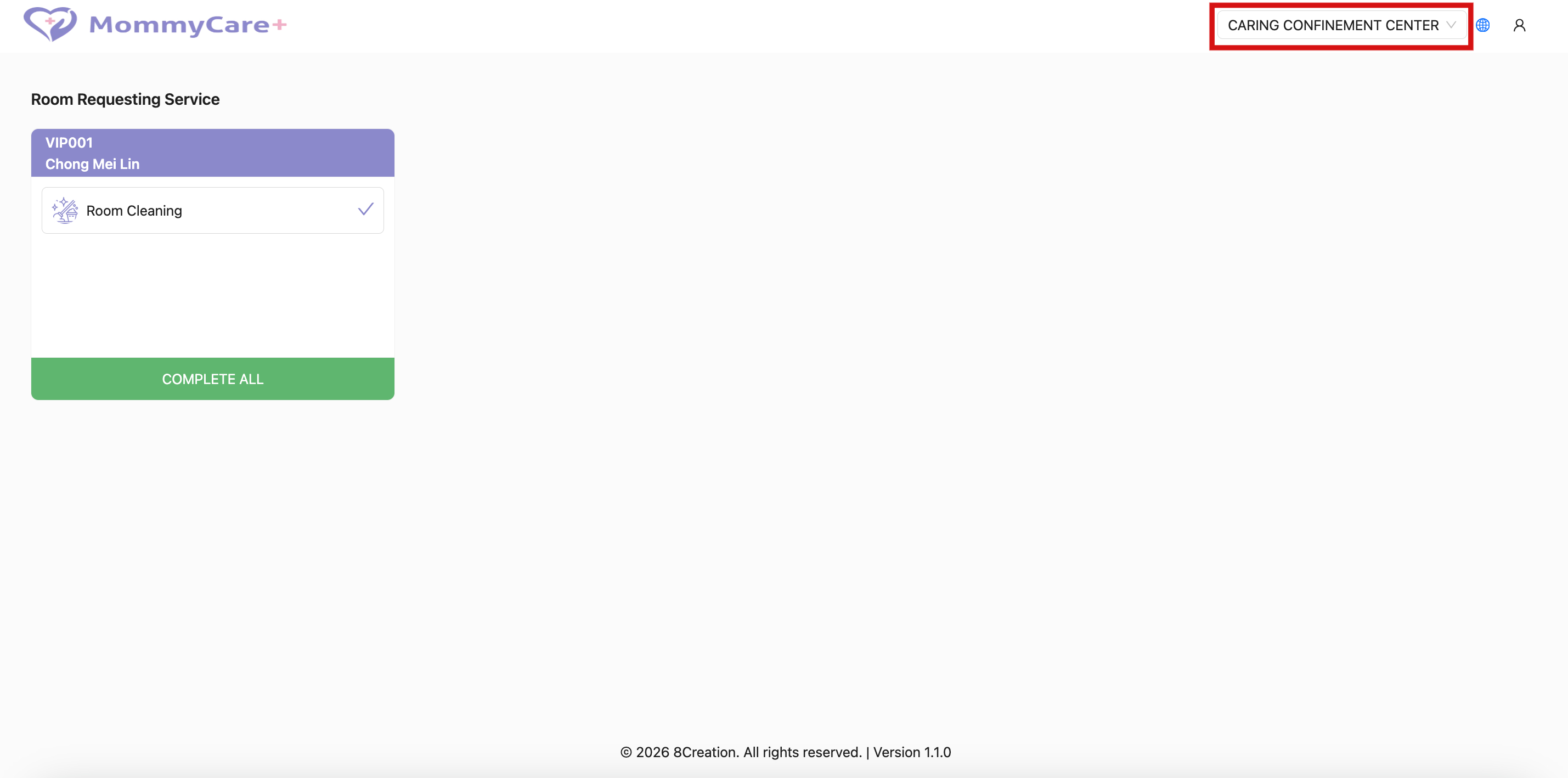
On the Guest Service Dashboard Page, click the branch selector
Select the branch that you want to switch
How to Switch Language in Guest Service Dashboard
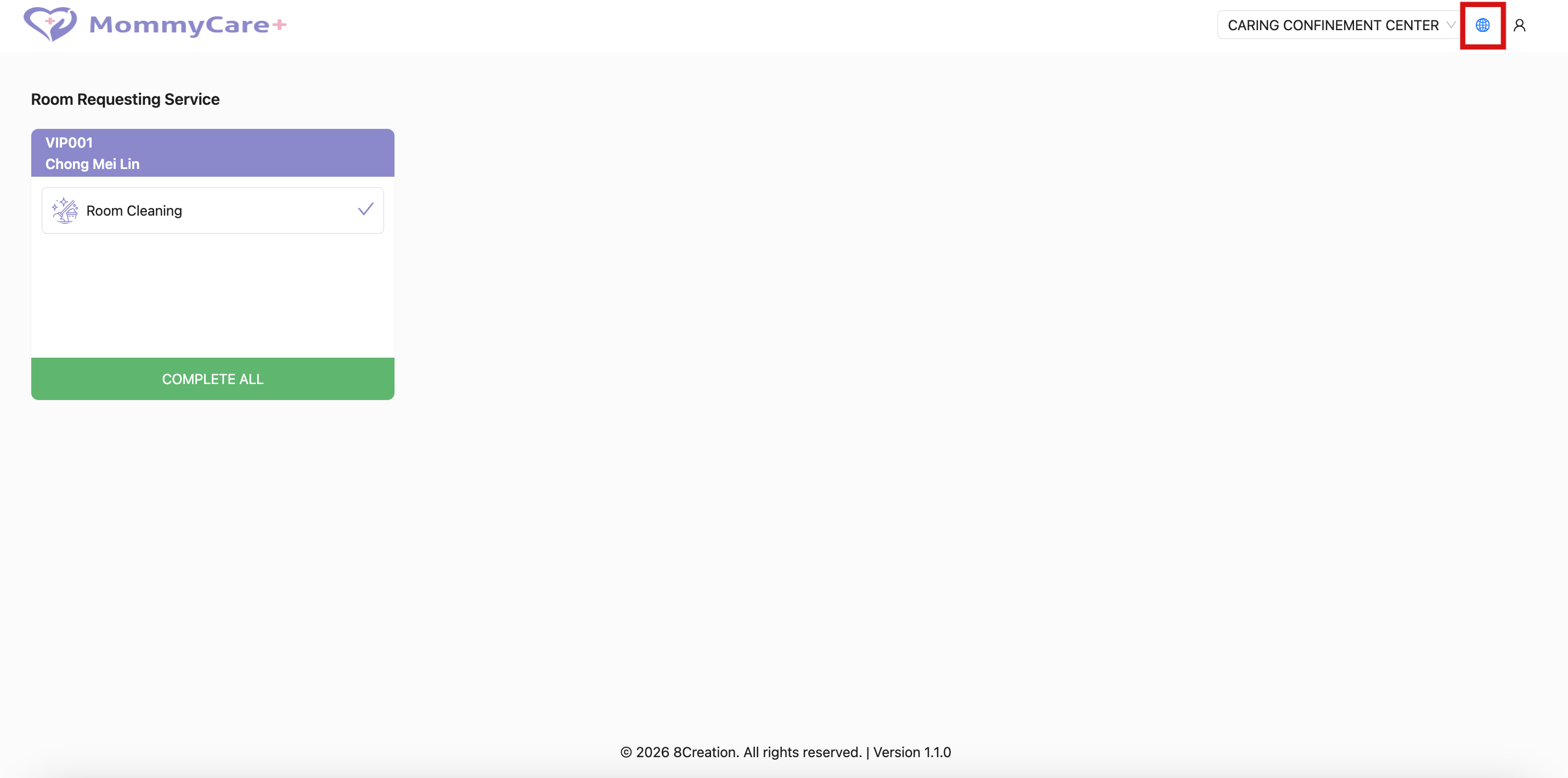
On the Guest Service Dashboard Page, click the language selector icon
Select the language that you prefer
How to Logout Guest Service Dashboard
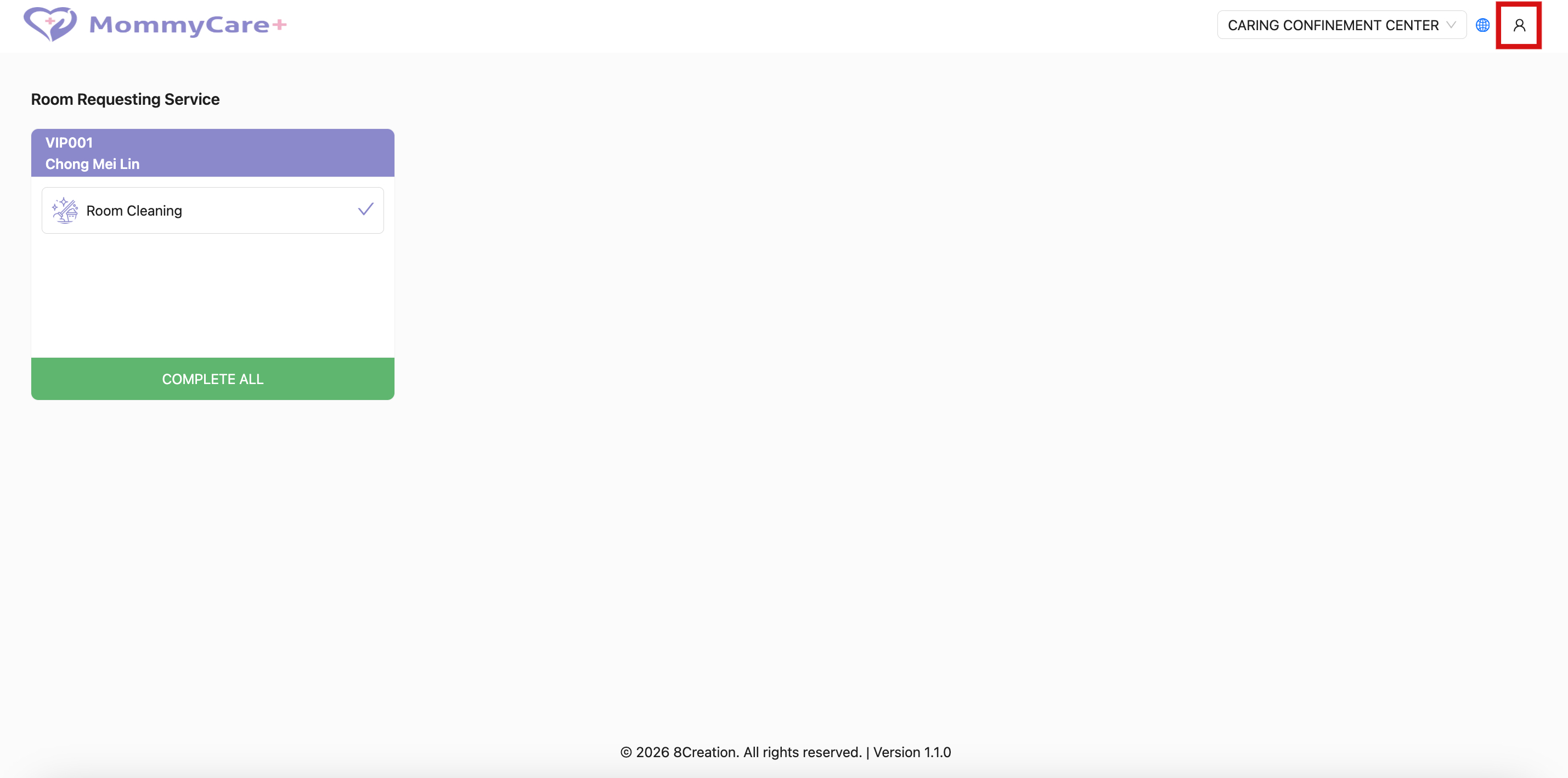
On thhe Guest Service Dashboard Page, click the profile icon
Select Logout