Babies
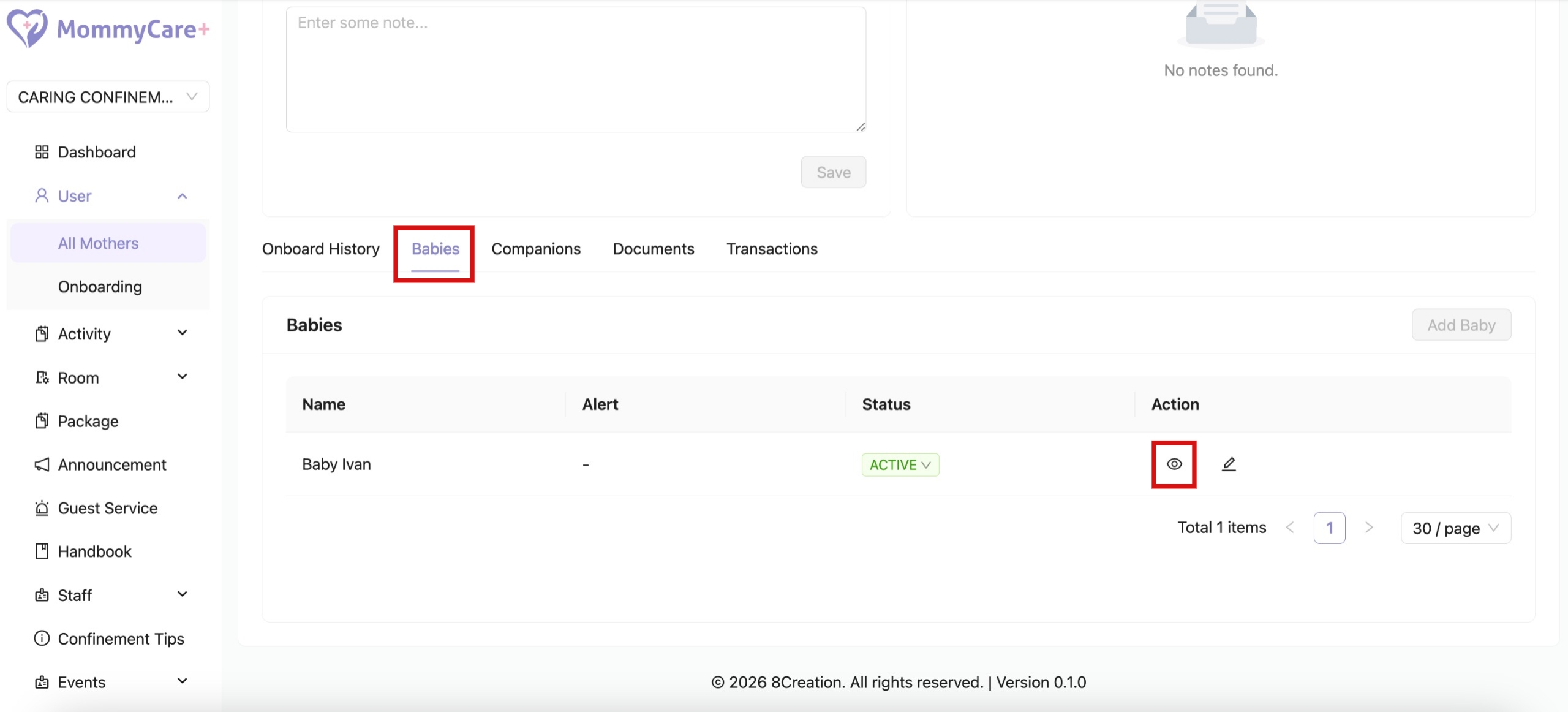
How to View Baby Details
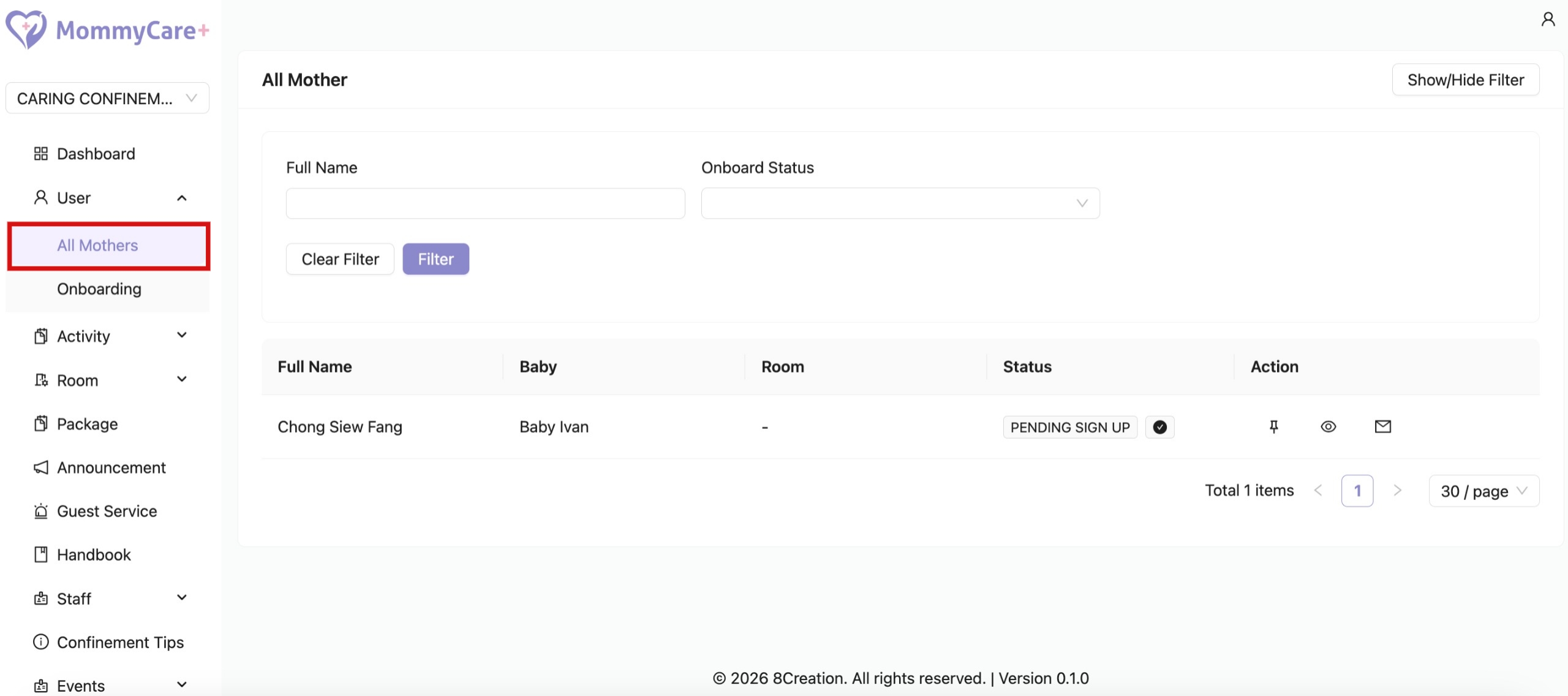
- Location: Mothers -> All Mothers
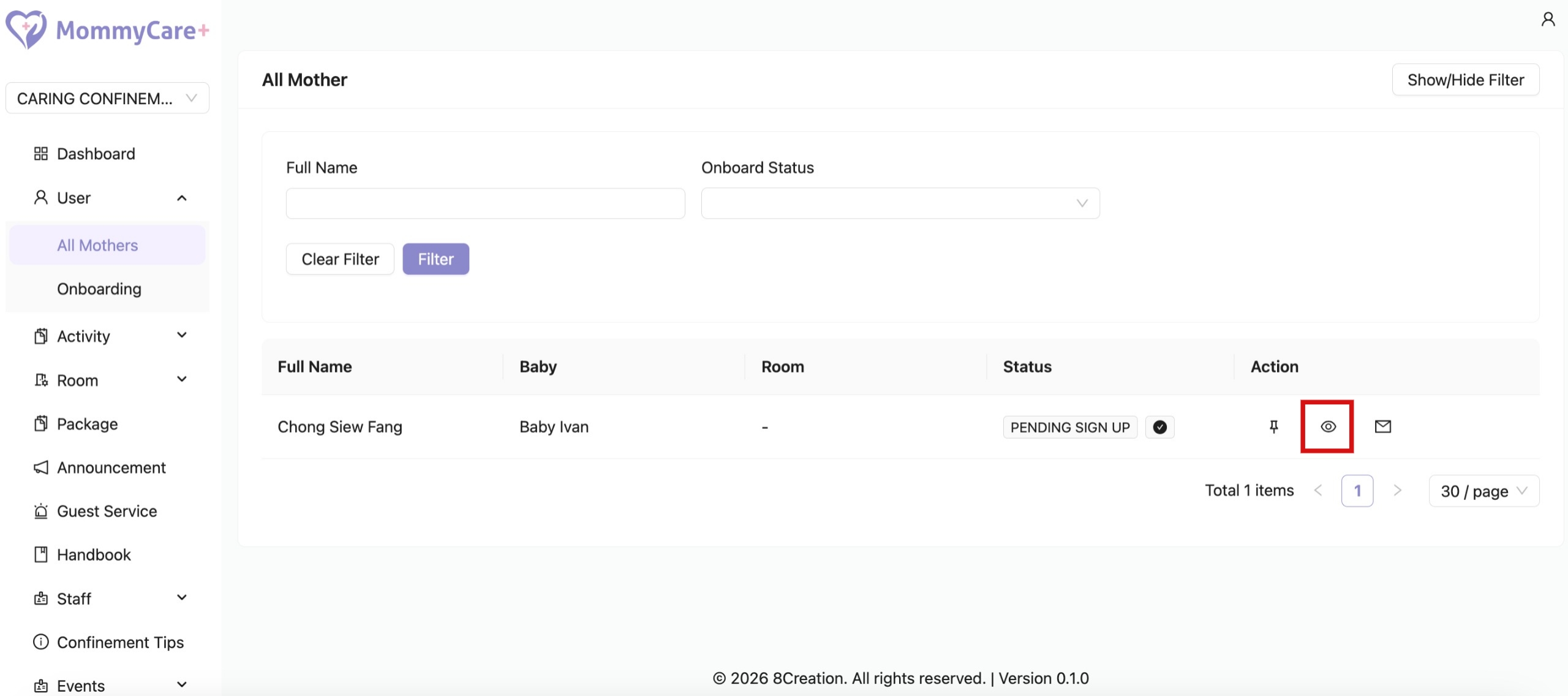
- Click on the view profile icon
- Click "Babies"
- Click on the "View" icon
How to Edit Baby Details
- Location: Mothers -> All Mothers
- Click on the view profile icon
- Click "Babies"
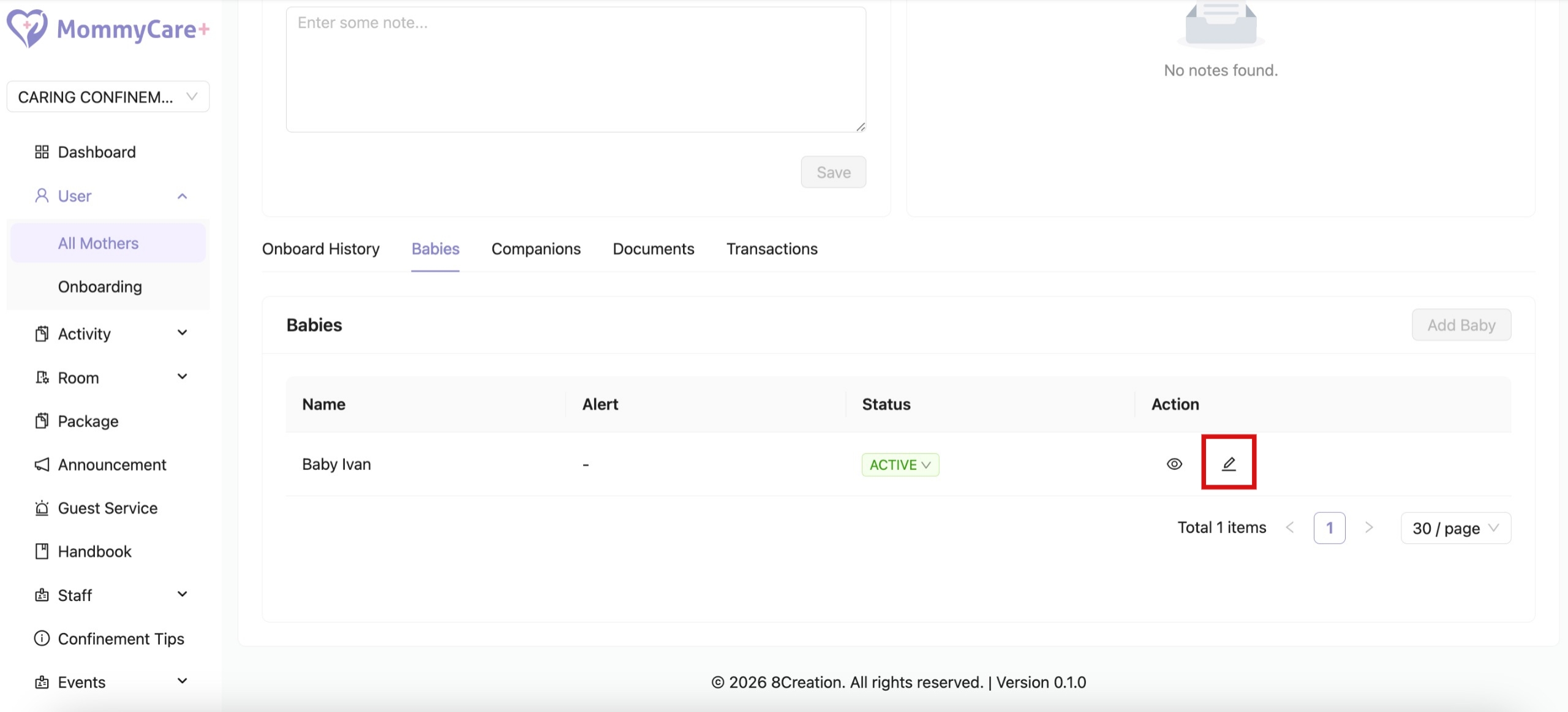
- Click on the "Edit" icon
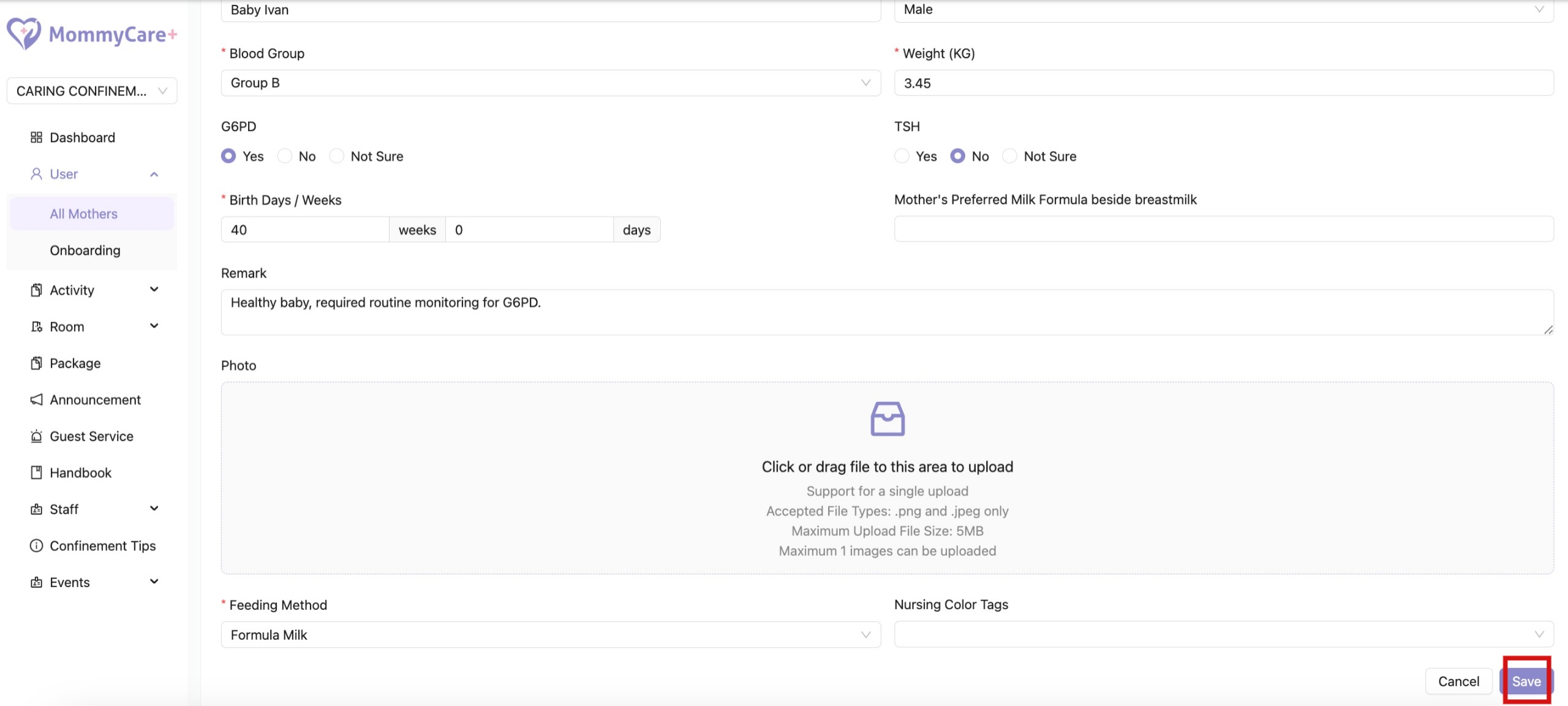
- Make changes to the required field, then click “Save”