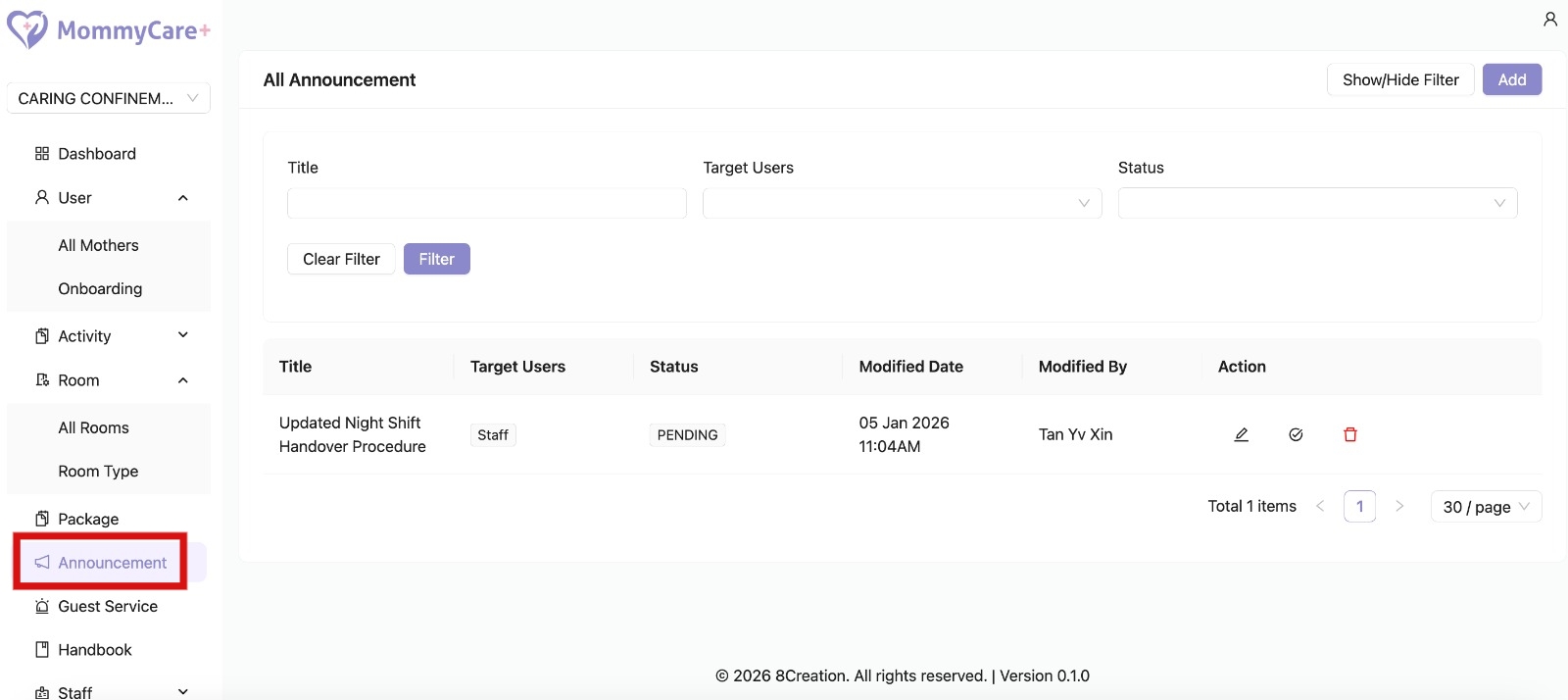
How to Create Announcement
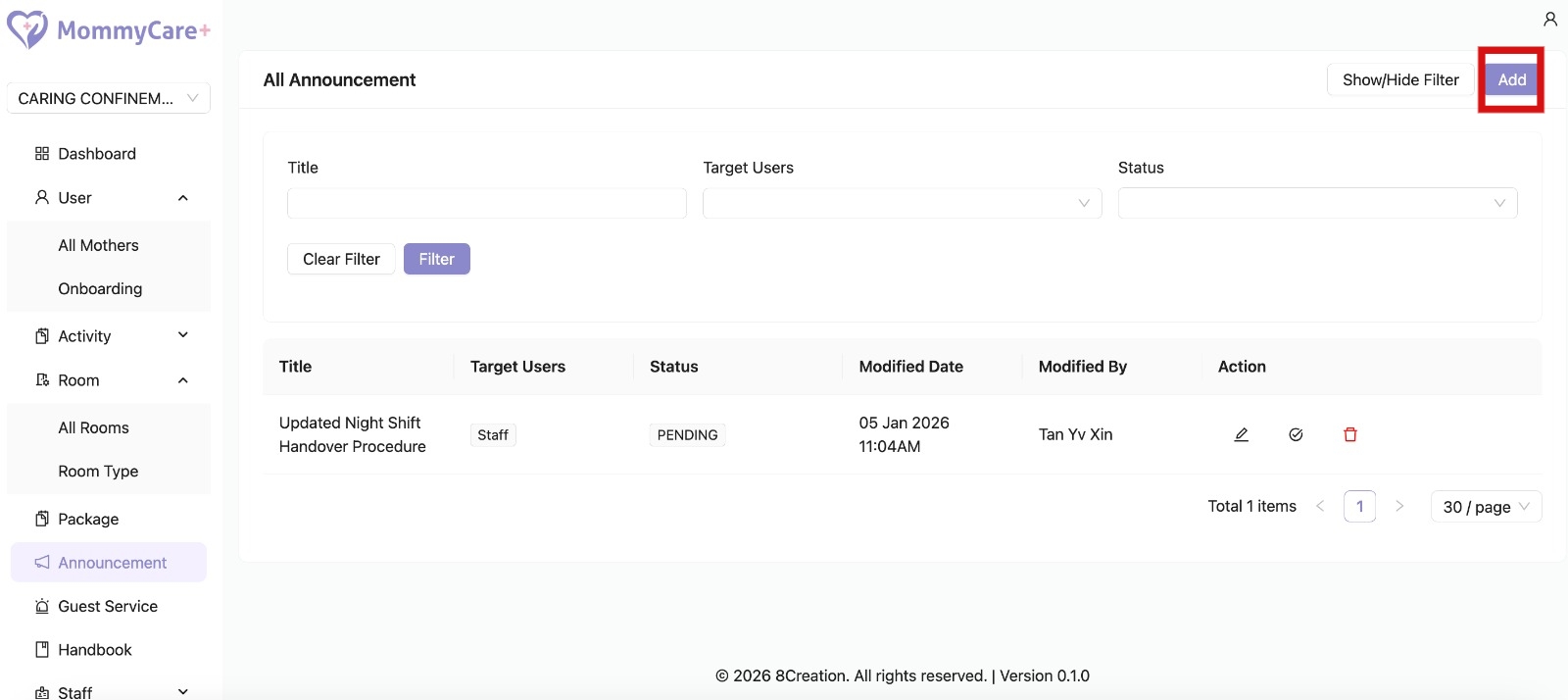
- Click “Add”
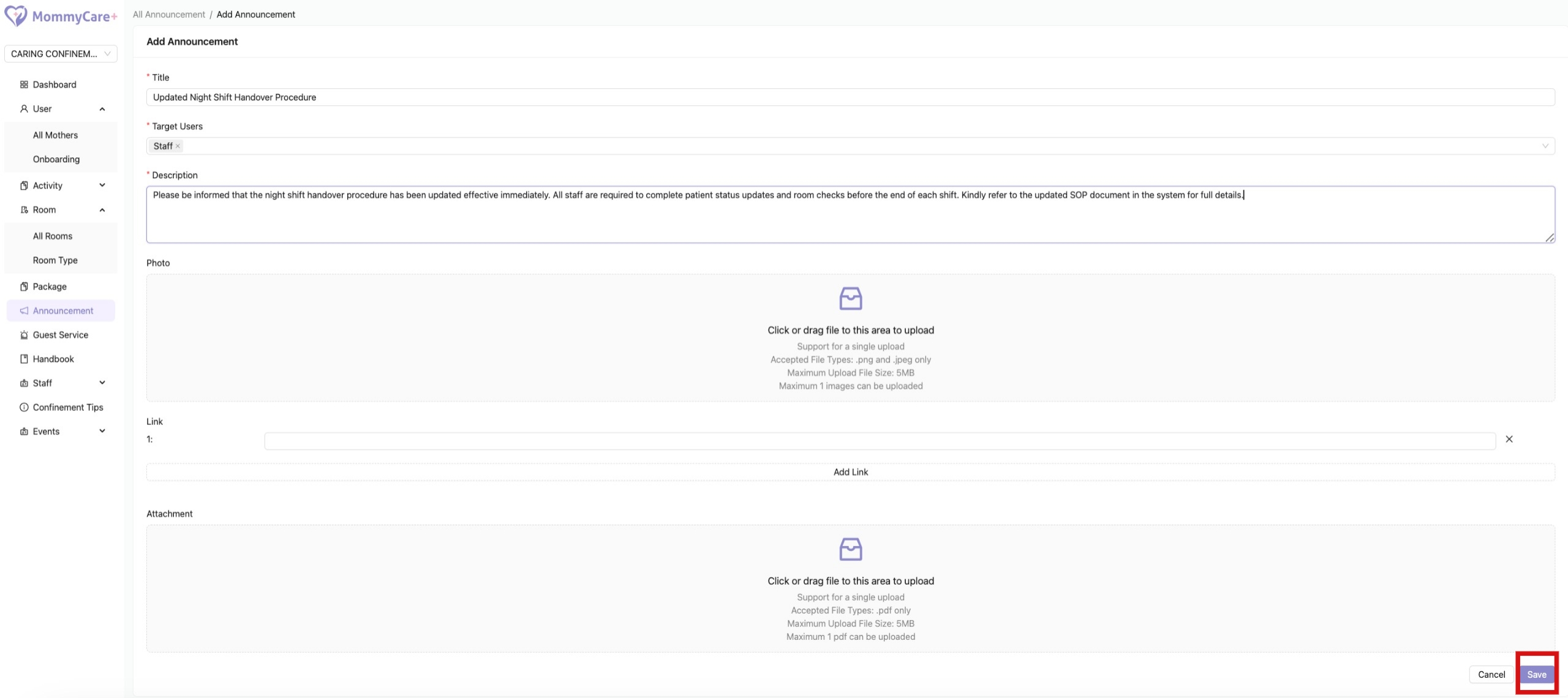
- Fill in the required fields, then click “Save”
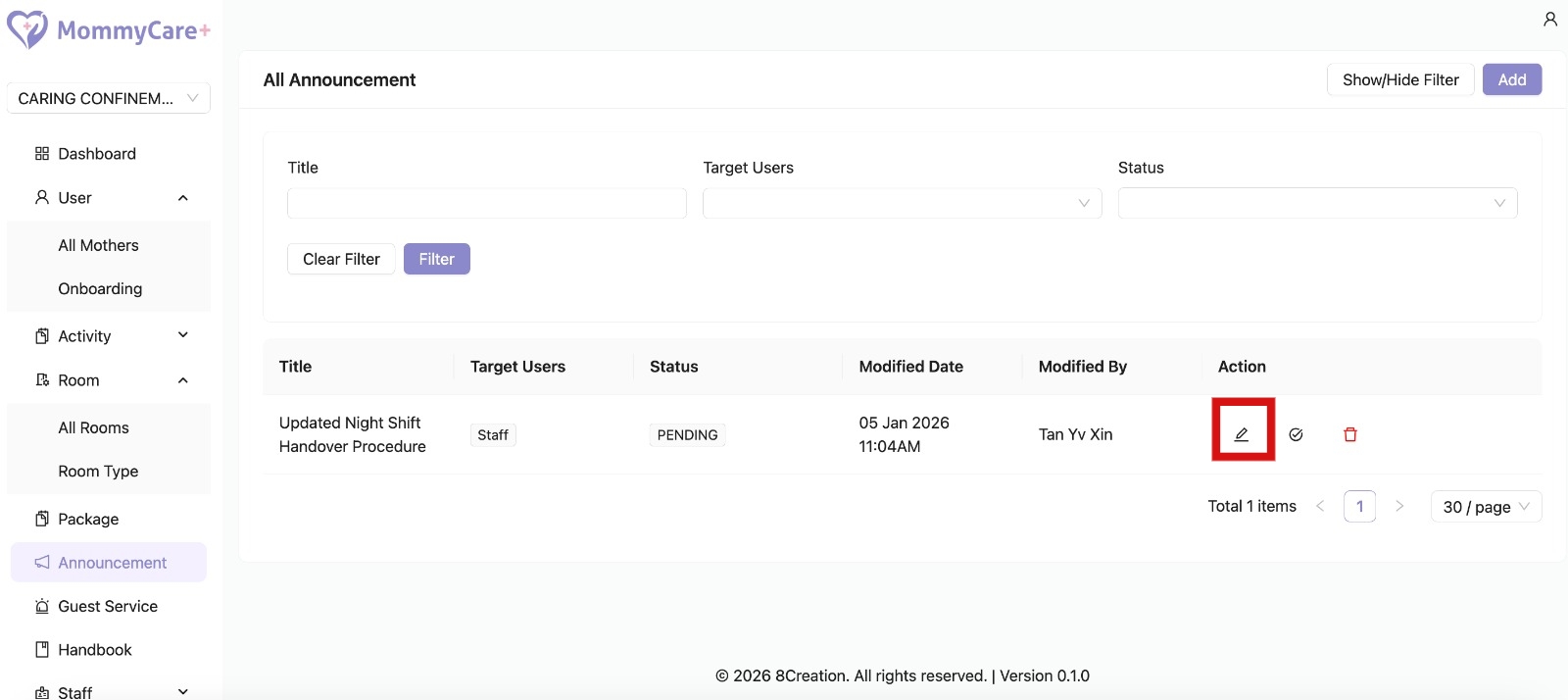
How to Edit Announcement
- Click on the Edit icon
- Make changes in the required field, then click “Save”
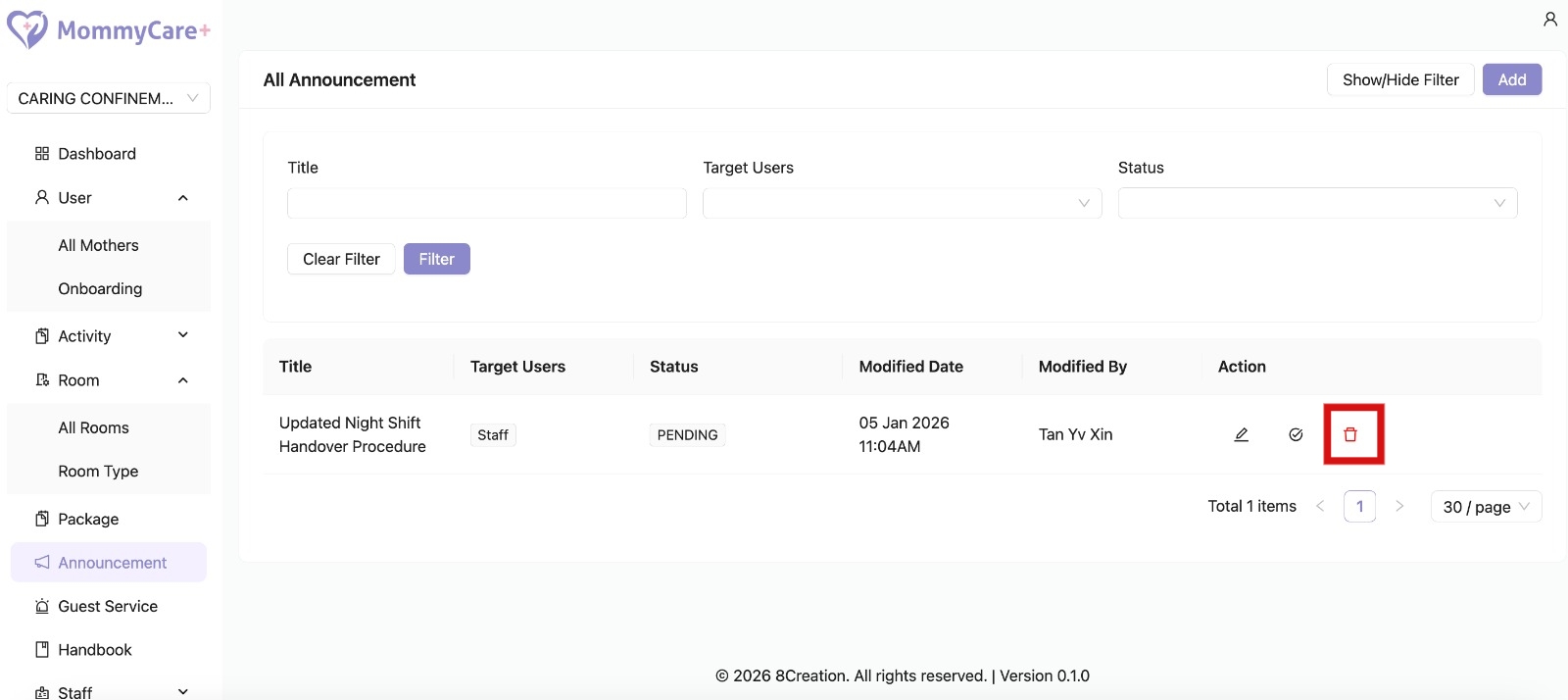
How to Delete Announcement
- Click on the Delete icon
- Deletion is only allowed when the status is Pending
- Once the announcement status is changed to Inactive, it is no longer visible to receivers
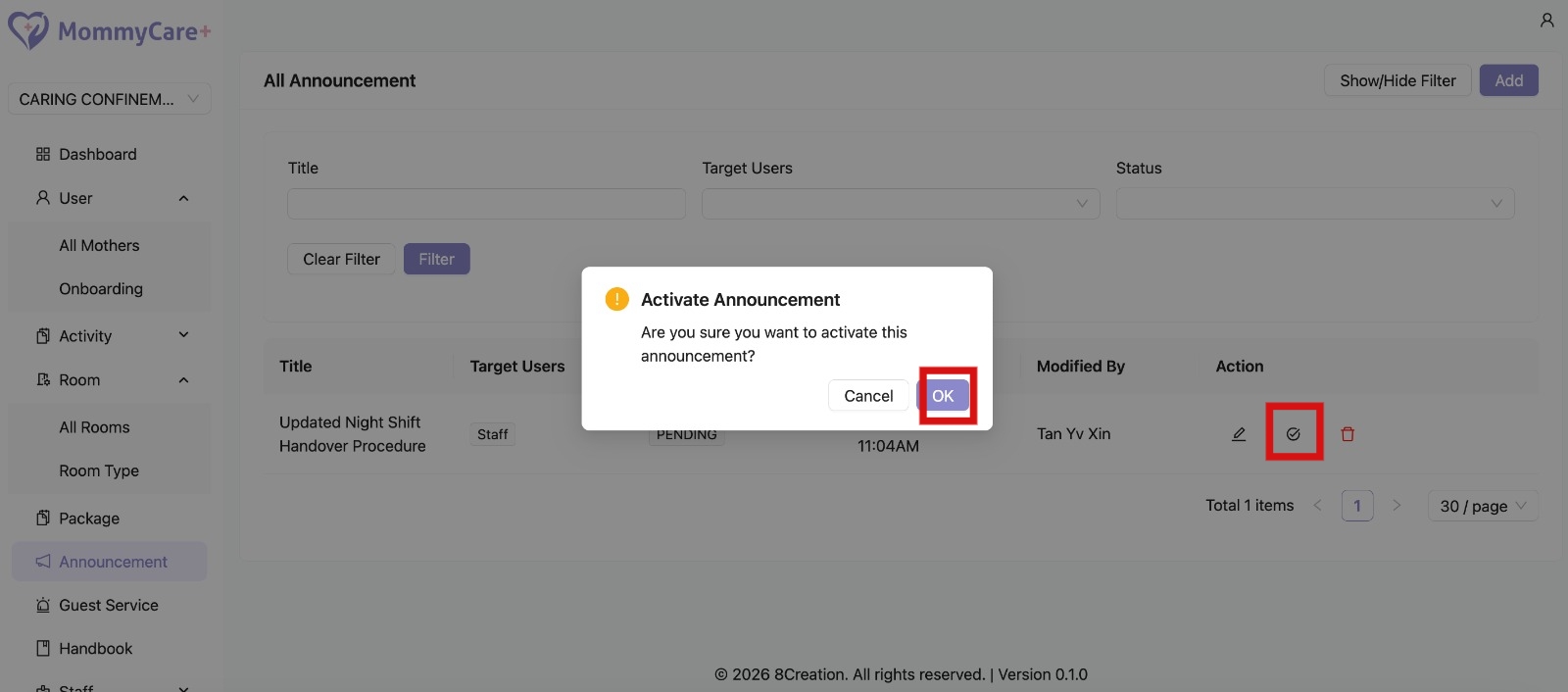
How to Publish Announcement
- Click on the Publish icon
- Click "OK"
- Status changed to “Published”
- Only published announcement will be visible to users
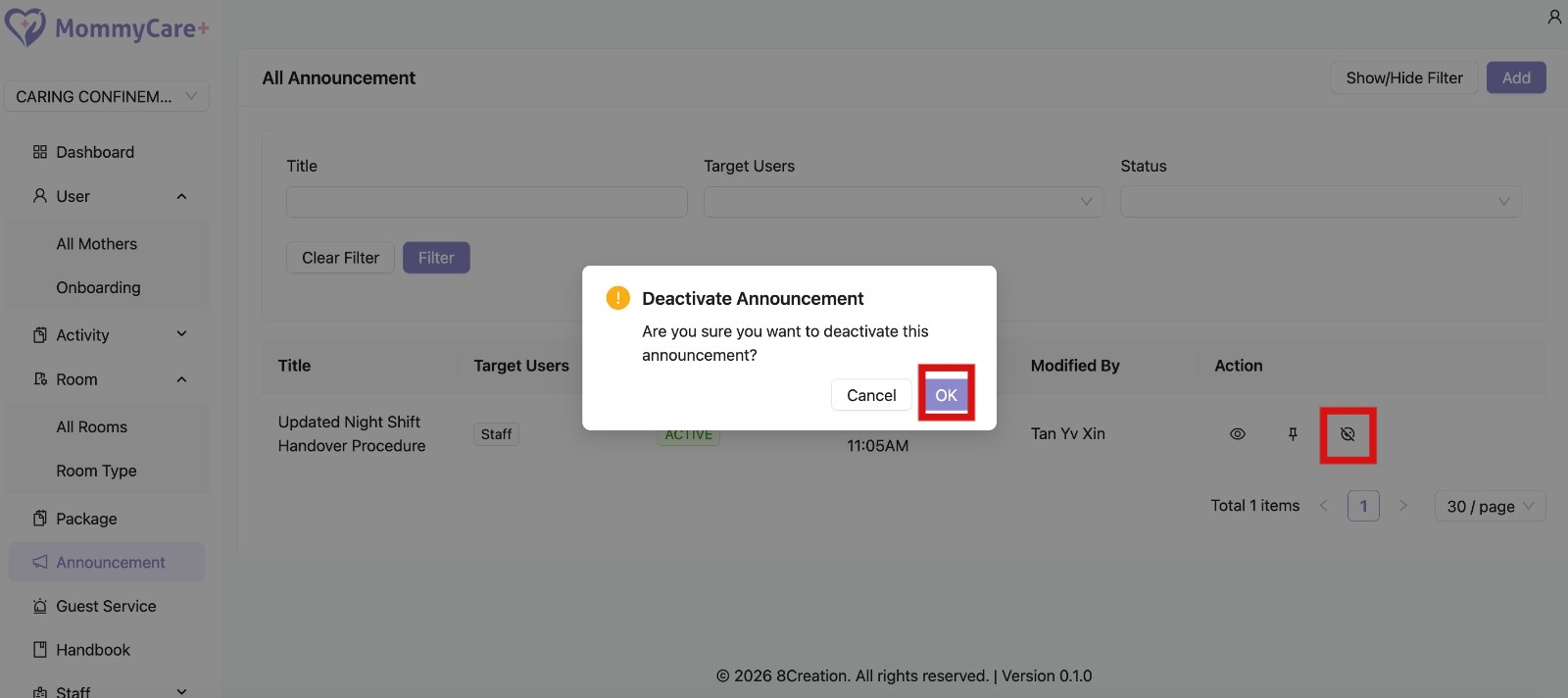
How to Unpublish Announcement
- Click on the Unpublish icon
- CLick "OK"
- Status changed to “Unpublished”
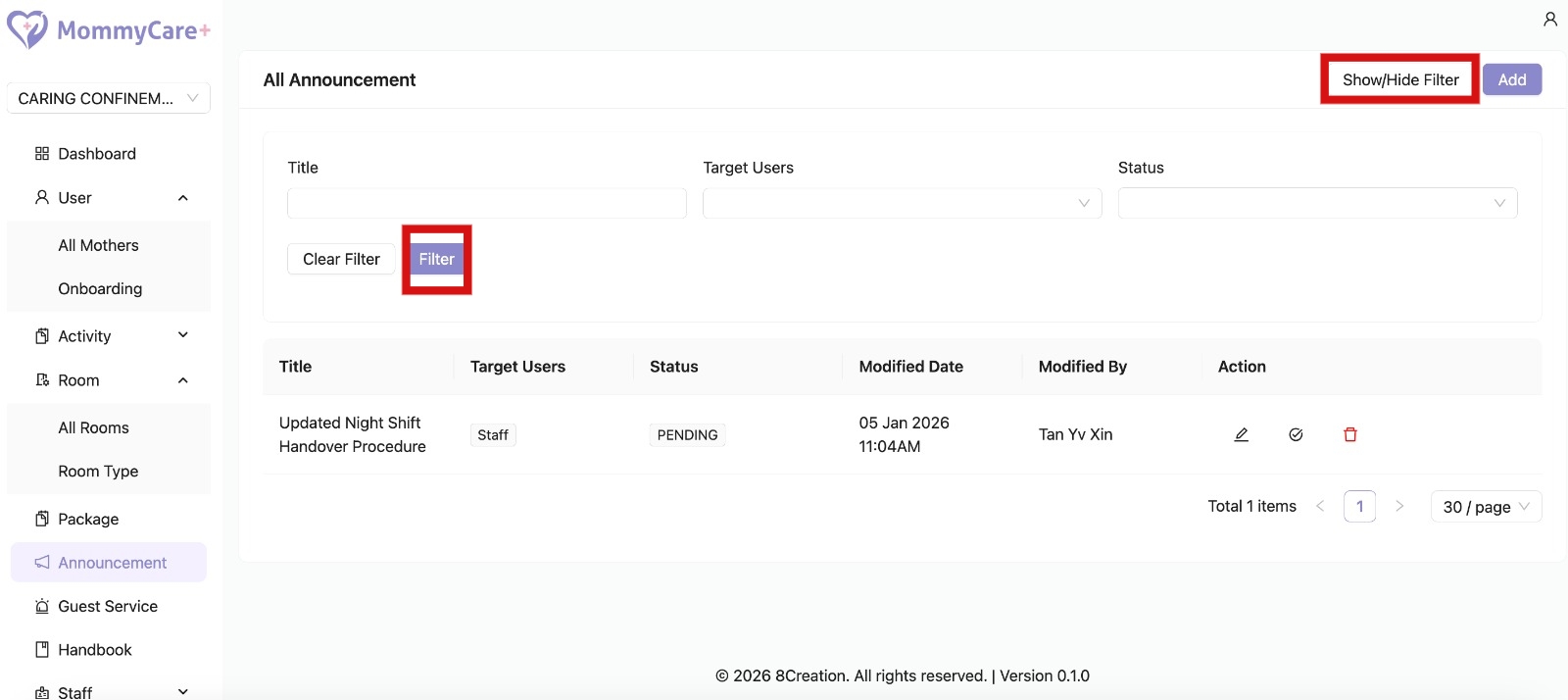
How to Filter Announcement
- Click "Show/Hide Filter"
- Fill in the field that you wish to filter, then click “Filter”
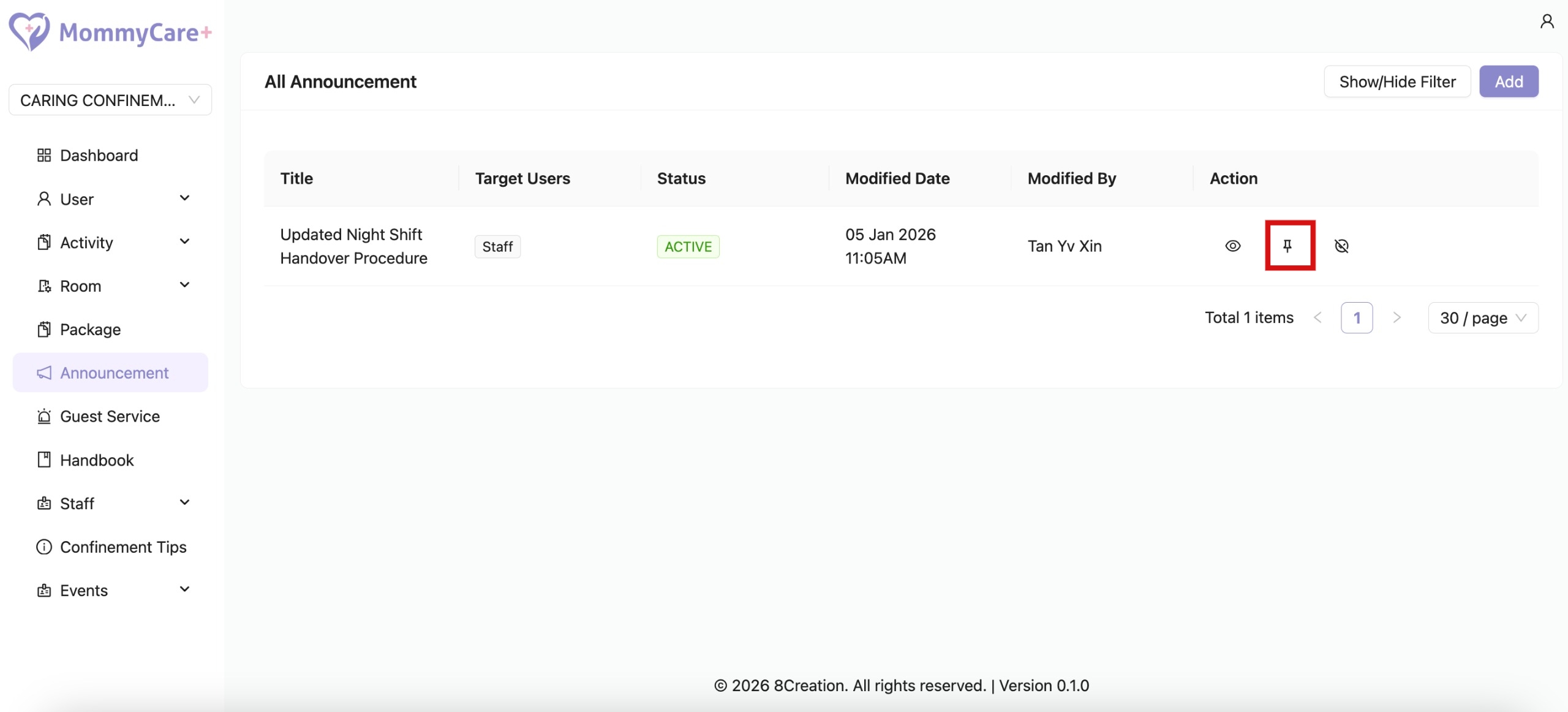
How to Pin / Unpin Announcement On Top