Dashboard
How to Monitor Dashboard
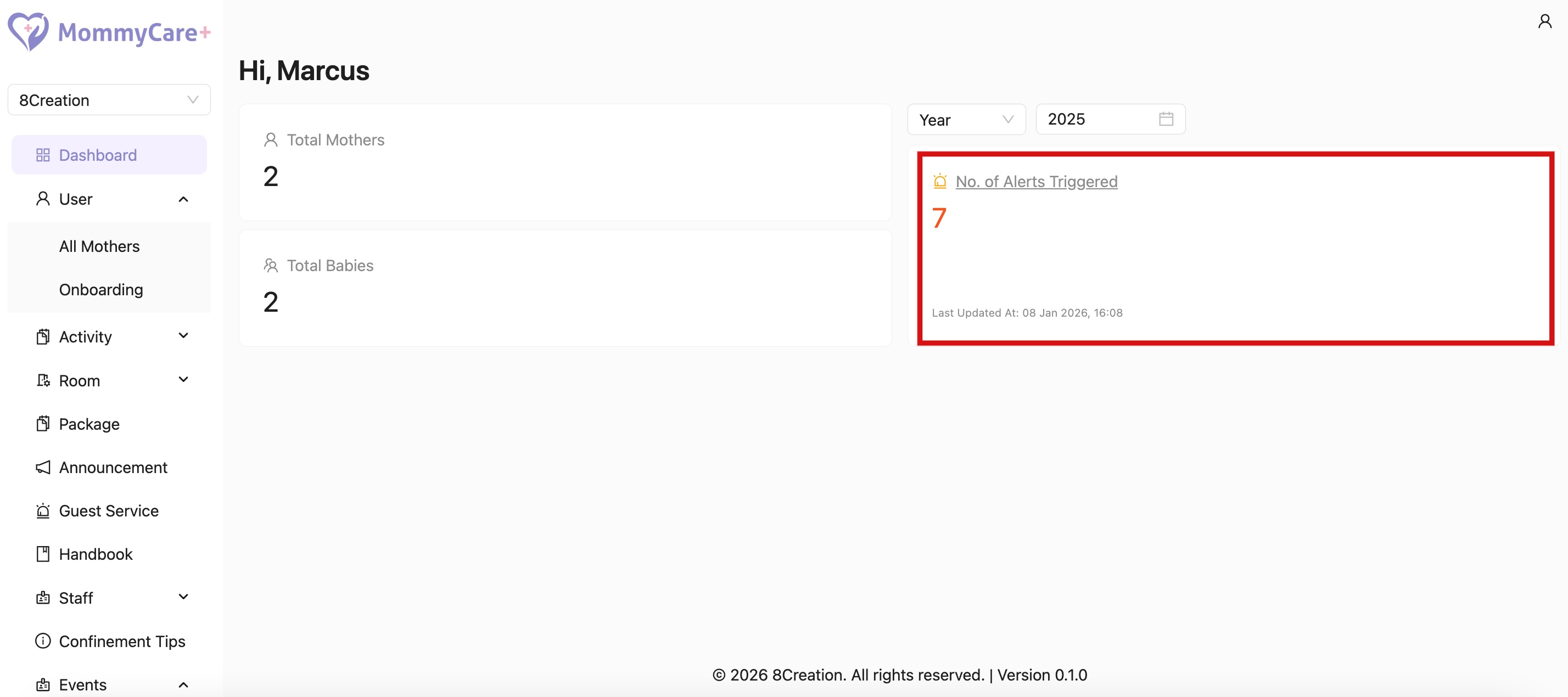
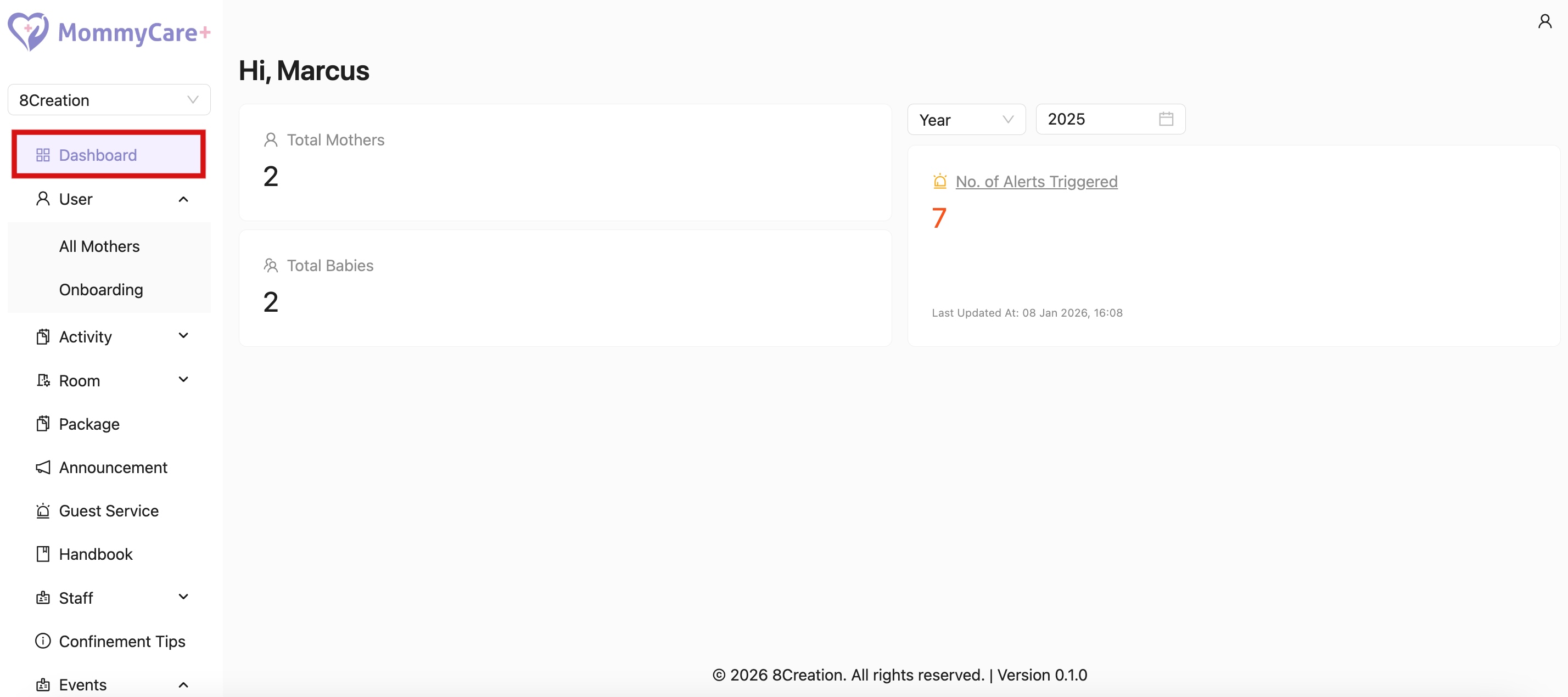
- Location: Dashboard
- Total Mothers: No. of active mothers
- Total Babies: No. of active babies
- No. of Alerts Triggered: Shows the total number of mothers currently in alert status based on reports submitted by staff.
How to Filter in Dashboard
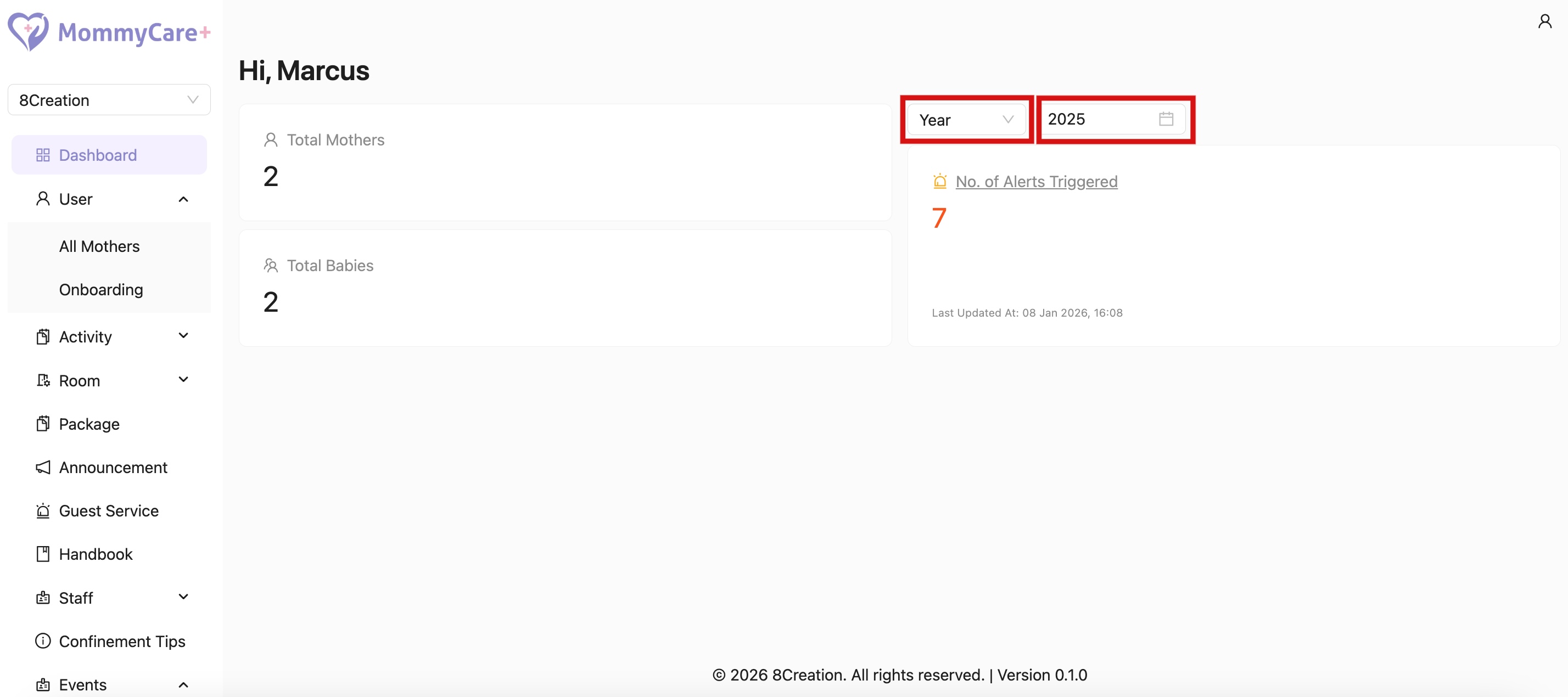
- Select filter by month or filter by year
- Select the month or year
How to View Alert Report Details
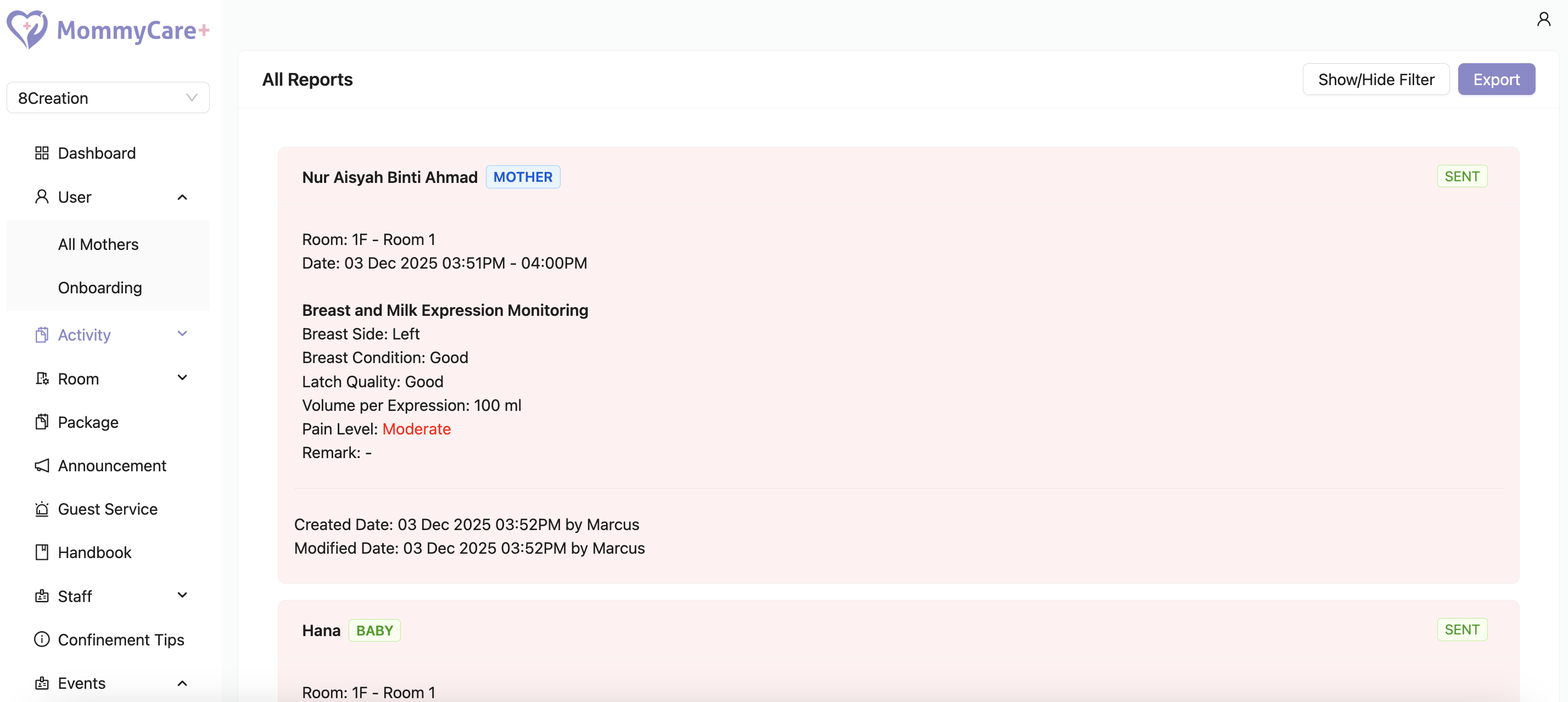
- Click on the No. of Alerts Triggered card
- Will be directed to filtered all report page