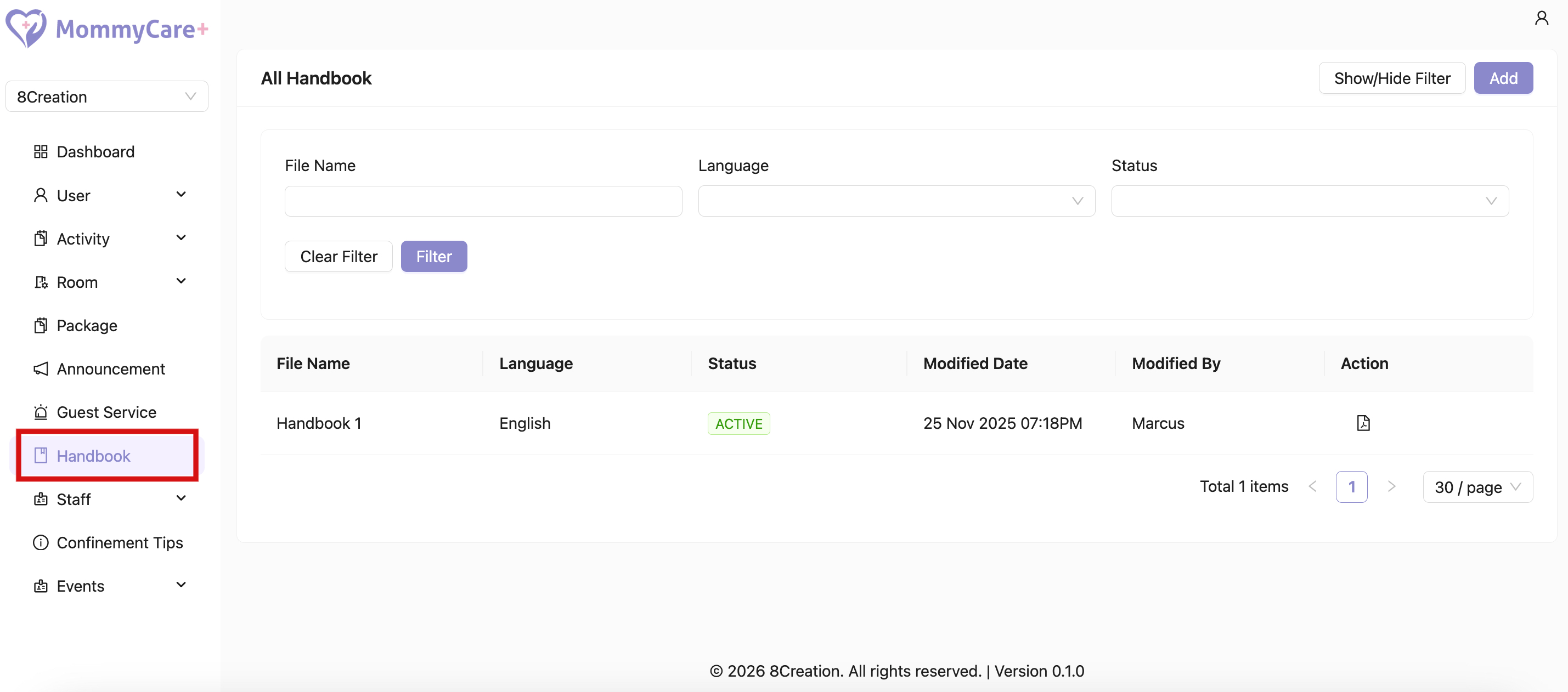
Handbook
- Location: Handbook
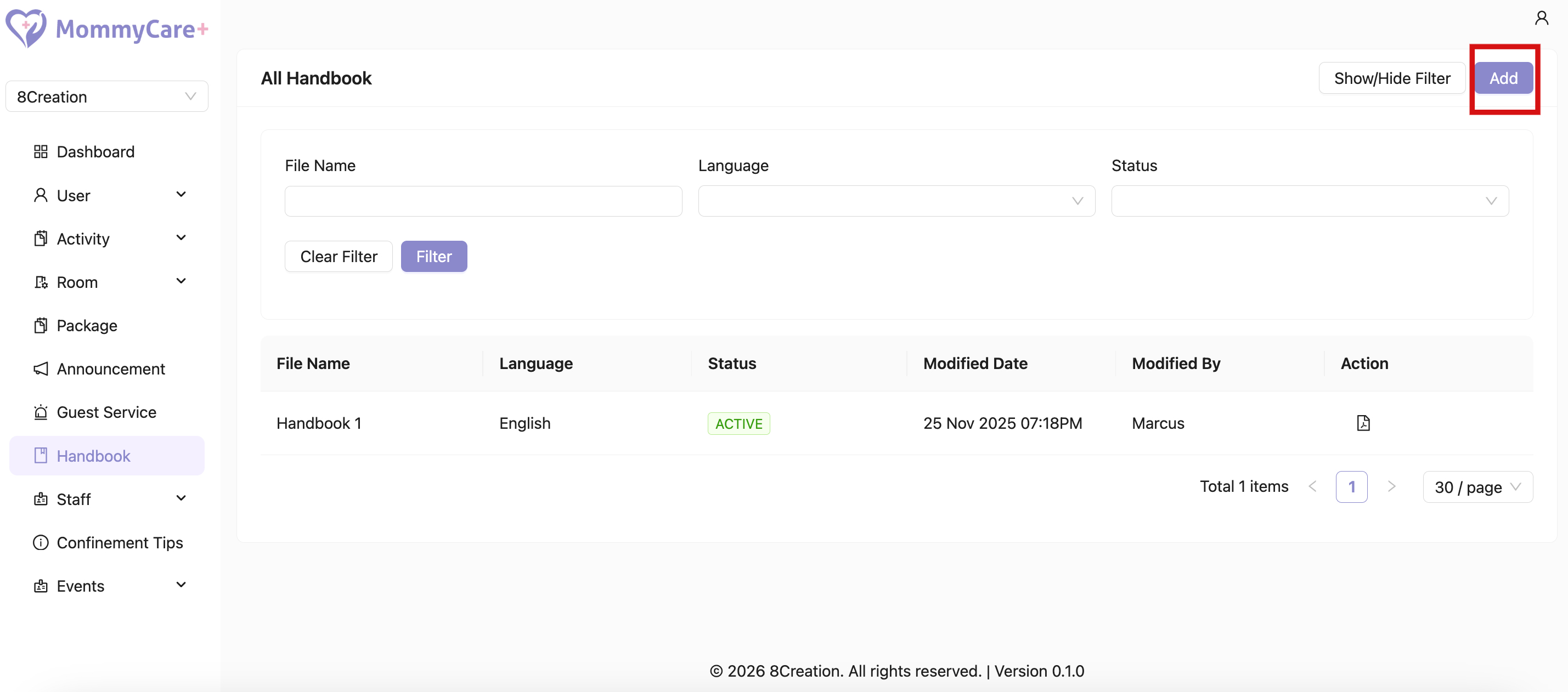
How to Add Handbook
- Click “Add”
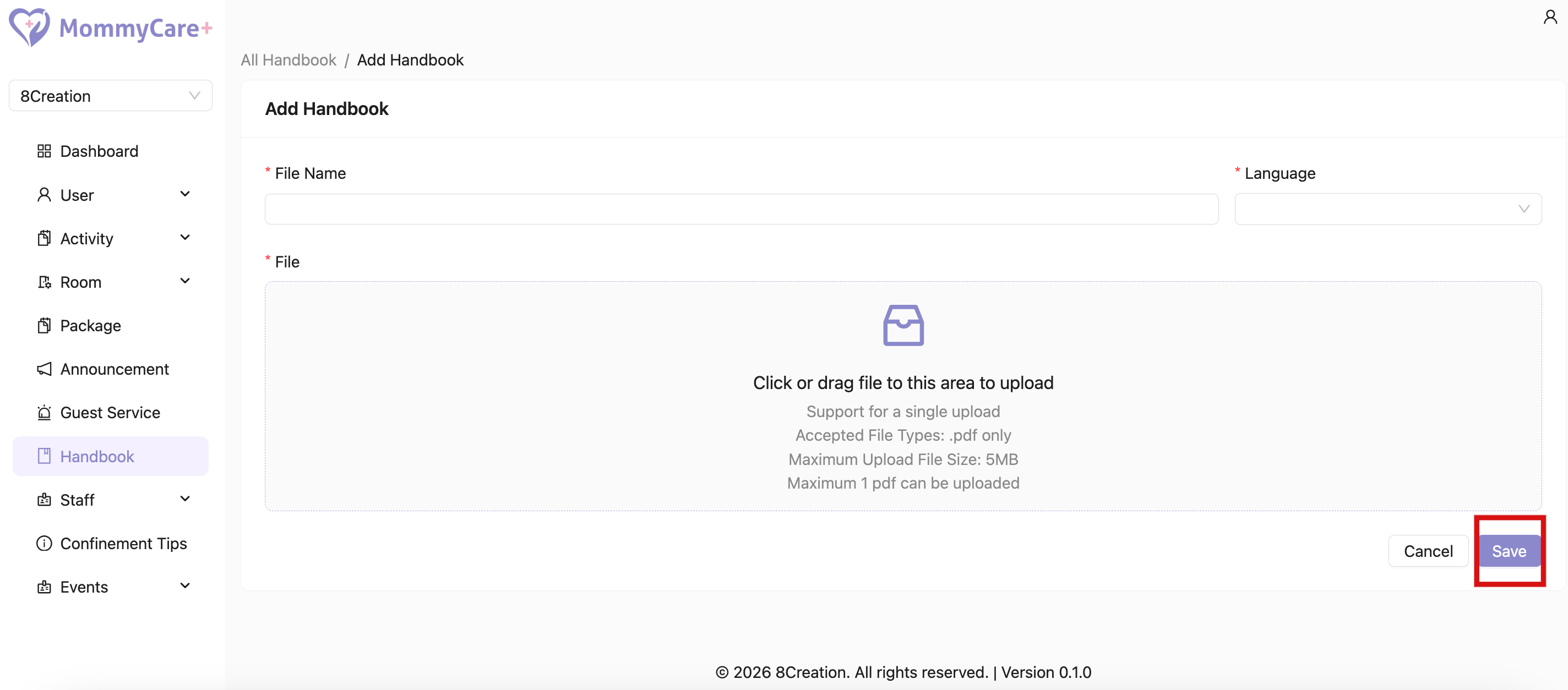
- Upload the handbook and fill in the required fields
- Click “Save”
- After adding a new handbook with the same language, the system will automatically set the previous handbook of that language to inactive status
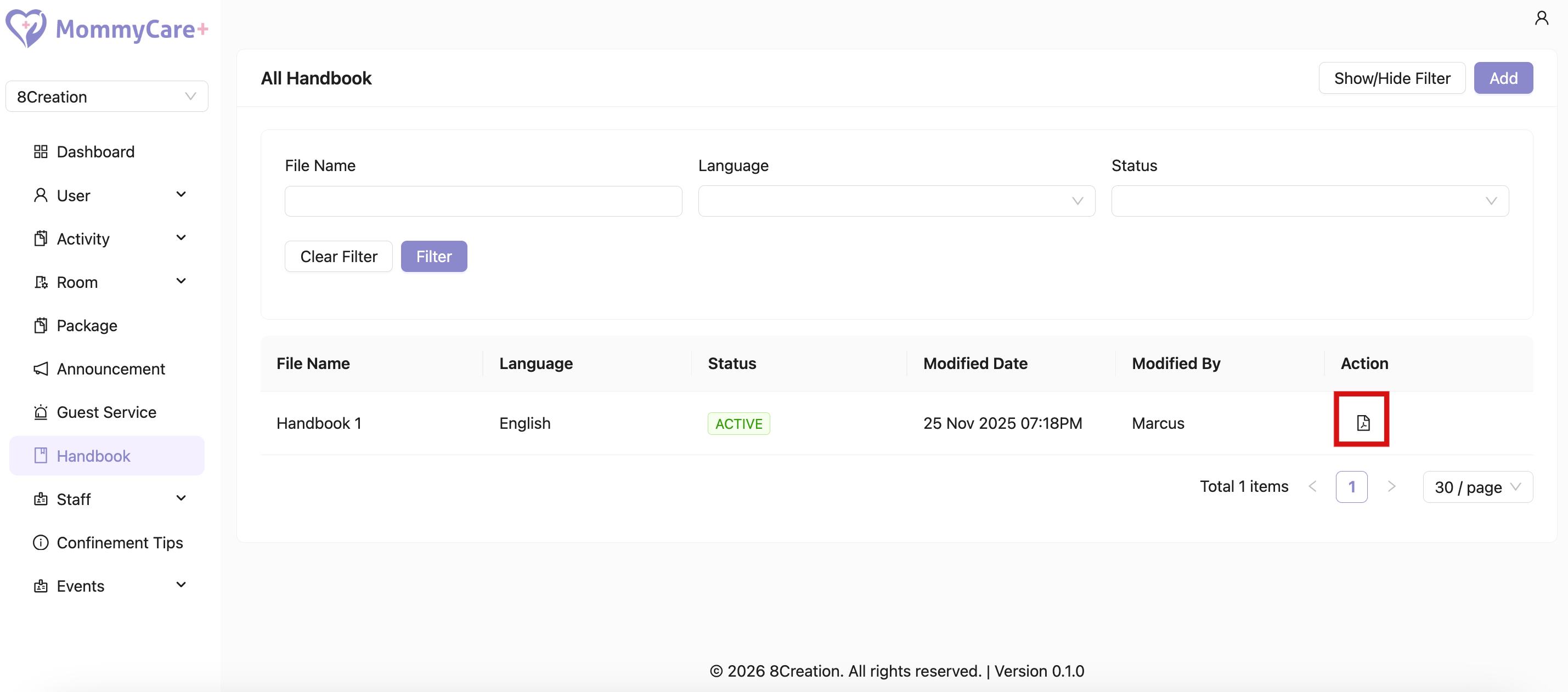
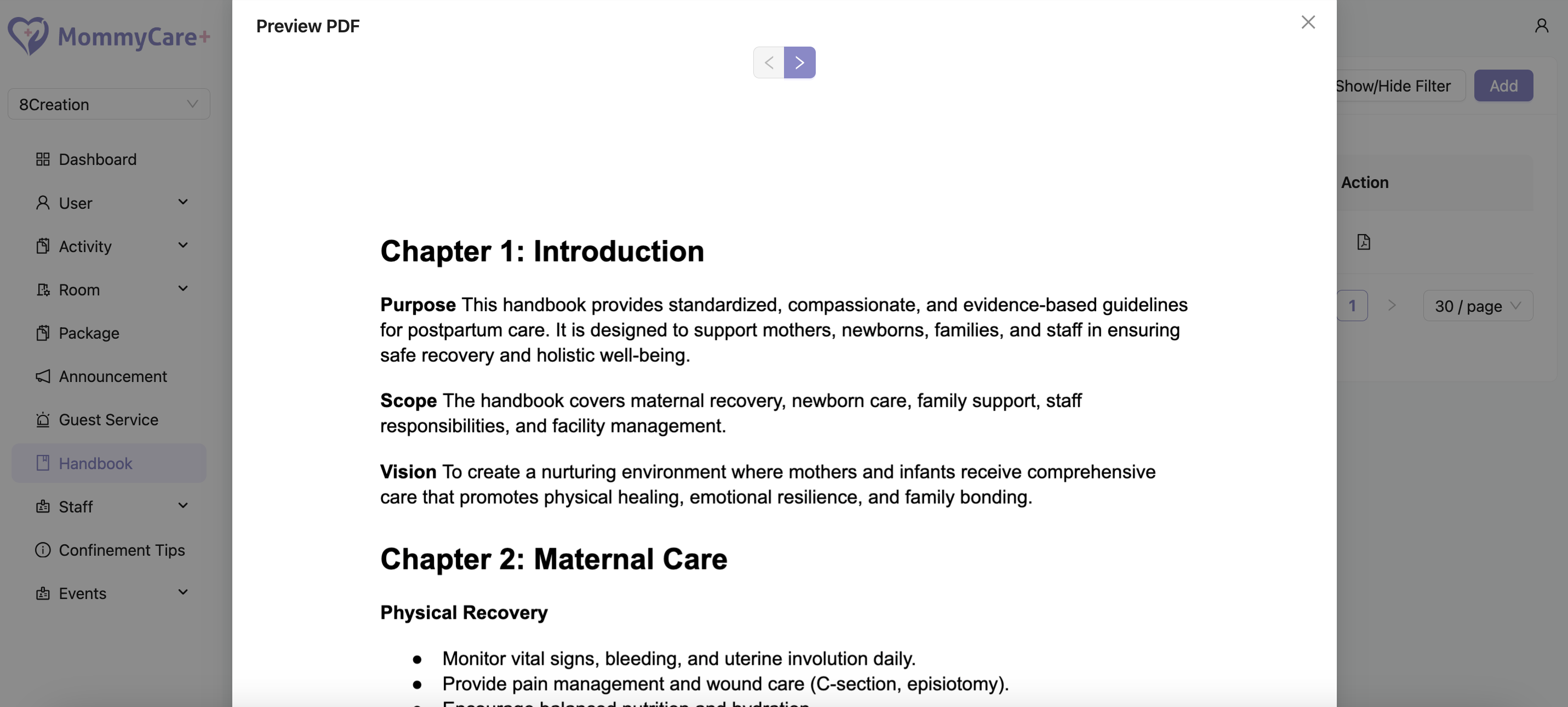
How to Preview Handbook
- Click on the Preview icon
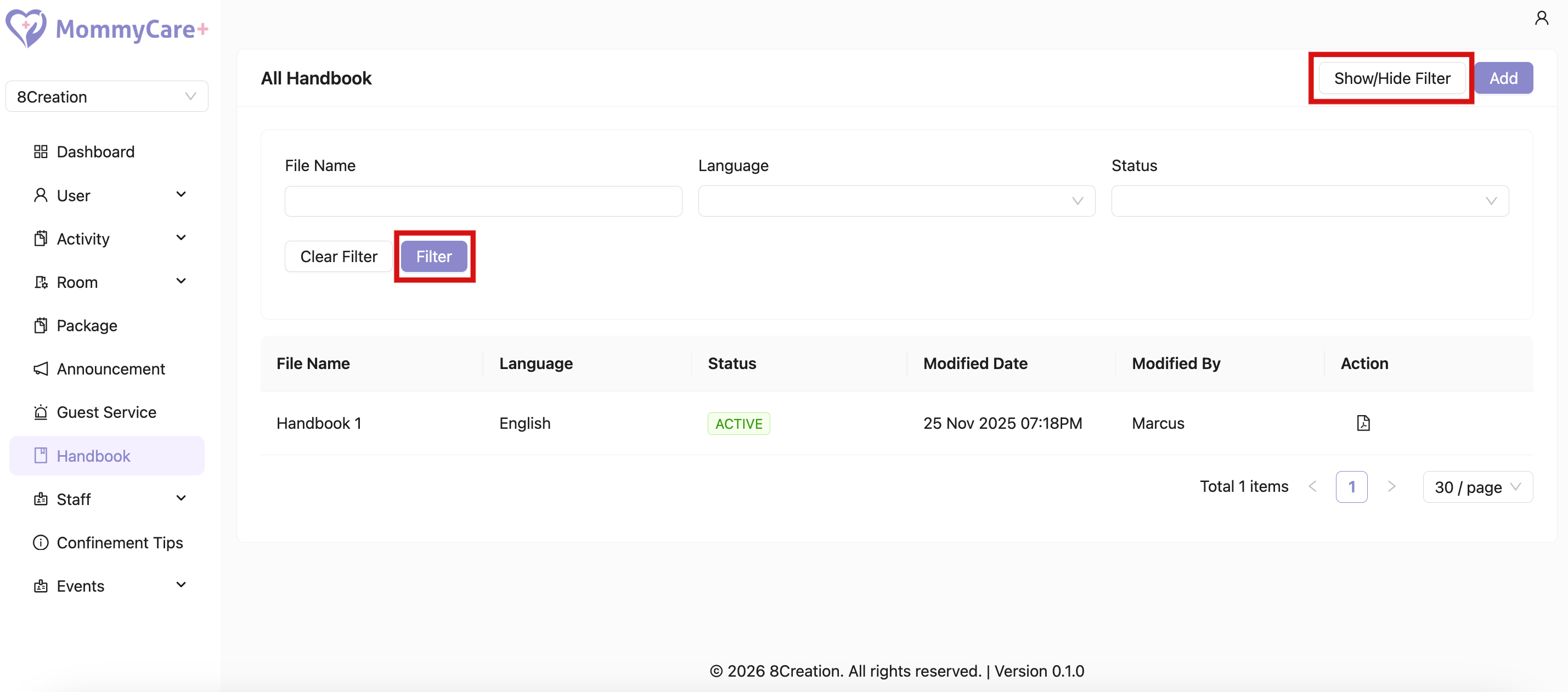
How to Filter Handbook
- Click "Show/Hide Filter"
- Fill in the field that you wish to filter, then click “Filter”
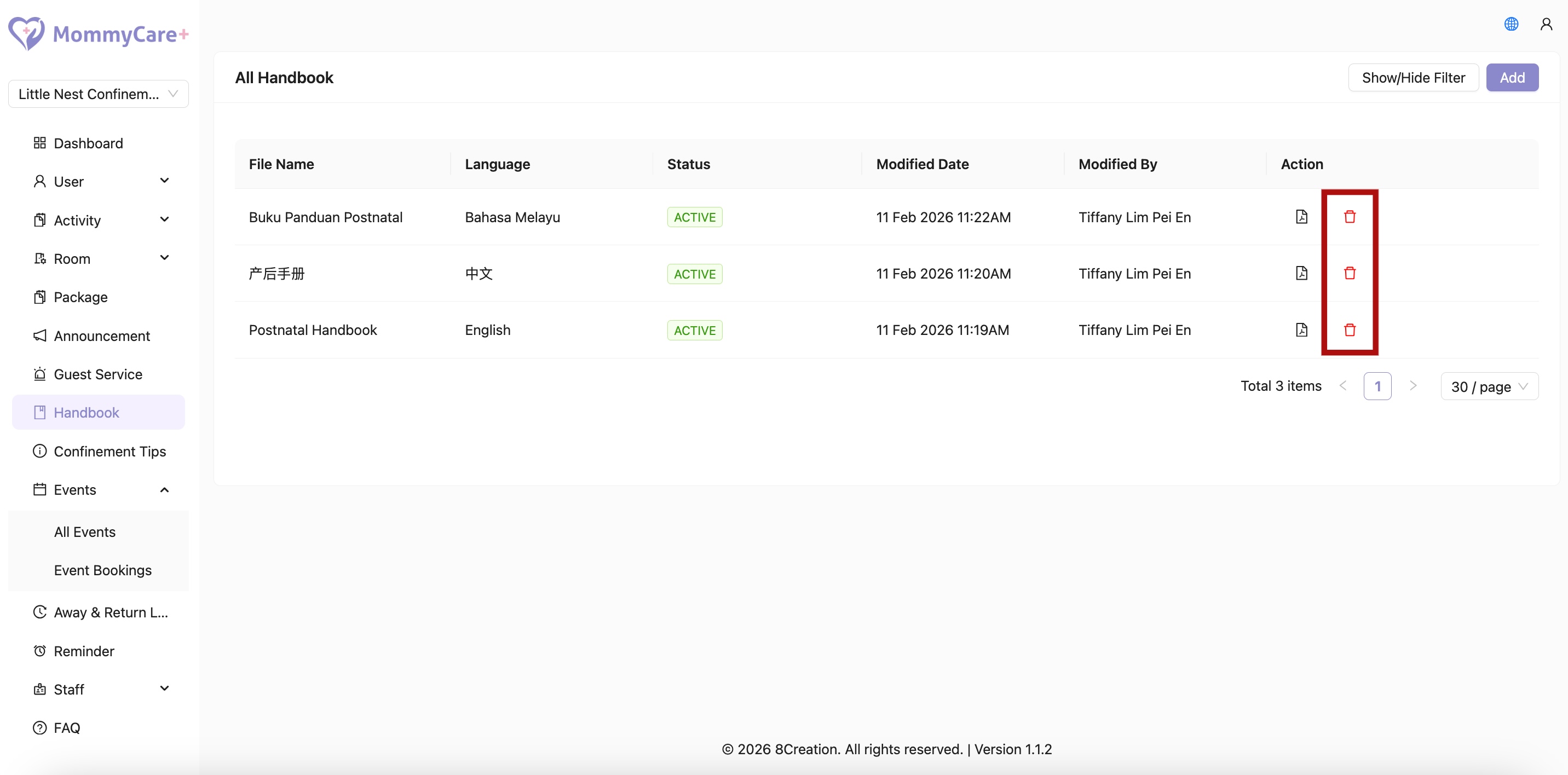
How to Delete Handbook
- Click delete icon