How MommyCare+ fits together
MommyCare+ has four parts. Each person uses the part that matches their job.
| Part | Who uses it | What they do there |
|---|---|---|
| Portal (web browser) | Centre owner, centre admins, front desk | Set up the branch, register mothers and check them in and out, publish content, review reports and logs |
| Staff App (phone or tablet) | Nurses and care staff | Record care reports, tick off reminders, record away and return, complete service requests, scan attendance |
| Staff App, guest service only | Housekeeping, pantry and other service staff | Receive and complete service requests from mothers |
| Room Service Dashboard (TV or tablet browser) | The nurses' station | Show live service requests and, if your branch has it, a card for every baby and mother |
| Mother App (phone) | Mothers | Follow her own and her baby's reports, request services, book benefits and events, read updates from the centre |
Before she arrives, a mother also fills in web forms from links the centre sends her (registration, consent and pre-check-in). She doesn't need to log in for these.
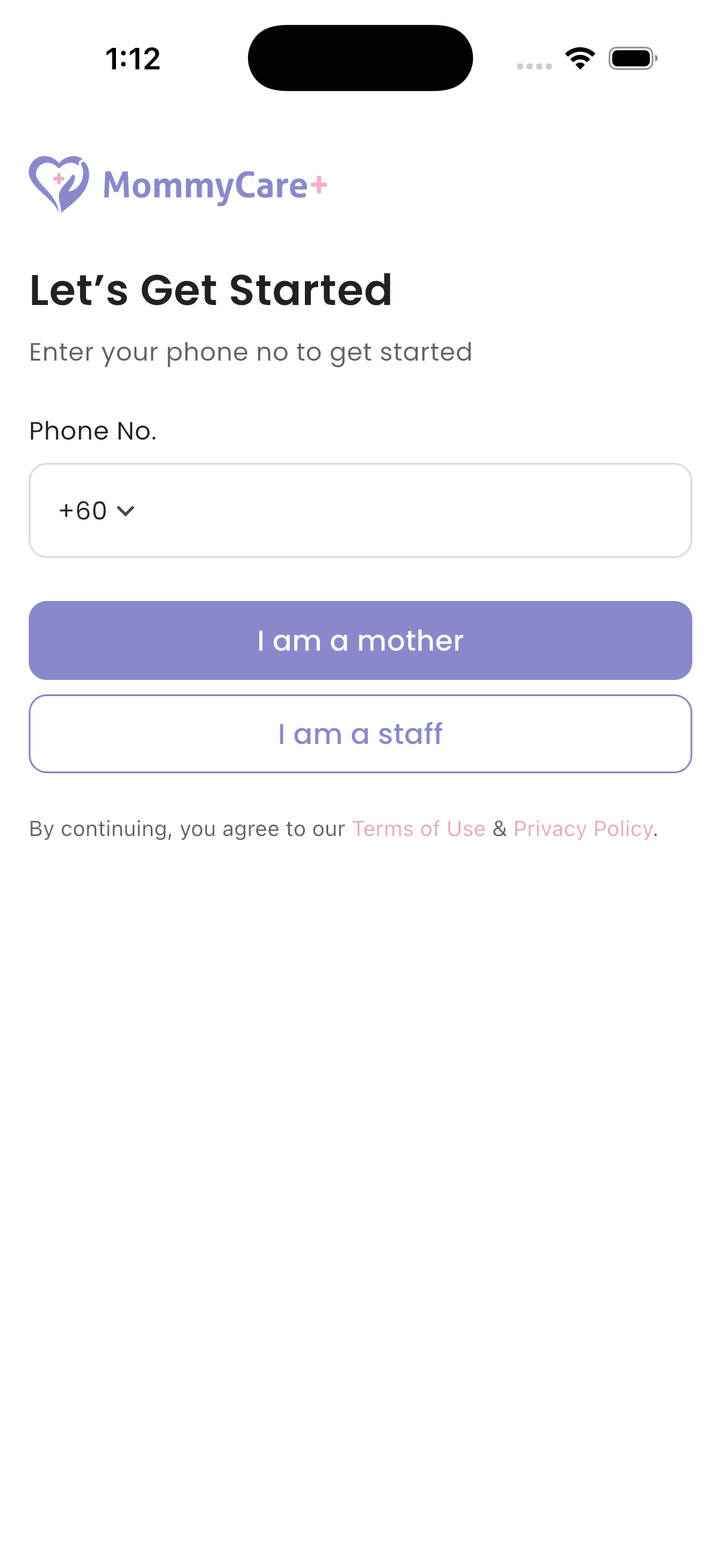
The Staff App and the Mother App are the same app. On the first screen, choose I am a staff or I am a mother.
Branches
A centre can have several branches (locations). Almost everything belongs to a branch: rooms, packages, staff roles, mothers and content.
- Most screens show the current branch only.
- If you work in more than one branch, switch branch from the branch menu in the portal header, on the Room Service Dashboard, or on the app's Home screen.
- A staff member can have a different role in each branch.
Languages
The portal, both apps and phone notifications are available in English, Chinese and Malay.
Baby Overview (premium)
Baby Overview is an optional feature, switched on for each branch. It adds:
- the Baby Overview and Mother Overview cards on the Room Service Dashboard and the portal Dashboard
- the Setting → Room Dashboard page, where you choose what each card shows
Without it, the Room Service Dashboard shows service requests only. Contact MommyCare+ support to switch it on.