Stay Connected
Your centre sends you personal messages at your own moments: before you arrive, on your check-in day, on your baby's special days, on your birthday and after your stay.
How to read your messages
On Home, tap the round button with your centre's logo. The red number on it shows how many messages you haven't read.
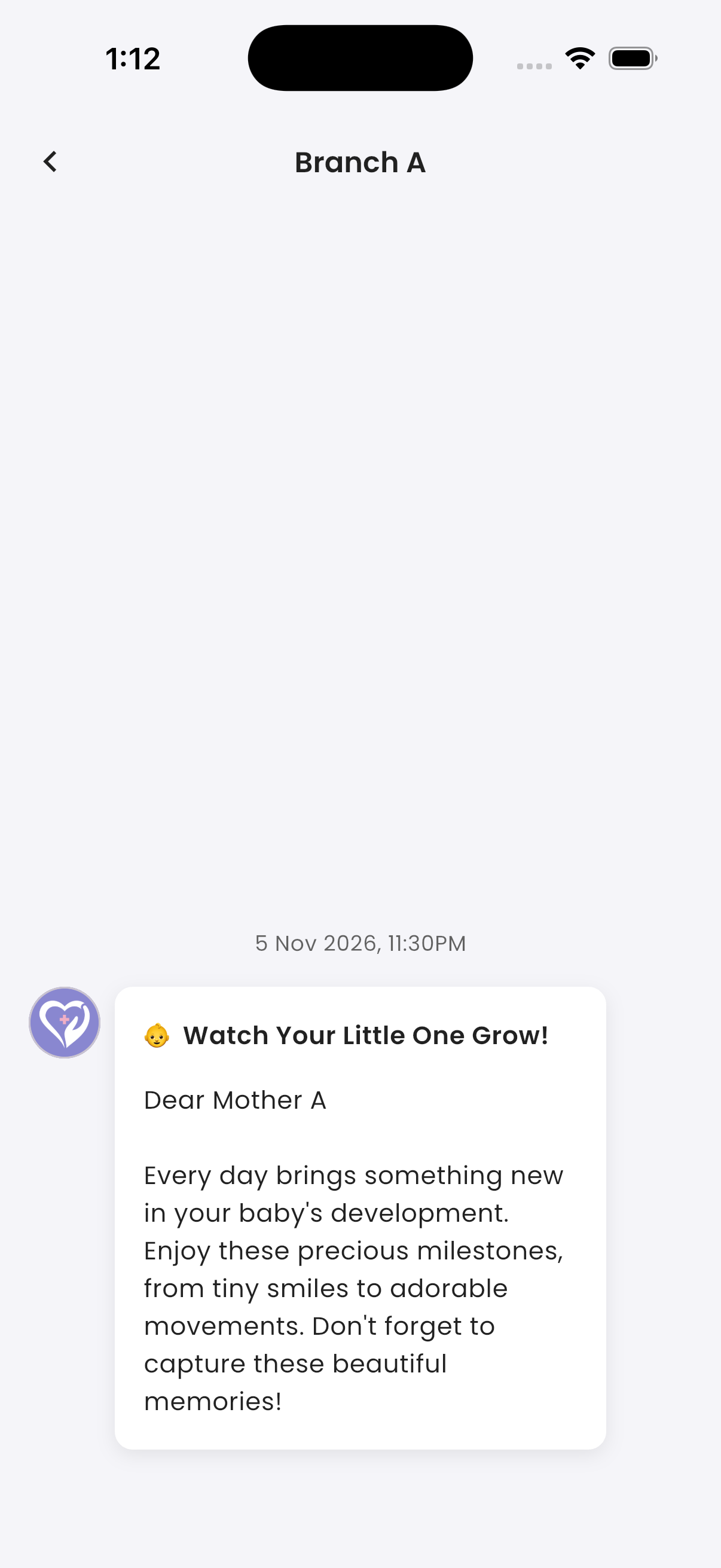
Your messages are shown like a chat, newest at the bottom. Scroll up to see older ones. Opening the list marks all your messages as read.
You also get a notification for each new message.
Messages are in your app language when the centre has written them in that language. Otherwise they are in English.