Handbook
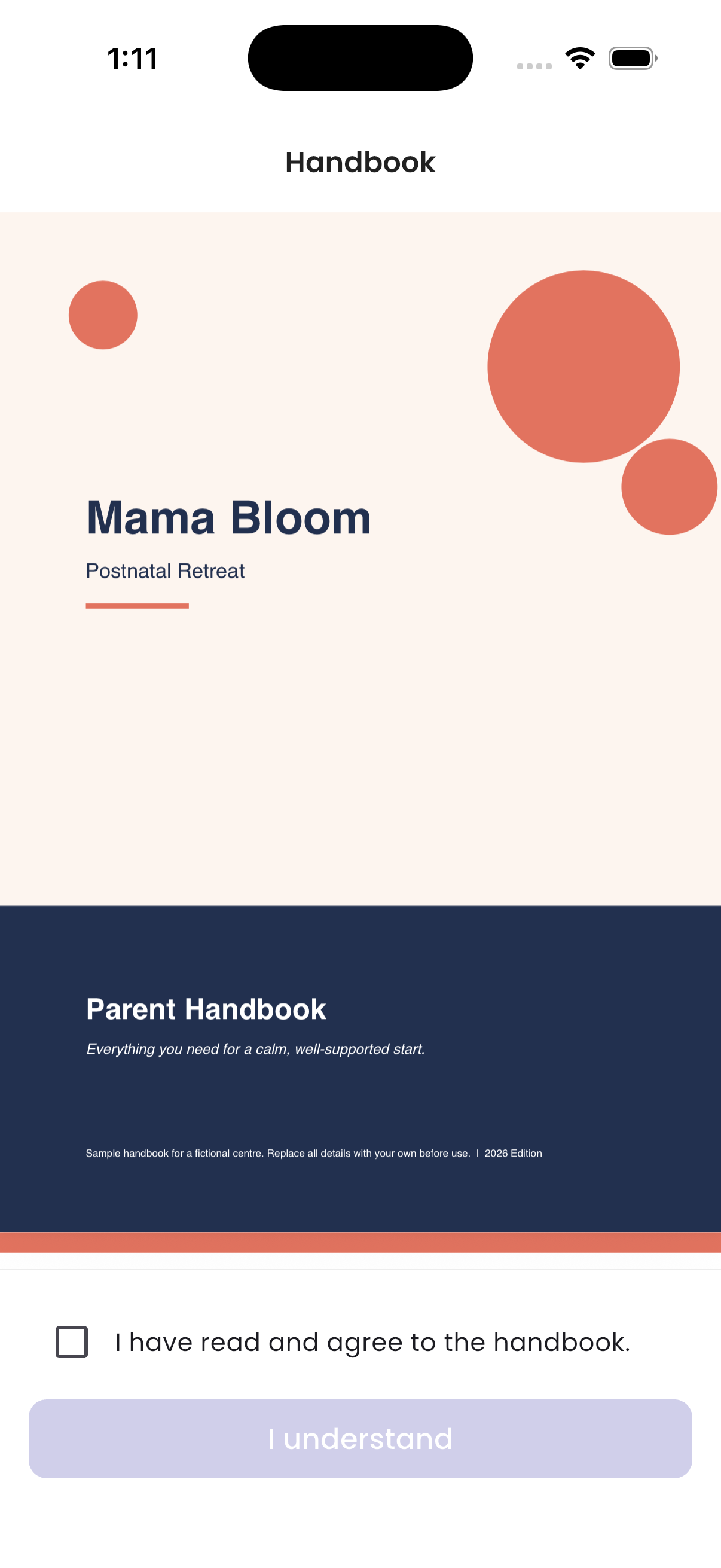
The handbook explains the centre's house rules. When you are checked in, you must read it and agree to it before you can use the app. You do this once for each stay.
How to accept the handbook
- Open the app after check-in. The handbook opens by itself.
- Read it.
- Tick I have read and agree to the handbook.
- Tap I understand.
"Handbook acknowledged." is shown, and Home opens.
How to read it again
Go to Account → Handbook.
The handbook is shown in your app language. If you change the language, you see the handbook in that language, if the centre has one.
Troubleshooting
| What you see | Why, and what to do |
|---|---|
| "No handbook found." | The centre hasn't added a handbook in your app language. Try another language in Account → Switch Language, or ask the centre. |
| You are asked to accept it again | You have a new stay. Each stay asks once. |