Events
The centre holds events, for example a breastfeeding talk. When you're invited, you get a New Event Available notification and the event shows under Upcoming Events on Home.
How to see an event
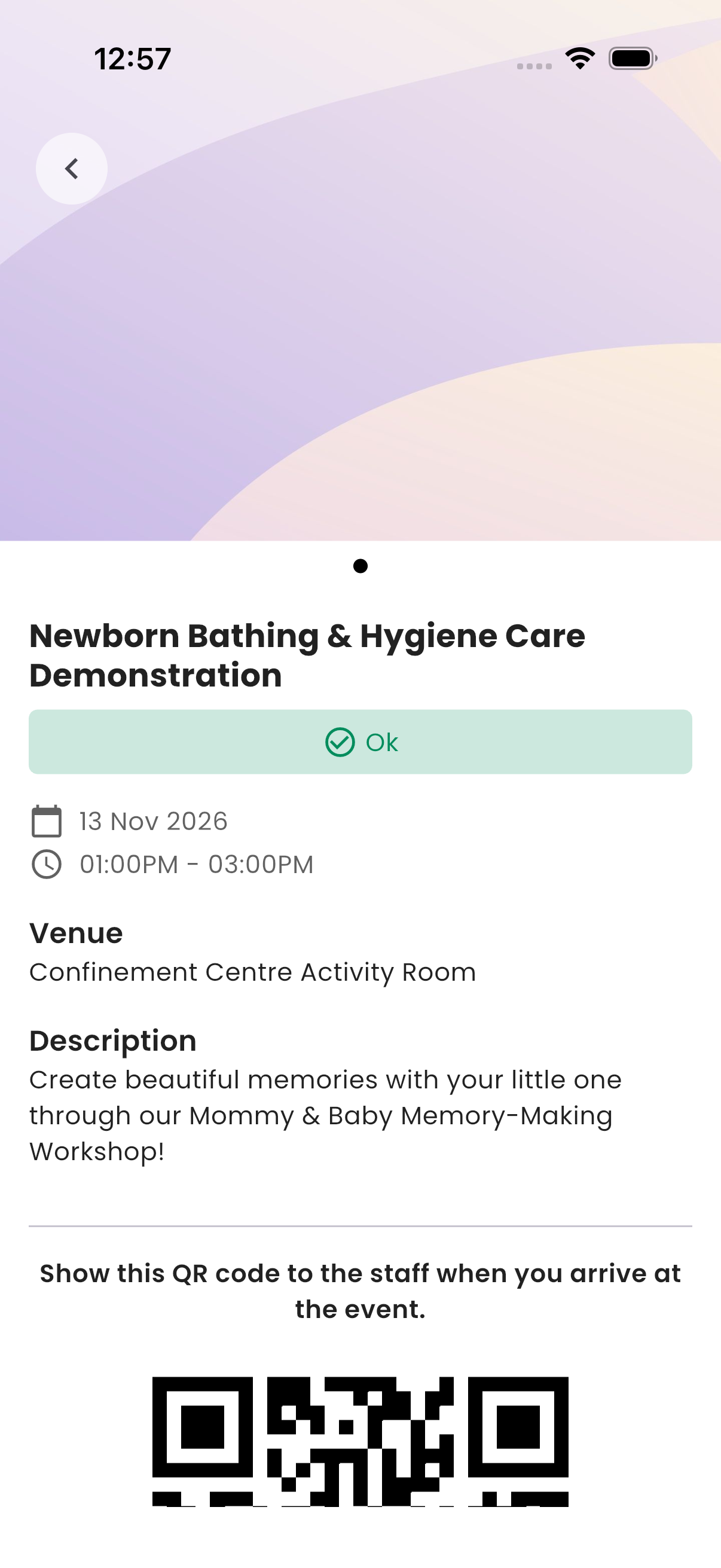
Tap the event under Upcoming Events. Event Details shows the photos, date and time, Venue, Description, and how many seats are left ("Seats Available"), Fully Booked or Event Ended.
How to book a seat
- On Event Details, tap the button to say you're going.
- Read the reminder notes, if any.
- On Confirmation Required, confirm.
caution
Once you confirm, you can't change it.
You get a Booking Confirmation with the date and venue, and a QR code appears on the event. You also get an Event Reminder the day before.
At the event
Open the event and show the QR code to the staff when you arrive. They scan it to record your attendance.
Troubleshooting
| What you see | Why, and what to do |
|---|---|
| "This booking is full. No additional slots are available." | All seats are taken. |
| "This event has already ended." | The event is over. |
| An event you heard about isn't in the app | You aren't invited to it, or it's no longer available. |