Bookings & events
Benefit bookings
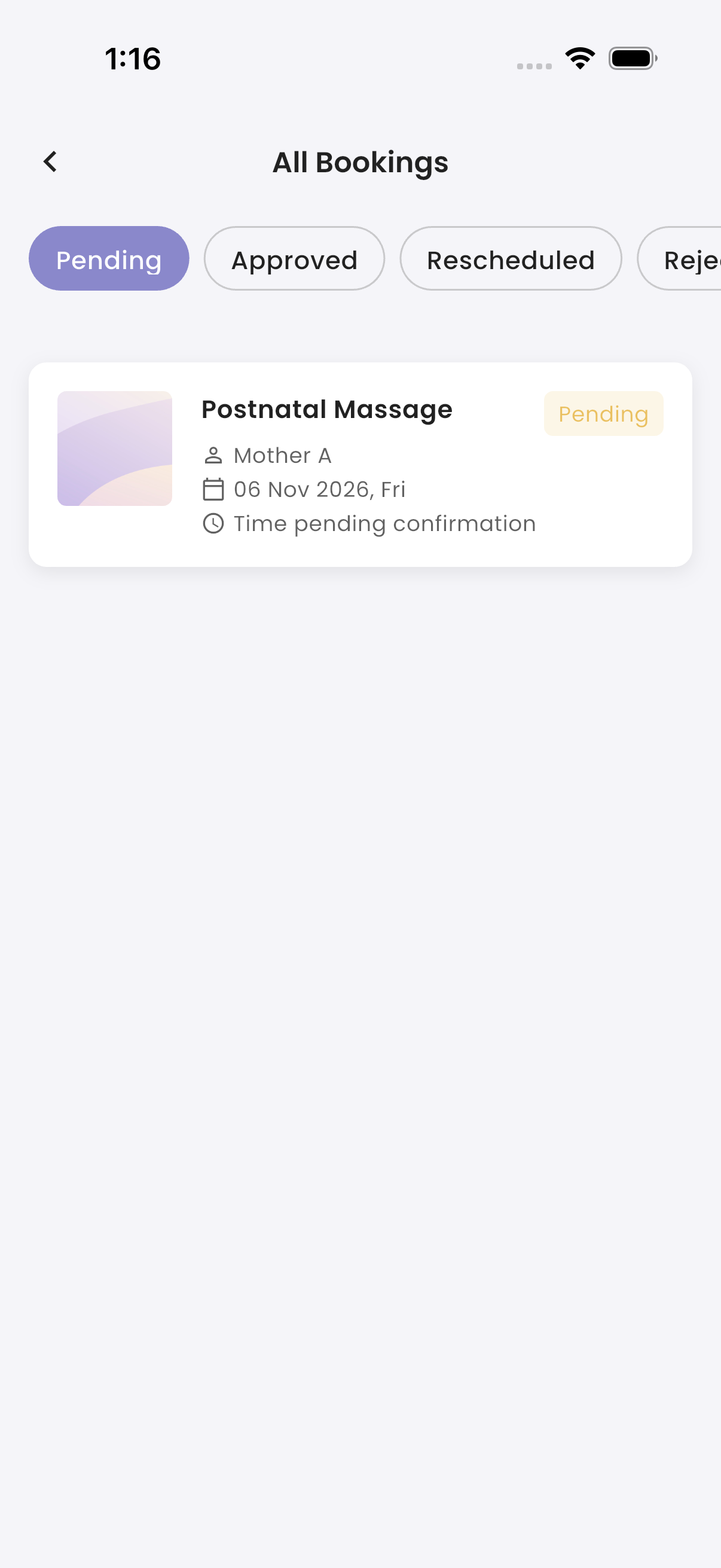
Tap the Bookings card on Home to open All Bookings. It lists the branch's benefit bookings by status (Pending first), with each booking's benefit, mother, date and time. Bookings not yet approved show "Time pending confirmation".
The Bookings card shows how many are Pending and Approved. Approving, rejecting and rescheduling bookings is done in the Portal. See Benefits & bookings.
On the day, complete each booking by scanning the mother's QR code. See Scan attendees.
Events
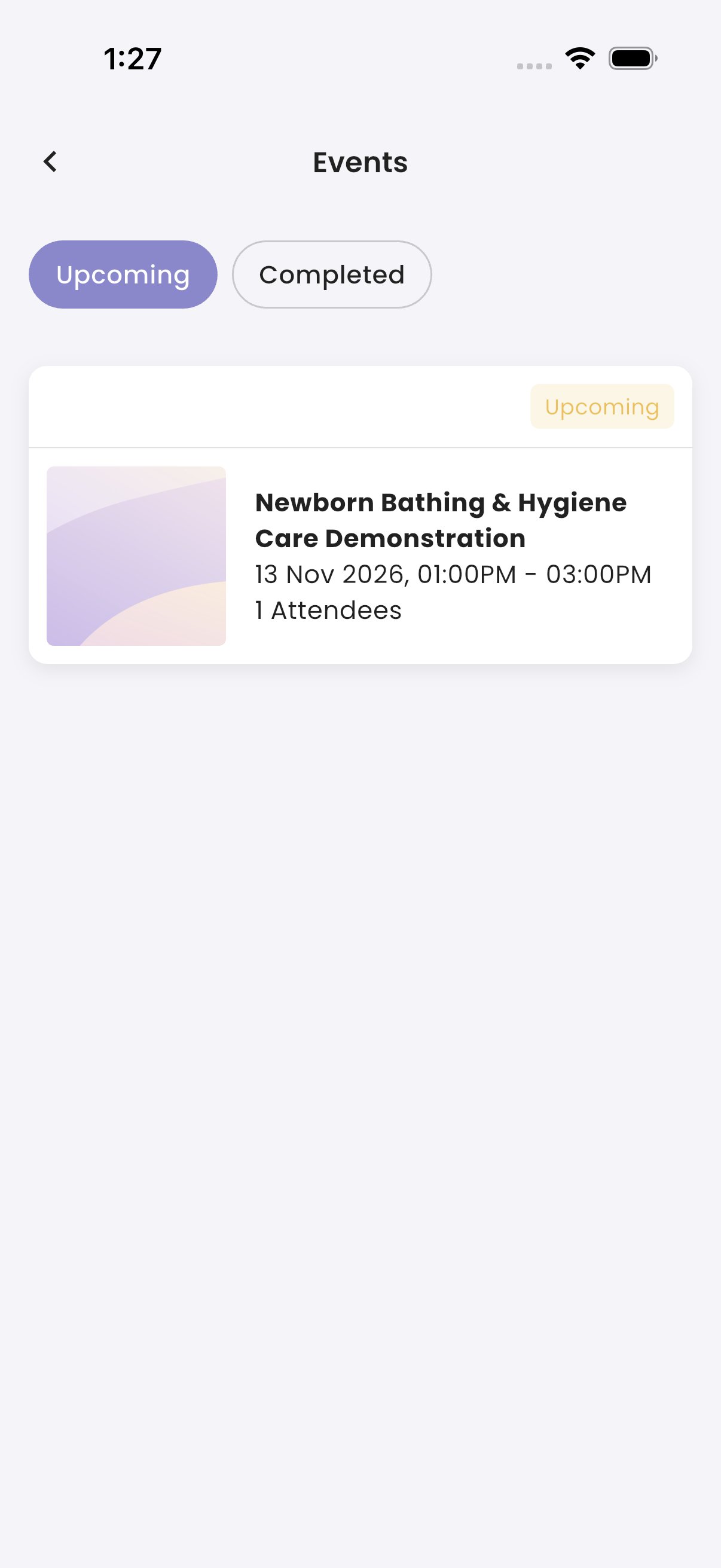
Tap the Events card on Home to open Events. It lists published events, upcoming and completed, with how many mothers are going ("Attendees") or attended ("Attended").
Tap an event to open Event Details. Each booking shows the mother, room, when she registered and whether she Attended.
You get "New Event Available" when an event is published, and an "Event Reminder" the day before. Events are set up in the Portal. See Events.
Troubleshooting
| What you see | Why, and what to do |
|---|---|
| A booking shows "Time pending confirmation" | It hasn't been approved in the Portal yet. |
| An event isn't listed | It isn't published. |
| You got an event reminder but you aren't in charge | Event reminders go to all Staff App users. |