Away & Return Logs
Staff record in the Staff App when a mother or baby leaves the centre (Away) and comes back (Return), with the companion who was with them. See Staff App → Away & Return. In the Portal you review and export the log.
- Location: Away & Return Logs
- Who can do this: staff whose role has Away & Return Logs
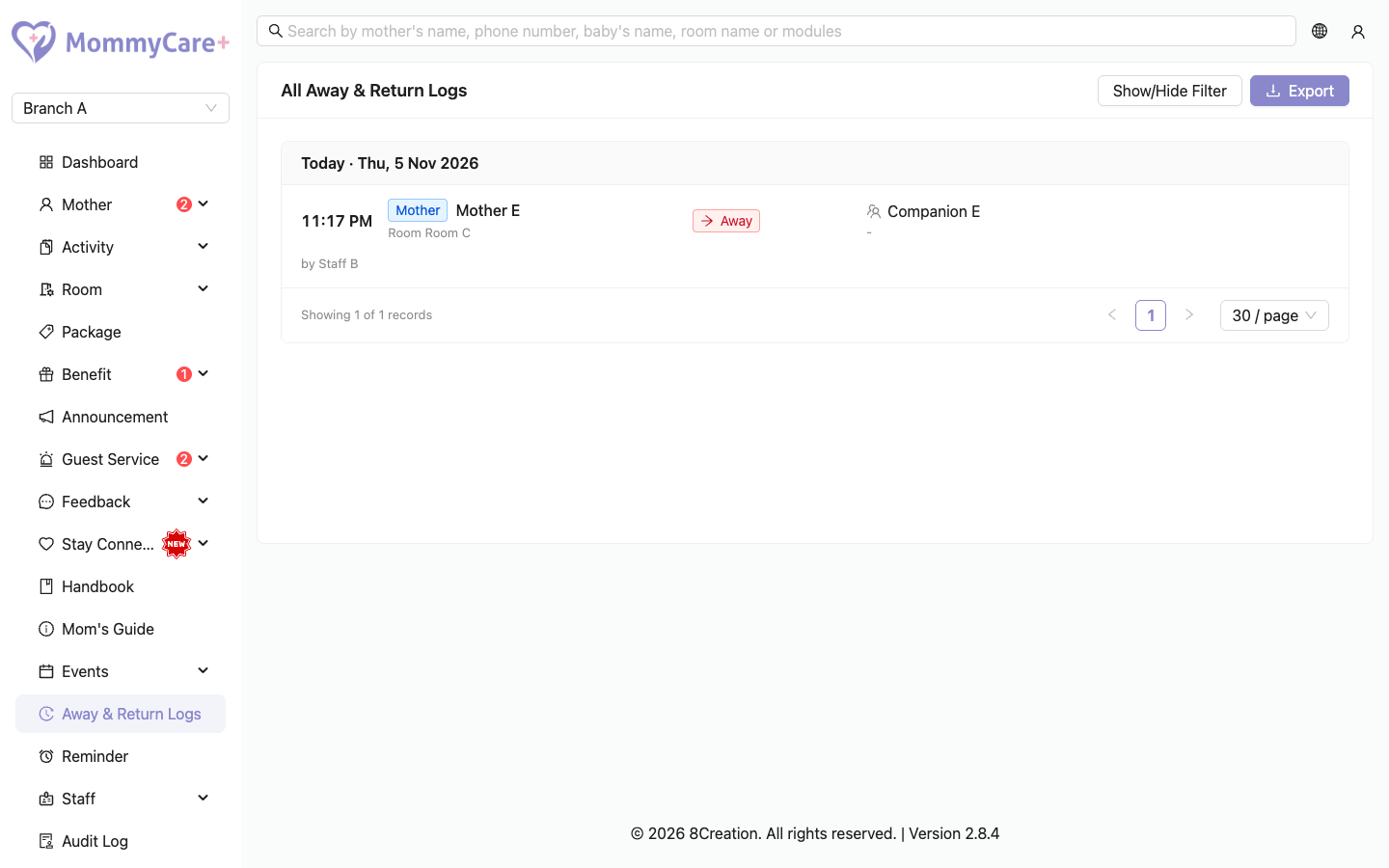
The log
Records are grouped by day, with Today and Yesterday labels. Each shows the name, Away or Return, room, remark, companion, photos, and who recorded it and when. An Away record that has its Return shows "Back at (time)".
The Dashboard also shows how many mothers and babies are In Center and Away right now.
How to find records
Click Show/Hide Filter, then filter by name, mother or baby, Away or Return, or date range, and click Filter.
How to export the log
- Filter the log to the records you want.
- Click Export, then Download Excel or Export via Email.
The file has the date, room, name, mother or baby, companion, status and who recorded it. Away rows are red and Return rows green.
Good to know
- Away and Return must alternate. Staff can't record Away twice in a row.
- Checking a mother out clears her Away status.
- A companion is required. Staff choose one from the mother's companions, or type a name.
Troubleshooting
| What you see | Why, and what to do |
|---|---|
| "No away / return log found." | Nothing matches the filter. Widen the date range. |
| A companion is missing from the staff's list | The companion was removed from the mother's profile. Add them again. |
| "This mother or baby's away/return status has already been updated…" in the app | Someone else recorded it first. The list refreshes. Record again if needed. |