Handbook
The handbook is your branch's house rules, as a PDF. When a checked-in mother opens the Mother App, she must read it and tap I understand before she can use the app. She accepts it once per stay.
- Location: Handbook
- Who can do this: staff whose role has the Handbook permissions (view, add, delete)
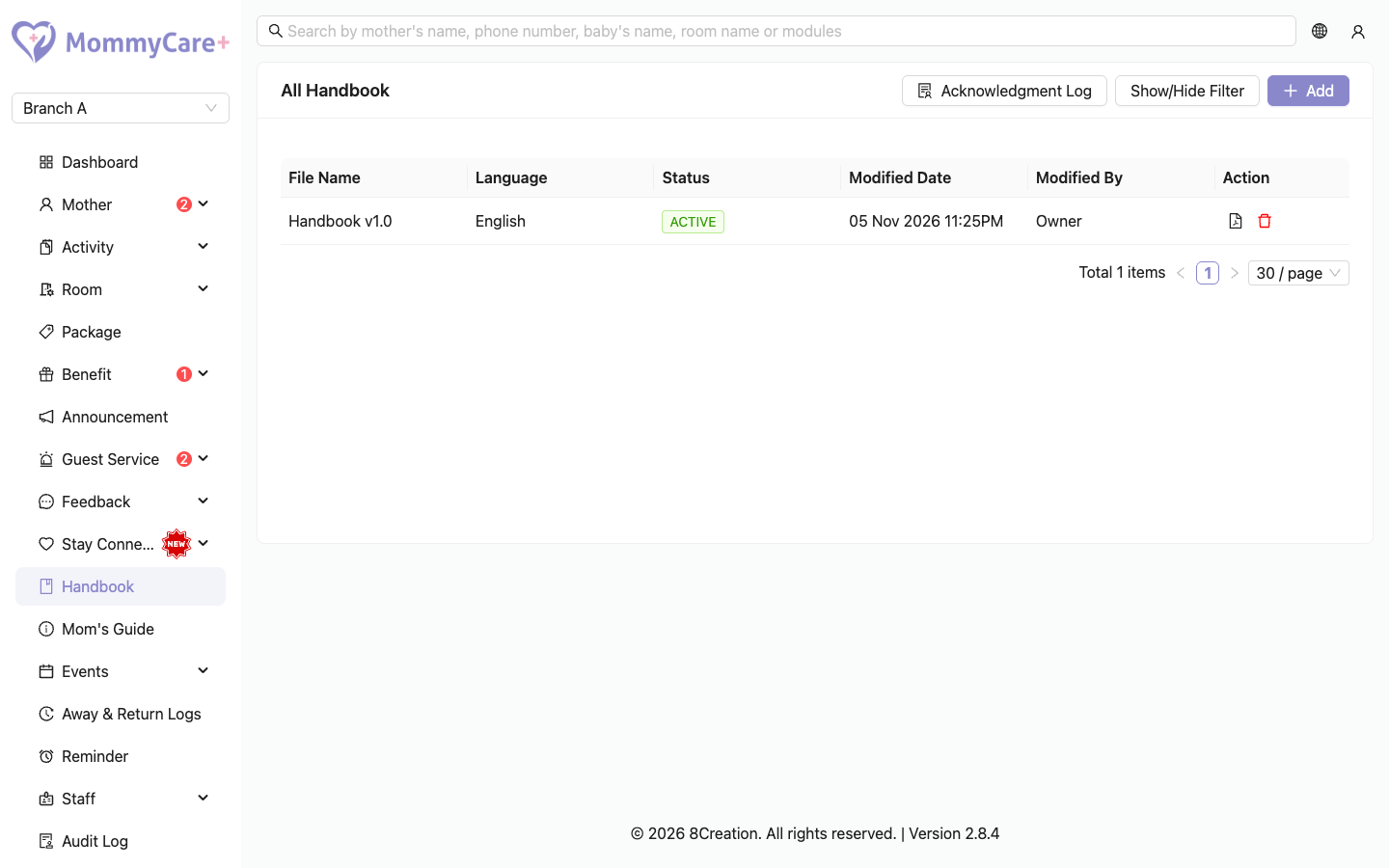
The list shows each handbook's file name, language, status (Active or Inactive) and when it was last changed.
How to upload a handbook
- Click Add.
- Enter the file name, choose the language, and upload the PDF.
- Click Save.
It becomes the Active handbook for that language. The previous handbook in that language becomes Inactive.
Upload a handbook in each language your mothers use in the app (English, Chinese, Malay). A mother only sees the handbook in her app language. If there isn't one, she isn't asked to accept anything.
Uploading a new version doesn't ask mothers who already accepted the old one during this stay to accept again.
How to preview or delete a handbook
- Preview: click the Preview icon to open the PDF.
- Delete: click the Delete icon and confirm.
How to see who has accepted
Open the Acknowledge Log. It lists each acceptance: the mother, the handbook and its language, and when she accepted. A mother who stayed twice appears twice.
What the mother sees
- When she opens the app while checked in, the handbook opens first. She can't leave it until she accepts.
- She ticks "I have read and agree to the handbook." and taps I understand.
- She can read it again any time under Account → Handbook.
After check-out (or a branch transfer), she accepts it again on her next stay.
How to find a handbook
Click Show/Hide Filter, enter the file name, language or status, and click Filter.
Troubleshooting
| What you see | Why, and what to do |
|---|---|
| A mother isn't asked to accept the handbook | She isn't checked in, she already accepted this stay, or there is no active handbook in her app language. |
| She is asked again | She has a new stay (or was transferred). Each stay asks again. |
| "No handbook found." in her app | There is no active handbook in her app language. Upload one. |
| An older handbook shows Inactive | A newer one in the same language replaced it. |