Babies
A mother's babies are part of her record. Staff record reports for each baby in the Staff App.
- Location: Mother → All Onboarded Mothers → open the mother's profile → Babies tab
- Who can do this: staff whose role has All Onboarded Mothers
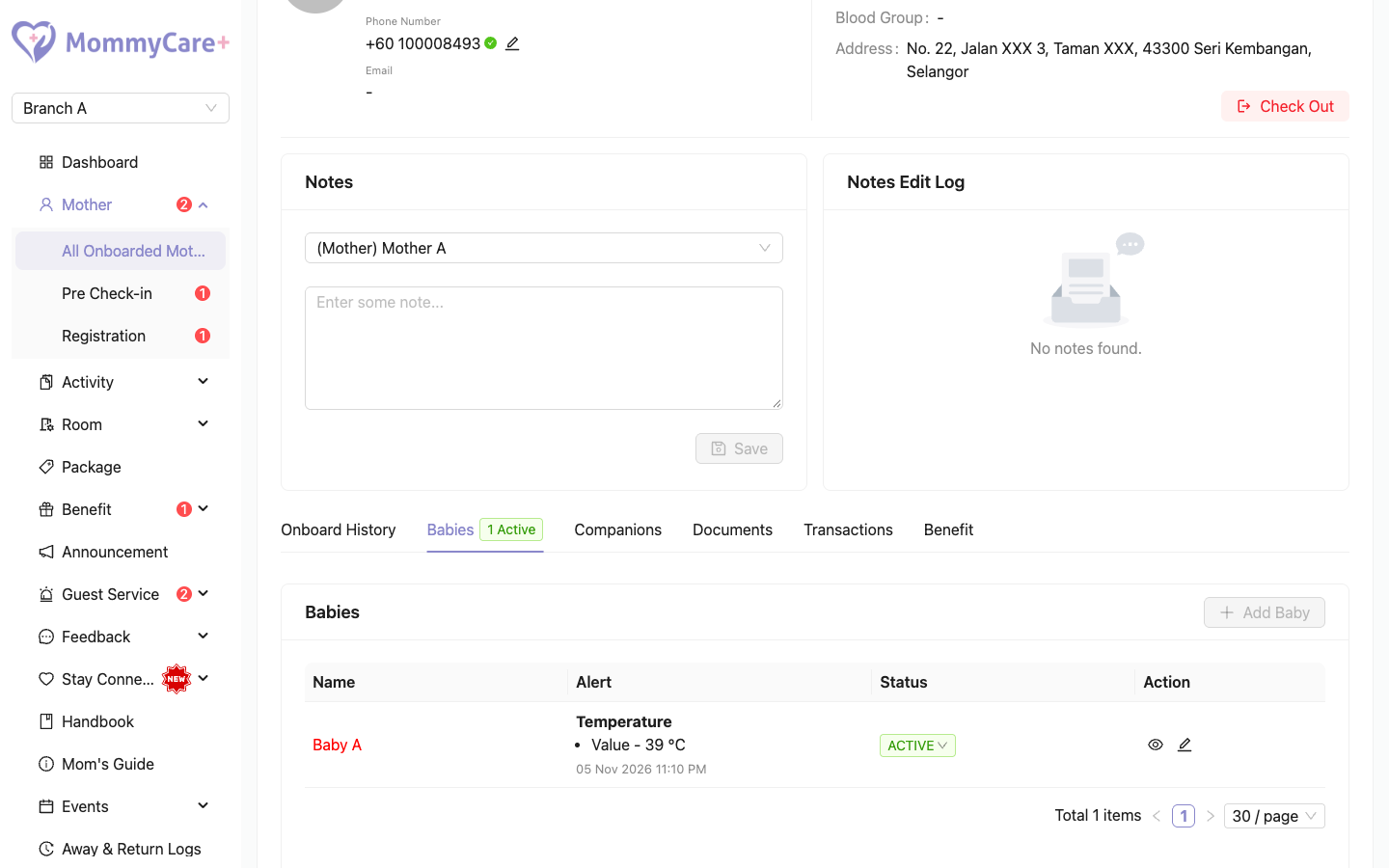
The tab lists all her babies in this branch with their status. The tab title shows how many are in the centre, for example "2 Active".
How to view or edit a baby
- Open the mother's profile and go to the Babies tab.
- Click the View icon to see the baby's details, or the Edit icon to change them: name, gender, blood group, weight, birth date, TSH, G6PD, feeding method, vaccinations and more.
- Click Save.
Every change is recorded in the baby's Edit History.
You can edit a baby until the mother checks out. A baby who stays in the centre after the mother checks out can still be edited.
How to add a baby
- On the Babies tab, click Add.
- Fill in the details and click Save.
You can only add a baby before the mother checks in. After check-in, babies can be edited but not added. The mother can also add babies on the pre-check-in form.
How to deactivate a baby
If a baby was added by mistake, click its status tag and confirm. It shows Inactive. Activate it again the same way.
How to check a baby back in
If a baby left with the mother at check-out but comes back to the centre during her current stay, you can check the baby in again.
- On the Babies tab, click Check In on the baby.
- Confirm.
The baby is Active again, and staff can record reports for it. This is only possible on the mother's current stay, not for a baby from an older stay.
Babies who stay after the mother checks out
At check-out you can keep a baby in the centre. See Check-out & branch transfer.
What the mother can do
In the Mother App, the mother can see her babies under My Babies, and change a baby's name and photo. Staff see the new name straight away.
Troubleshooting
| What you see | Why, and what to do |
|---|---|
| "You're not allowed to add / edit baby's profile in this status." | Babies can only be added before check-in, and edited until check-out. |
| A checked-out baby has no Check In option | Babies can only be checked back in during the mother's current stay. |
| "This baby can only be checked in again during the mother's current stay." | The baby is from an older stay. |
| A baby kept in the centre has disappeared from the mother's profile | The mother has since checked in again on a new stay. Her profile shows the new stay's babies. |