Room types
Room types are the categories of room your branch offers, for example Standard and Deluxe. Each room has one type, and each package says which room types it can be booked with. Add room types before rooms.
- Location: Room → Room Type
- Who can do this: staff whose role has the Room Type permissions (view, add, edit, delete)
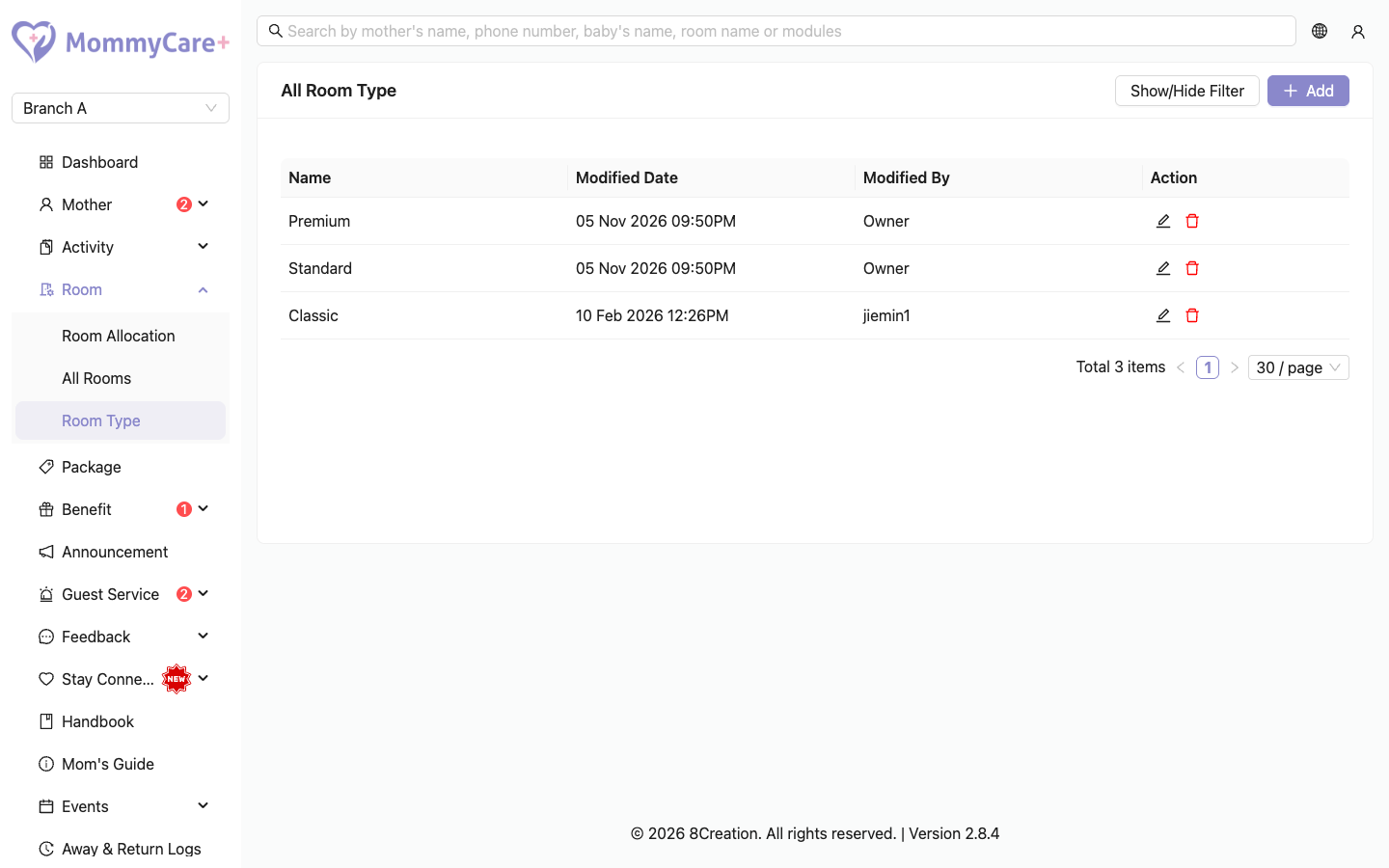
How to add a room type
- Click Add.
- Enter the name.
- Click Save.
How to rename a room type
- Click the Edit icon on the room type.
- Change the name and click Save.
How to delete a room type
- Click the Delete icon on the room type.
- Confirm.
You can only delete a room type that no room uses. Change or delete those rooms first.
How to find a room type
Click Show/Hide Filter, enter the name, and click Filter.
Troubleshooting
| What you see | Why, and what to do |
|---|---|
| "This record already exists…" | A room type with that name already exists in this branch. Names aren't case-sensitive: "Deluxe" and "deluxe" are the same. |
| "This room type cannot be deleted because there are rooms associated with it." | Some rooms still use this type. Change their type in Rooms first. |